The Workshop Sheet 10 of 22
Enter a set number, mark each piece found or missing, and leave with a list of what is missing, the element IDs LEGO asks for and links to buy the parts. It is free and needs no account. Rule out the usual hiding places first.
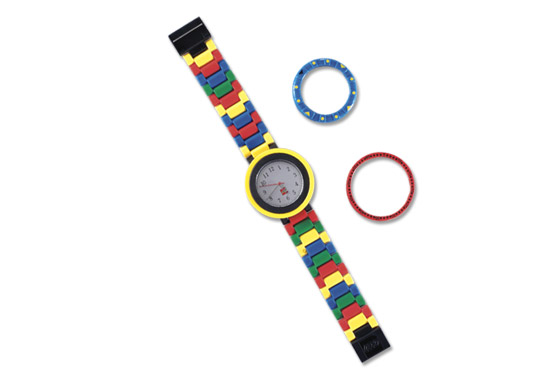
Builders who report a missing piece often find it in one of these places. Tick each one off as you look.
Which sets on sale have these?
LEGO's request form asks for the set number (WATCH) and each piece's element ID, both listed above.
As an eBay Partner, we earn from qualifying purchases at no extra cost to you. We also earn a commission when you buy from LEGO.com through our links. We also earn a commission when you buy from Wicked Brick or BRKOX through our links (Awin).
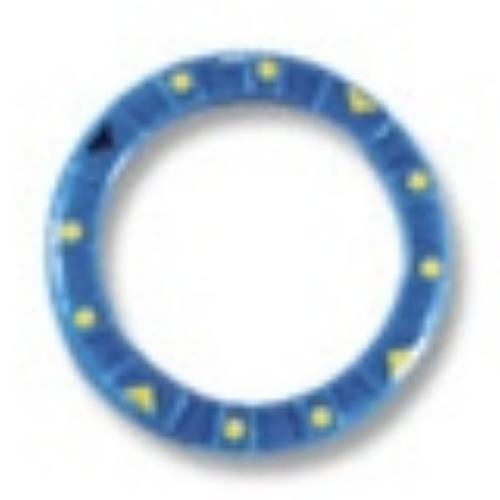 Watch, Bezel Round, Smooth, Thick, Small with Black Triangle, Yellow Triangles and Dots Print
×1
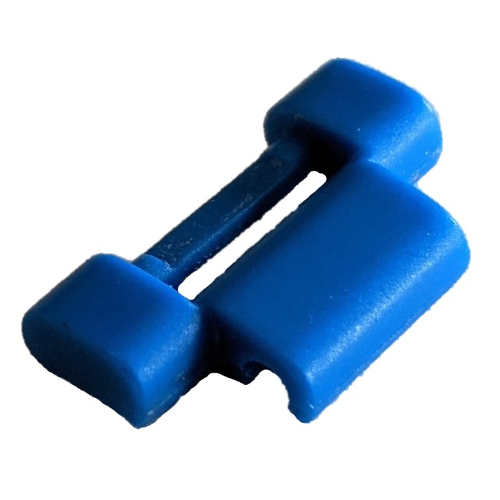 Watch, Link
×10
 Watch, Bezel Round, Smooth, Thin with Minute Ring Print
×1
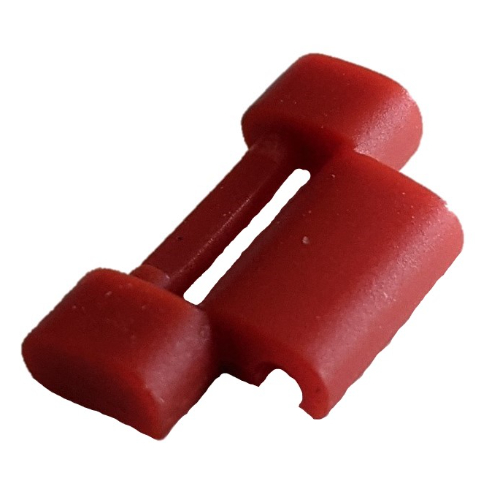 Watch, Link
×10
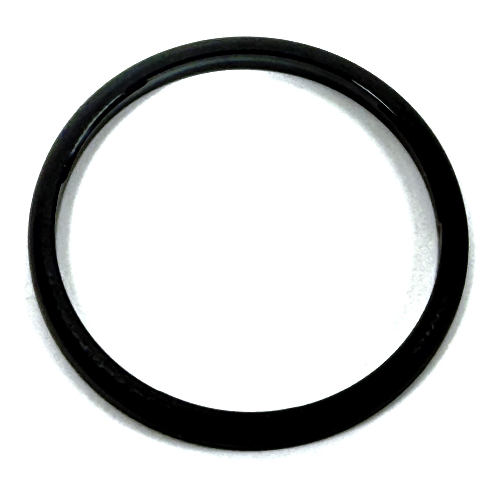 Watch, Bezel Round, Smooth, Thin [Plain]
×1
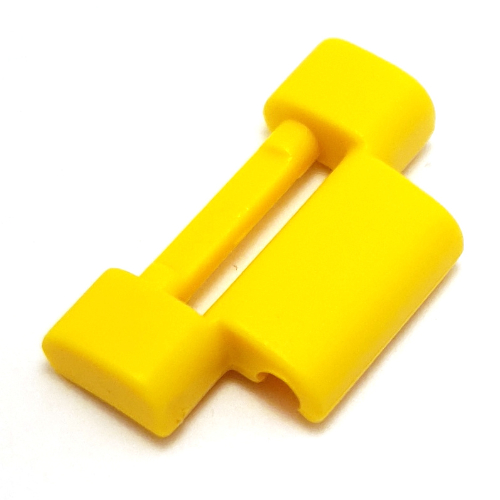 Watch, Link
×10
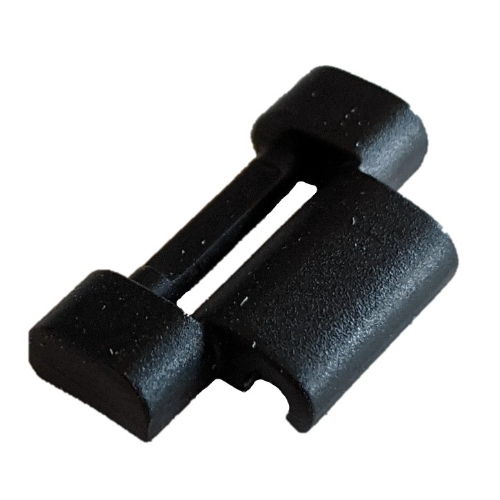 Watch, Link
×10
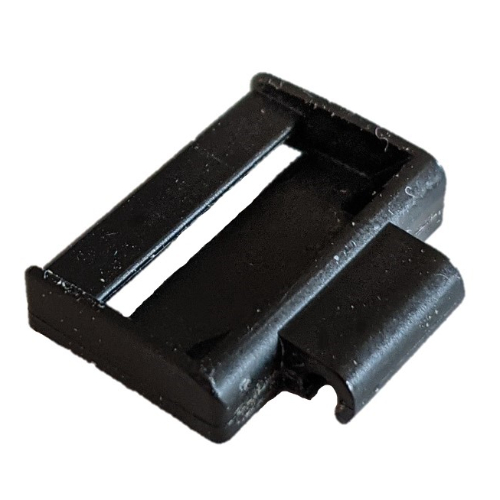 Watch, Clasp, Female
×1
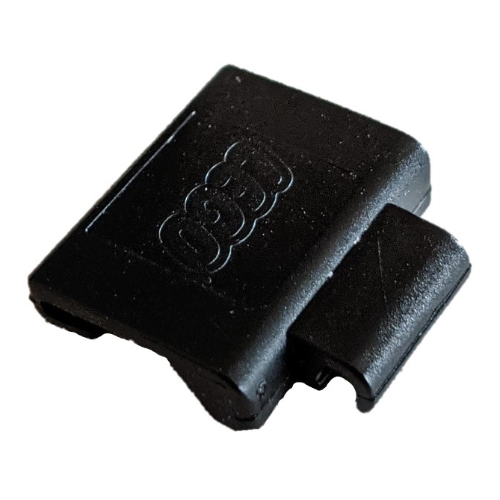 Watch, Clasp, Male
×1
Tick each piece as you find it, or mark it missing.
LEGO takes requests for pieces missing from a new set through its customer service site. The form asks for the set number and each piece's element ID, the number printed beside the piece in the parts list at the back of the instructions. This checker lists both.
Request a replacement from LEGOMark a piece missing and your list links it to an eBay search for that part, which also covers pieces from older or second-hand sets.
Copy or download your missing list (the CSV opens in any spreadsheet), or print the whole checklist and tick pieces off on paper. Your marks stay in this browser, so you can check a big set over several sittings.