The Night Shift Programming and robotics, after dark
Python, Scratch and JavaScript for LEGO hubs
Build. Code. Create. Master robotics programming with LEGO's smart hubs, sensors, and motors.
from pybricks.pupdevices import Motor
from pybricks.parameters import Port, Direction
from pybricks.robotics import DriveBase

left_motor = Motor(Port.A, Direction.COUNTERCLOCKWISE)
right_motor = Motor(Port.B)
robot = DriveBase(left_motor, right_motor, wheel_diameter=56, axle_track=112)

# Four sides, four quarter turns
for side in range(4):
    robot.straight(300)
robot.turn(90)Each platform offers unique features for different skill levels
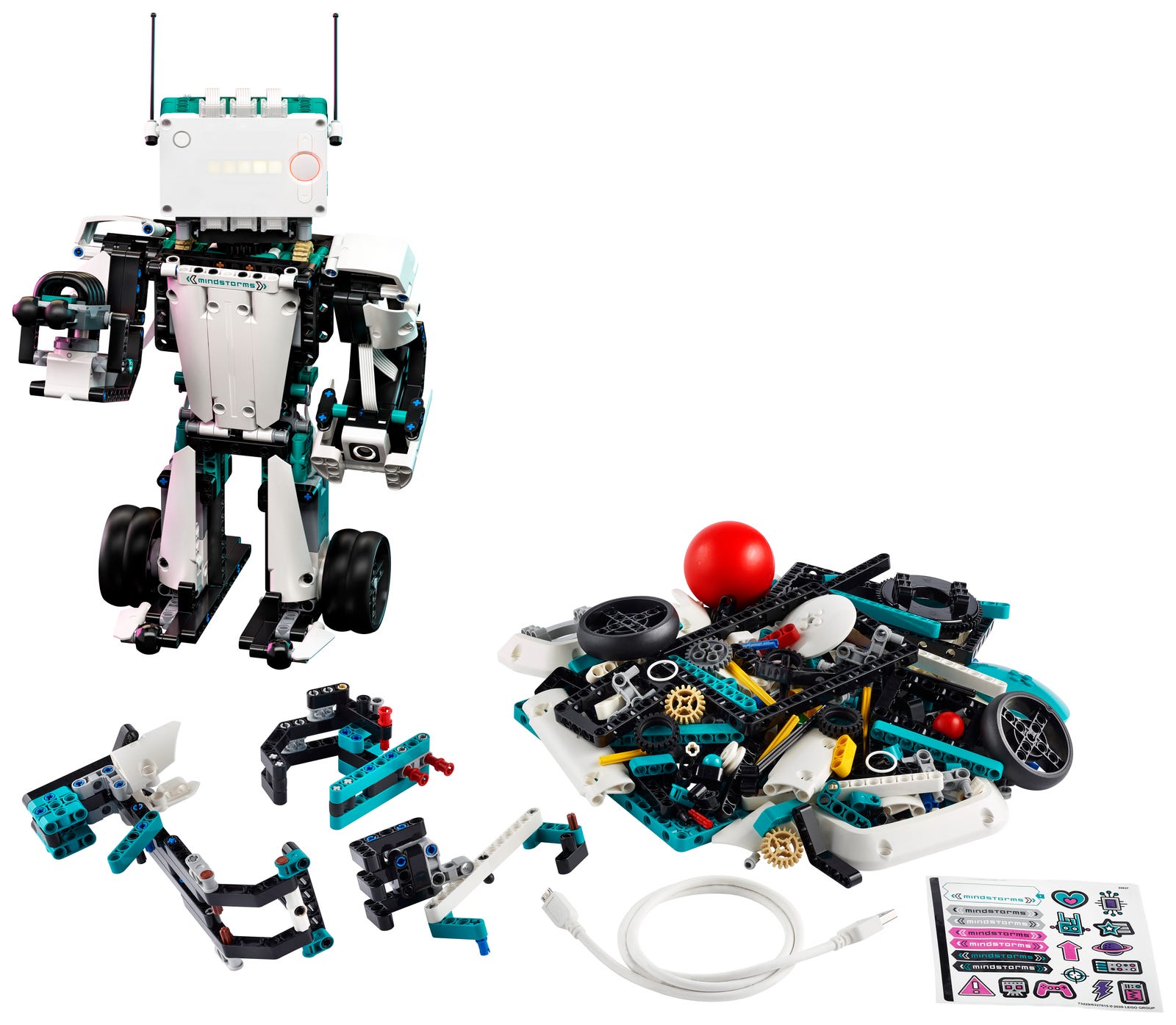
Advanced robotics with Python and Scratch programming

Educational robotics for classrooms and competitions

Creative coding for younger builders

Smart hubs for trains, Technic, and custom builds
Get up and running in three steps
MINDSTORMS, SPIKE, Boost, or Powered UP
Official LEGO app or Web Bluetooth
Scratch blocks or Python text
Choose the right language for your skill level
Visual programming for beginners. Ages 7+
Professional programming. Ages 12+
Browser-based control. Advanced users
Get inspired by these robotics projects
Build a robot that follows a black line using color sensors
Control your LEGO car from a web browser
Sort LEGO bricks by color automatically
Program a robot to draw patterns and shapes
Try our interactive demo to control LEGO hubs from your browser
Launch Interactive Demo