




No. 51515

Mindstorms

Robot Inventor

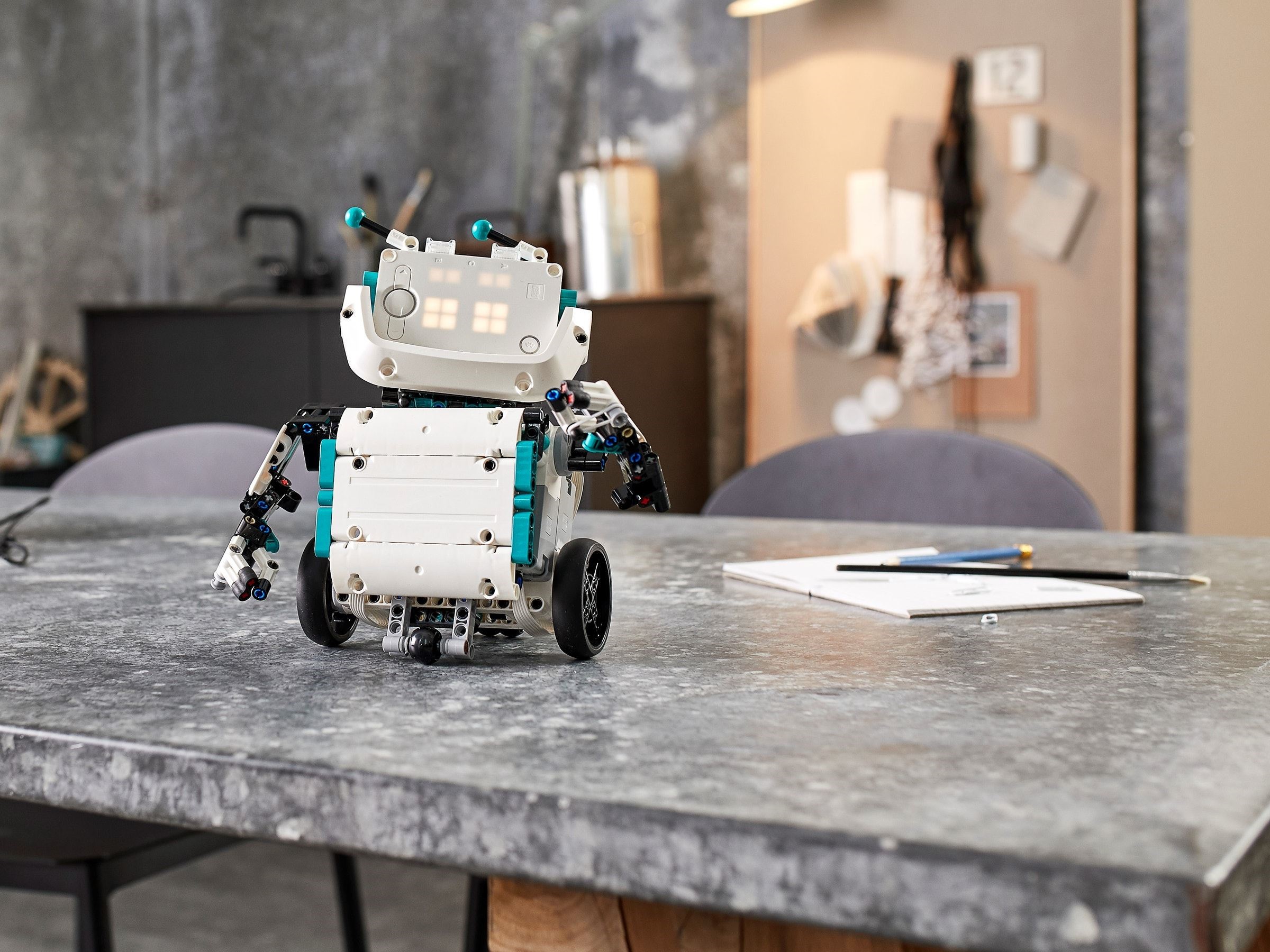
The Robot Inventor set is a fantastic gateway into the world of LEGO robotics and coding.

Time on the shelf Retired

On sale Oct 2020 to Jul 2023

Before you buy

Who it's for
Ages 10+ · Intermediate build Perfect for teens and adults interested in robotics and coding
Build
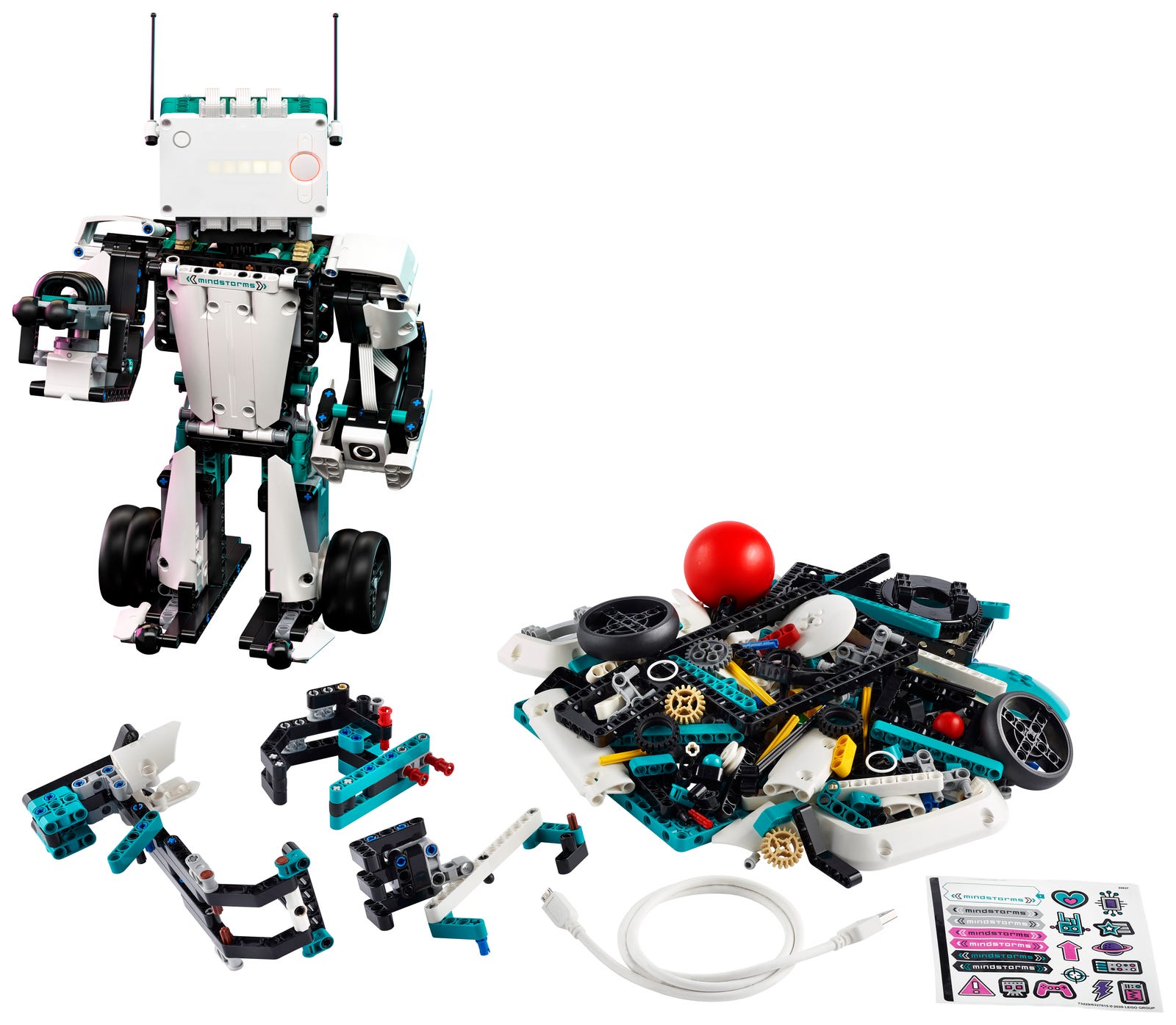
949 pieces · about 4.5 hours Build time is an estimate.
Cost
High-end Next to other LEGO sets. Check the store for today's price.
Availability
Retired at LEGO
★★★★☆ 4.5 community rating from 32 ratings

Fans praise the set's engaging building experience and the educational value of coding robots. Some criticisms include the high price and the reliance on a tablet or smartphone for programming.

📝 Our Take

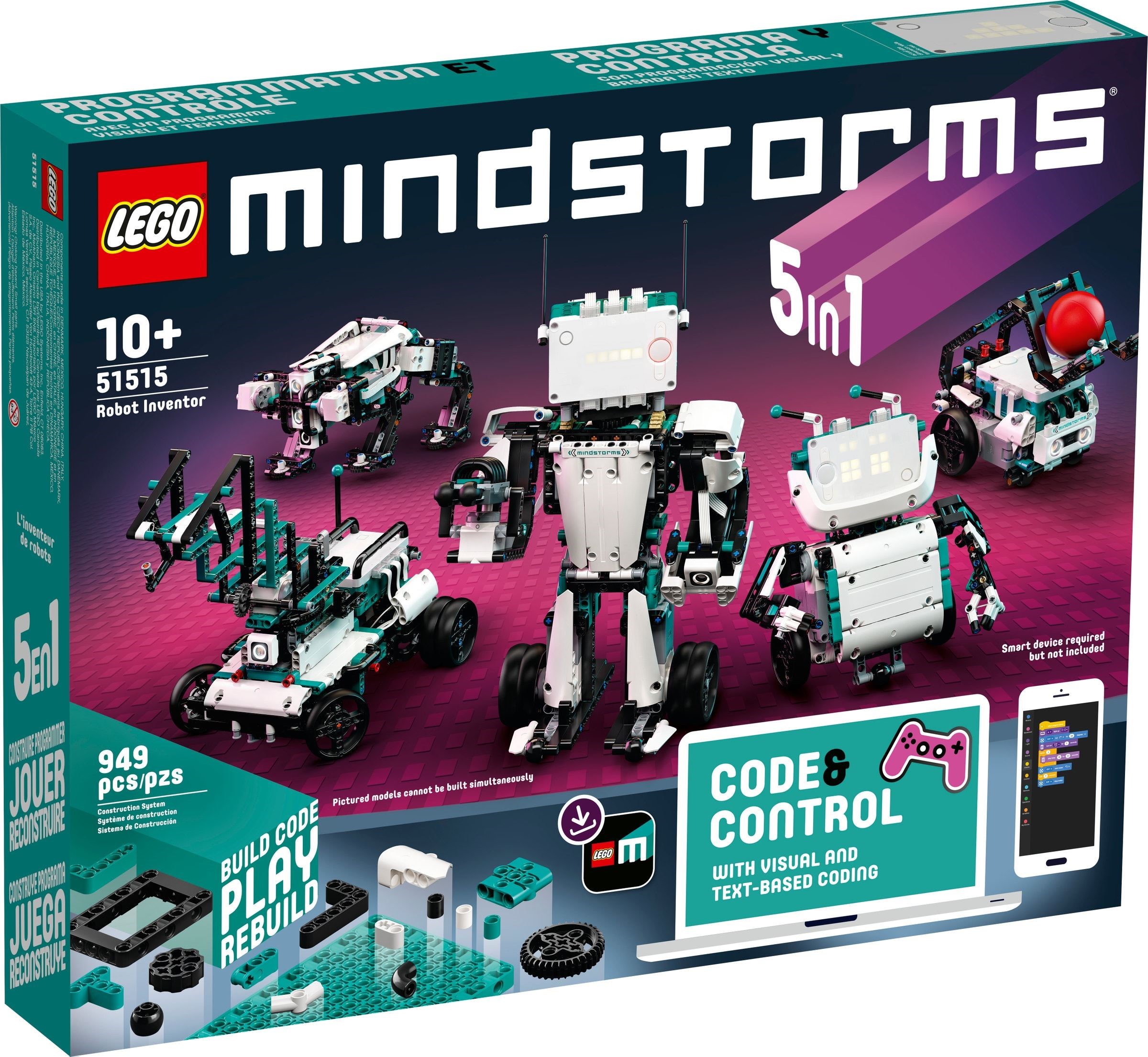
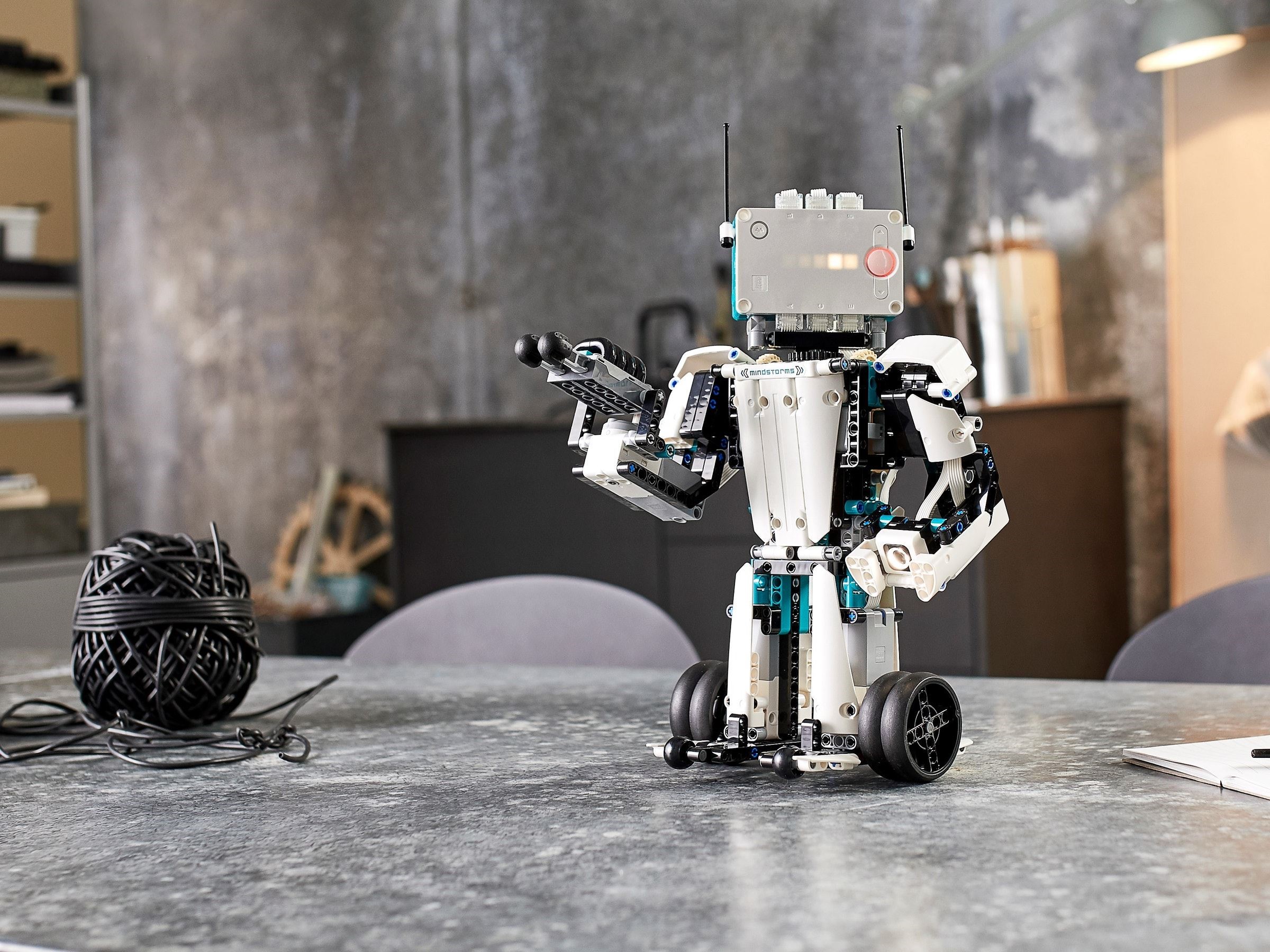
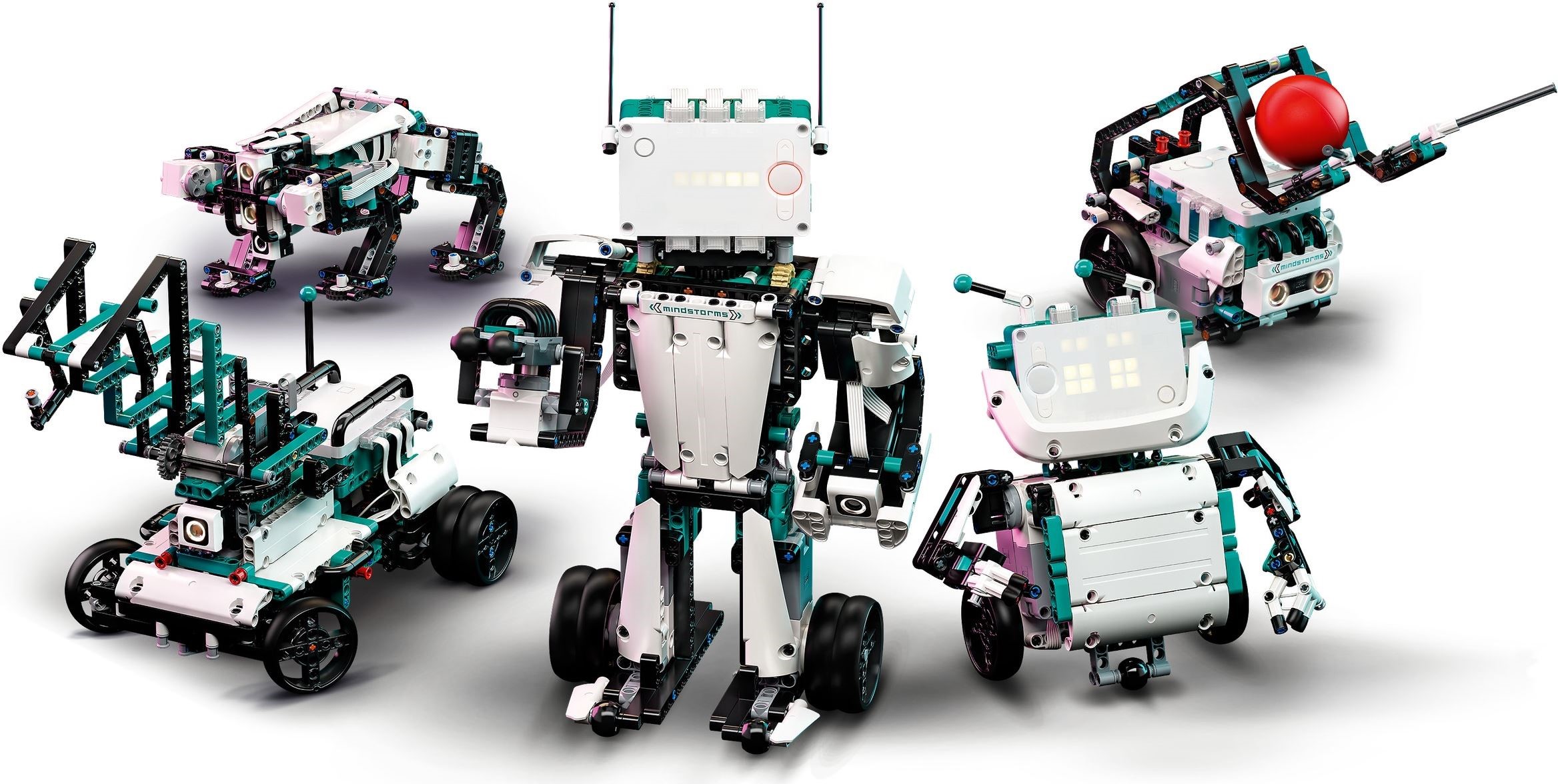
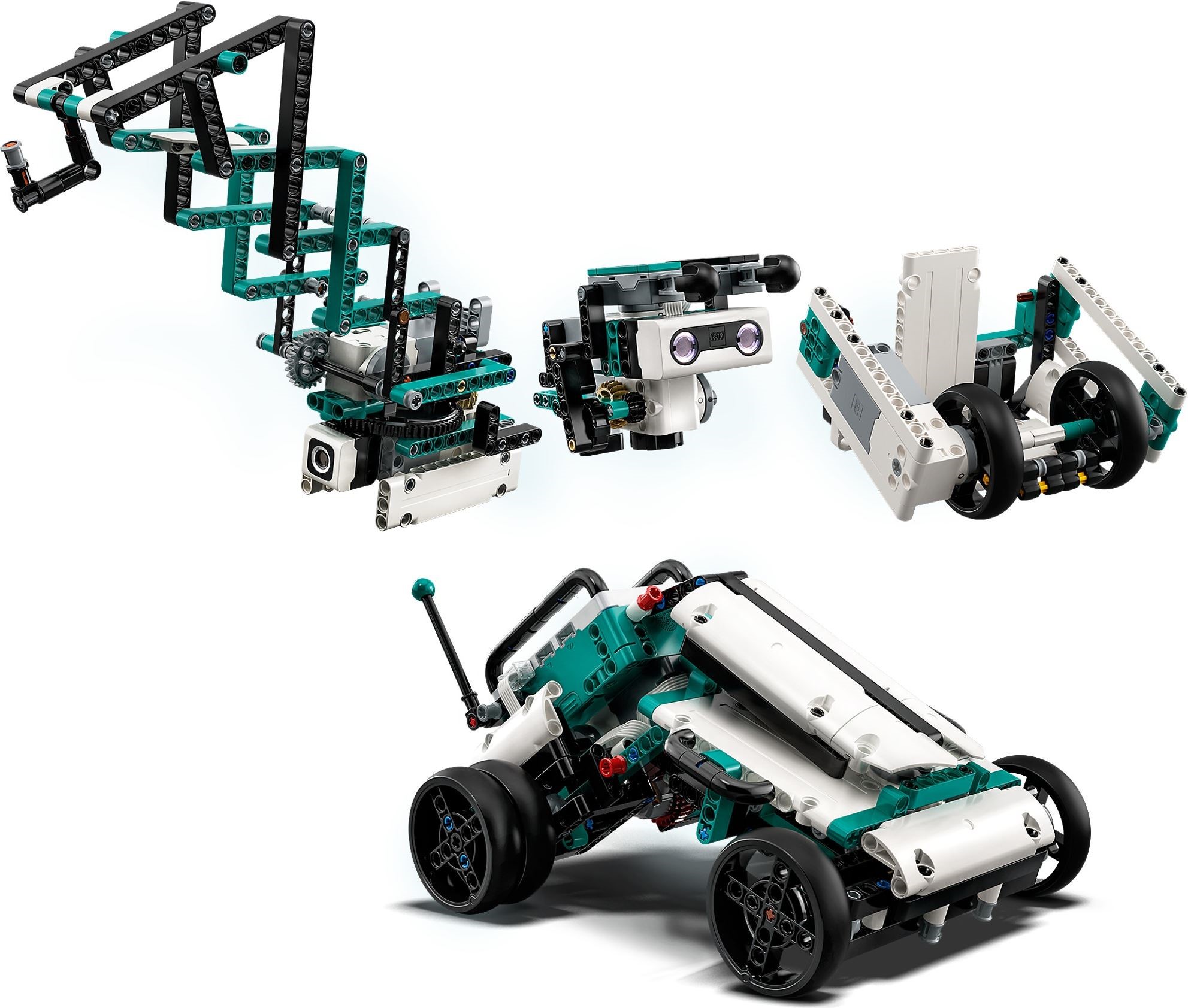
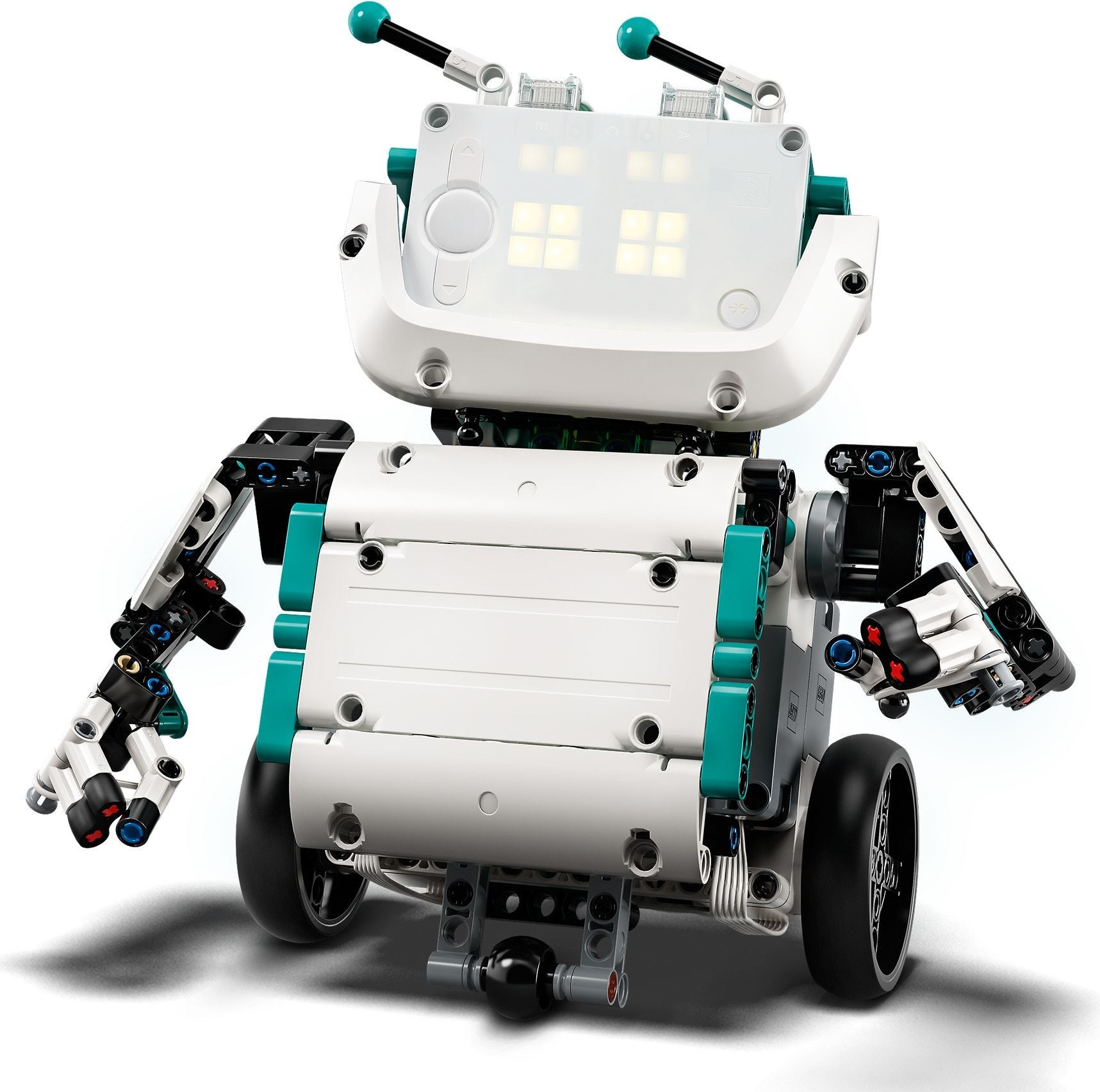
The Robot Inventor set is a fantastic gateway into the world of LEGO robotics and coding. This set combines the fun of building with the challenge of programming, allowing users to create and control their own interactive robots. It's a modern take on the classic Mindstorms theme, updated for today's tech-savvy generation.

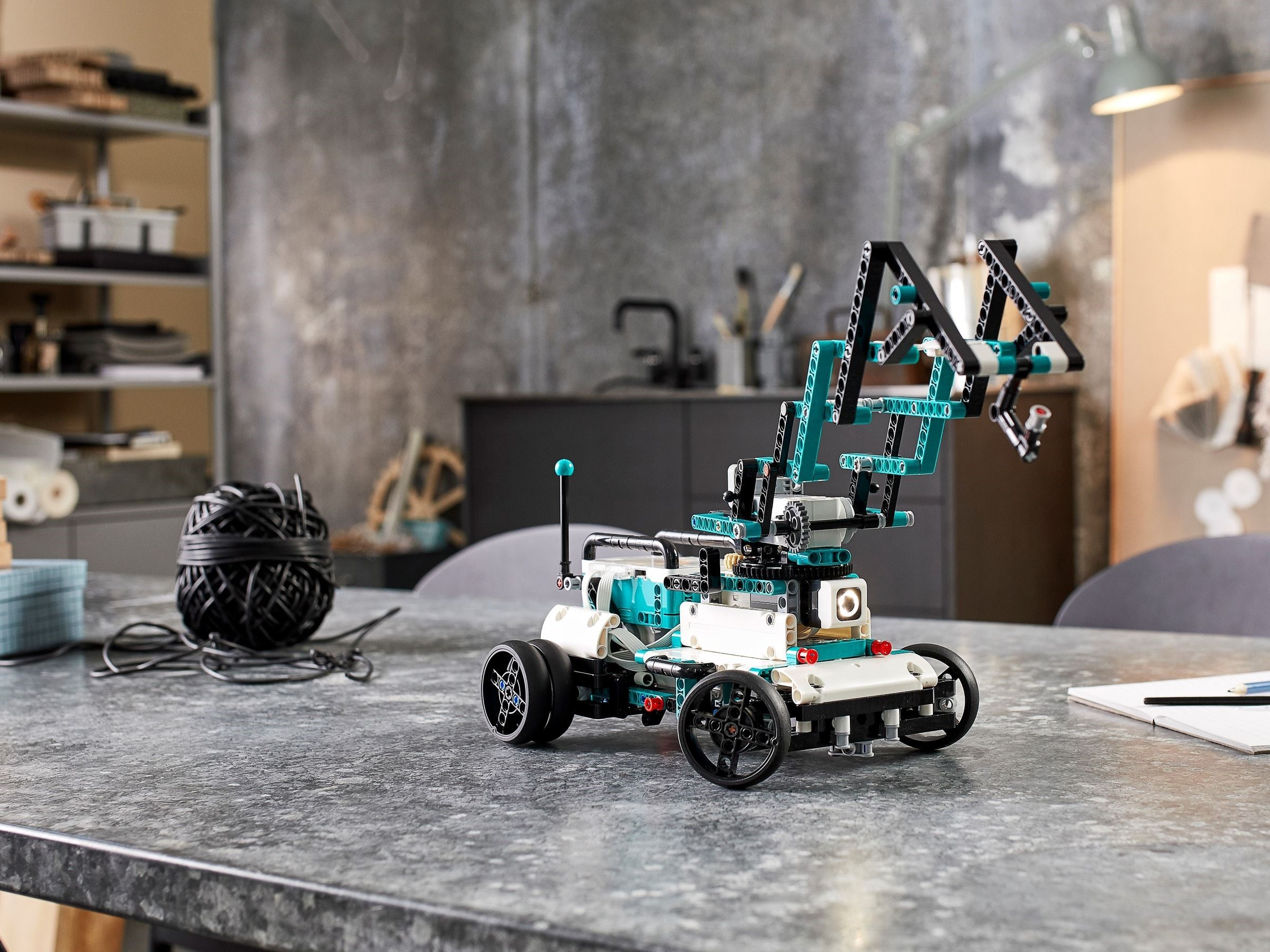
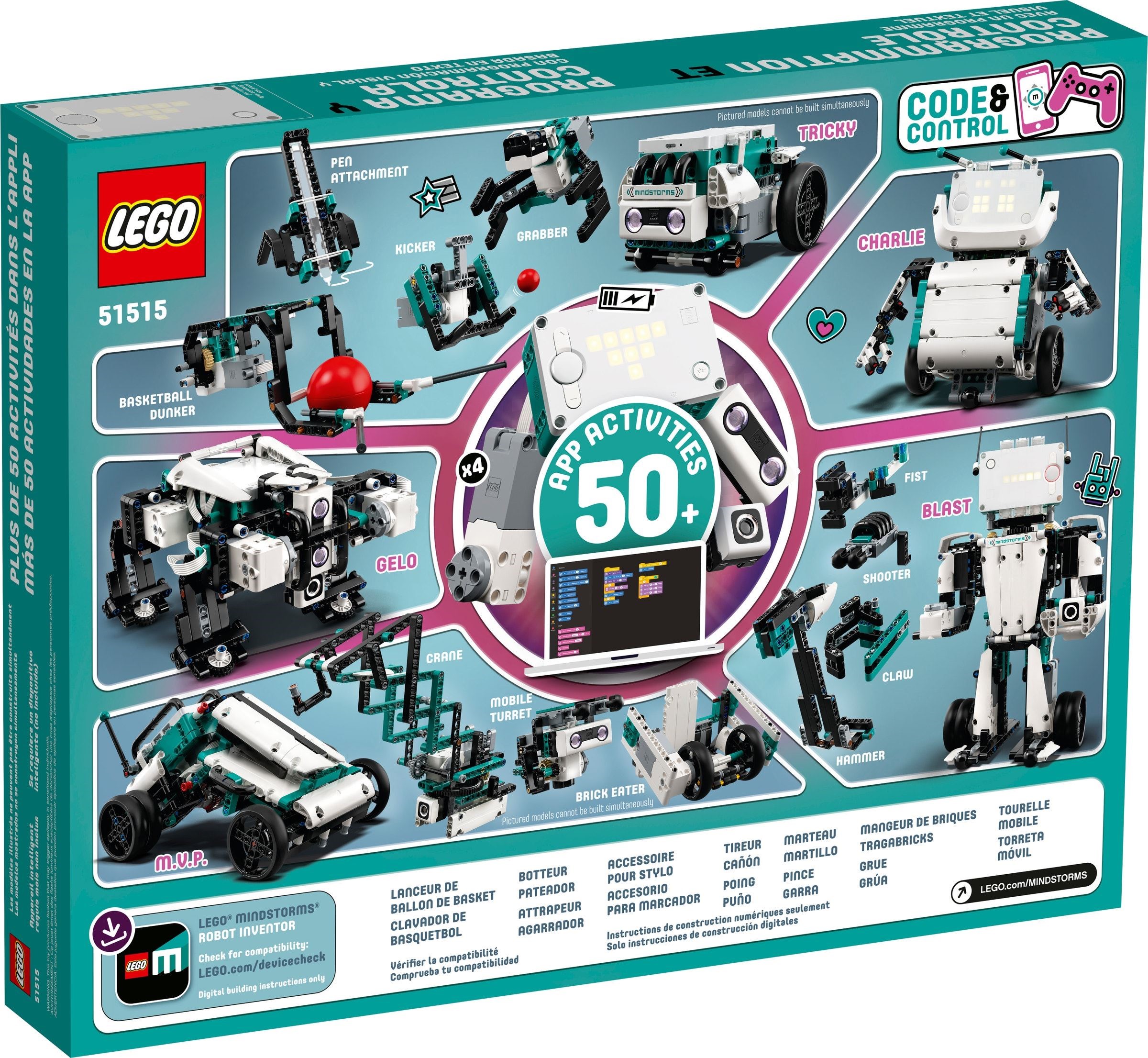
This set is perfect for kids and adults who are interested in STEM and robotics. The building experience is engaging, and the programming interface is intuitive, making it accessible for beginners while still offering depth for more advanced users. The five different robot models provide plenty of replayability and opportunities for customization.

Skip this if you're primarily interested in display models or have no interest in programming. While the robots are visually appealing, their primary function is interaction and play. Consider LEGO Technic sets for display or Boost sets for simpler coding experiences.
New
BlockTalk

Ask BlockTalk about this set

AI assistant with full set data

Powered by AI
BlockTalk
BlockTalk
Hi! I'm BlockTalk, your LEGO expert. Ask me anything about the Robot Inventor - building tips, investment potential, comparisons, or anything else!
Try asking:
How does Robot Inventor compare to other LEGO Mindstorms sets? What programming languages are compatible with the Robot Inventor hub? Can I use LEGO Technic parts to expand the Robot Inventor models? What is the long-term value of retired LEGO Mindstorms sets?

🧱 Building Experience

🧩
949
Pieces
⏱
4.5h
Estimated Build Time
📊
Intermediate
Difficulty
👤
10+
Ages
Build Highlights:
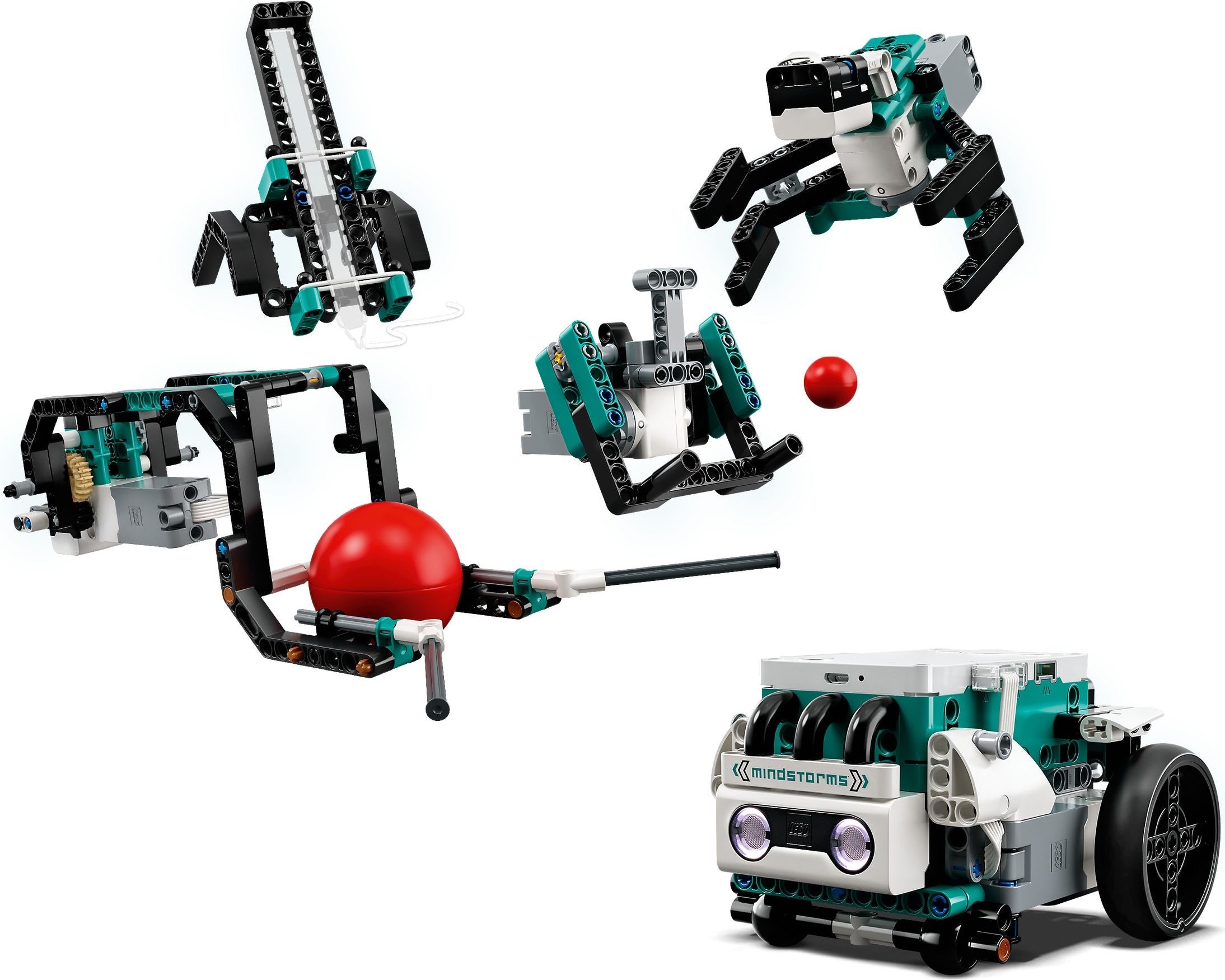
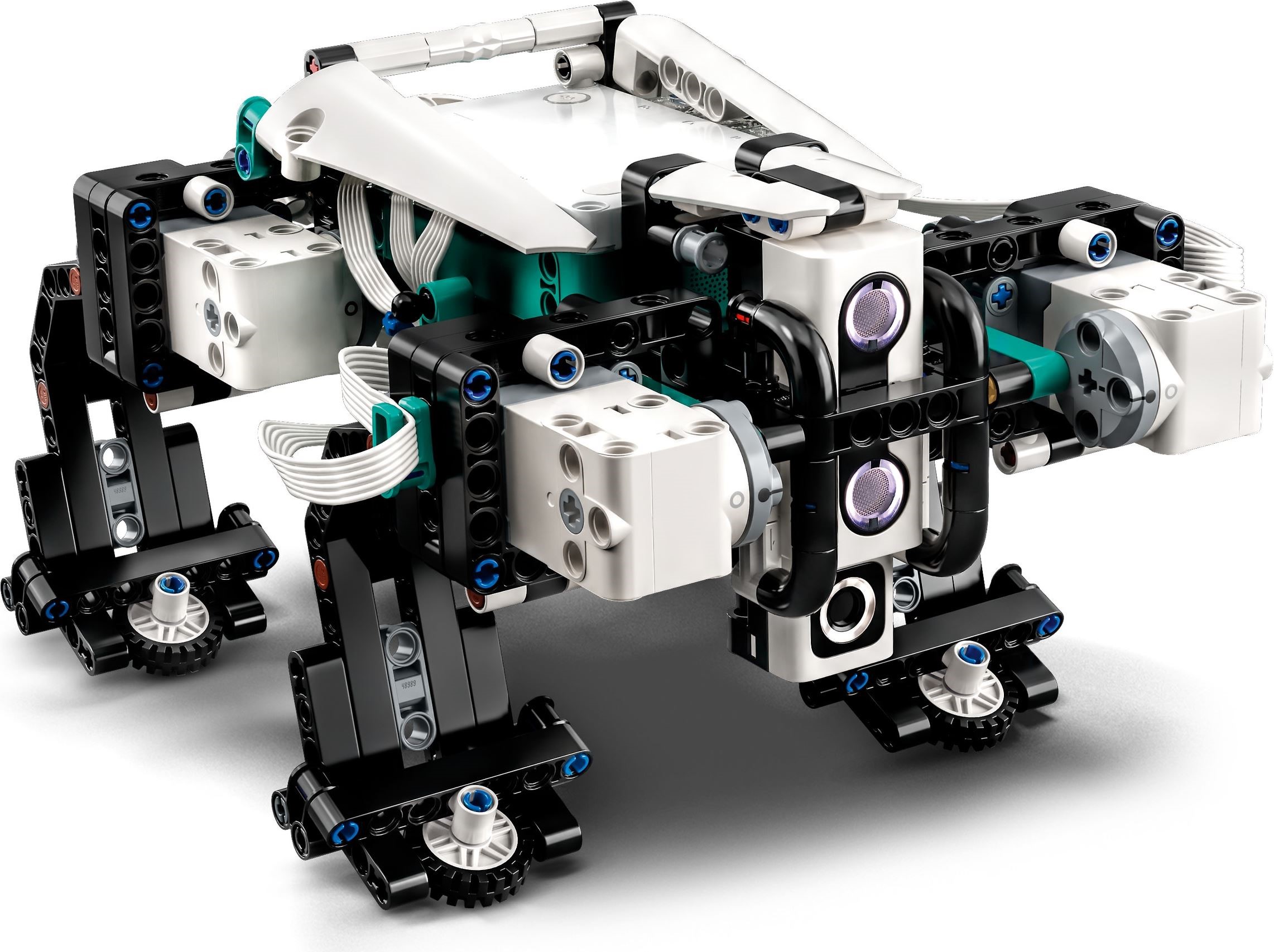
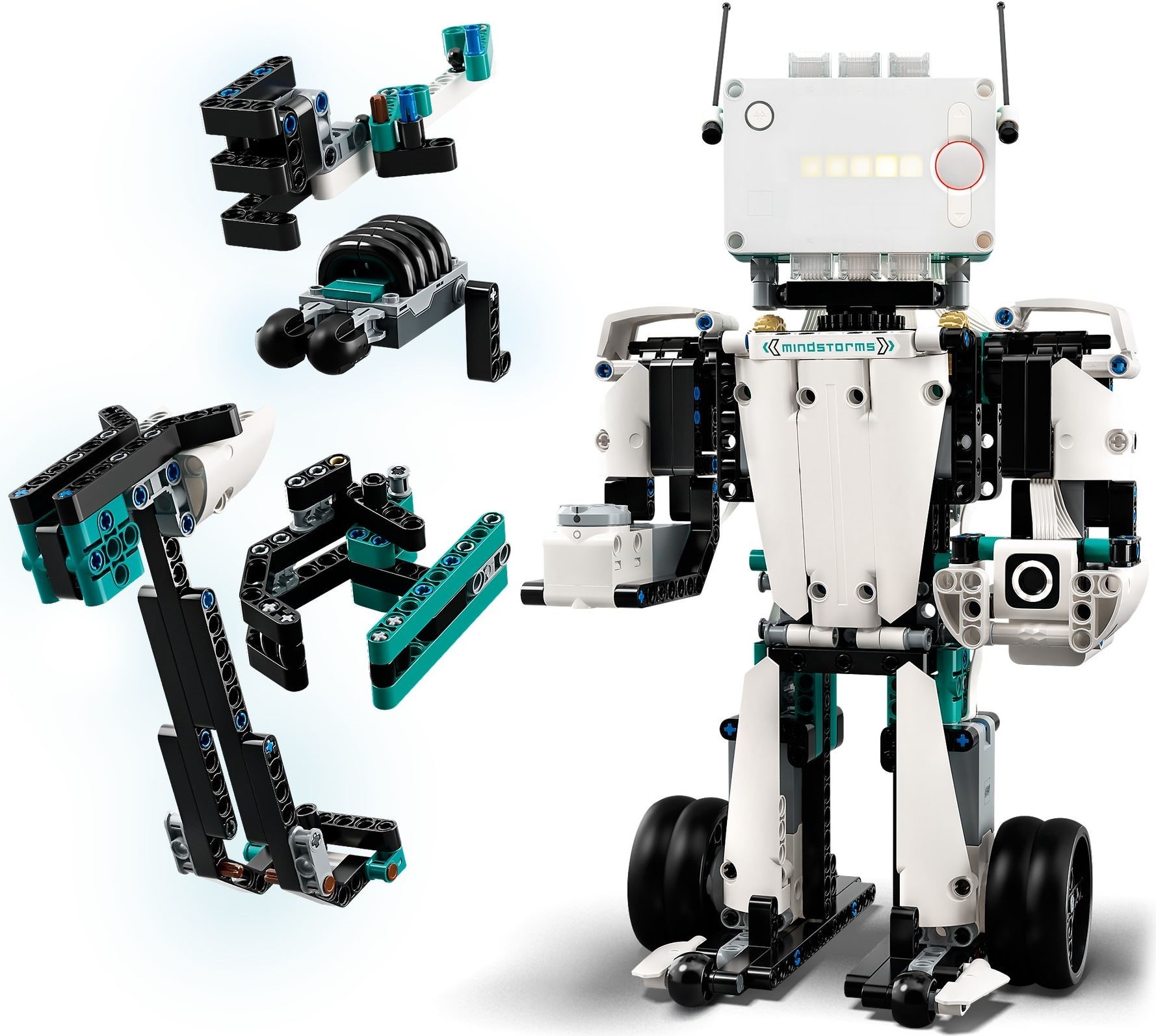
  • Building five different robot models with unique functions
  • Learning basic programming concepts through a visual interface
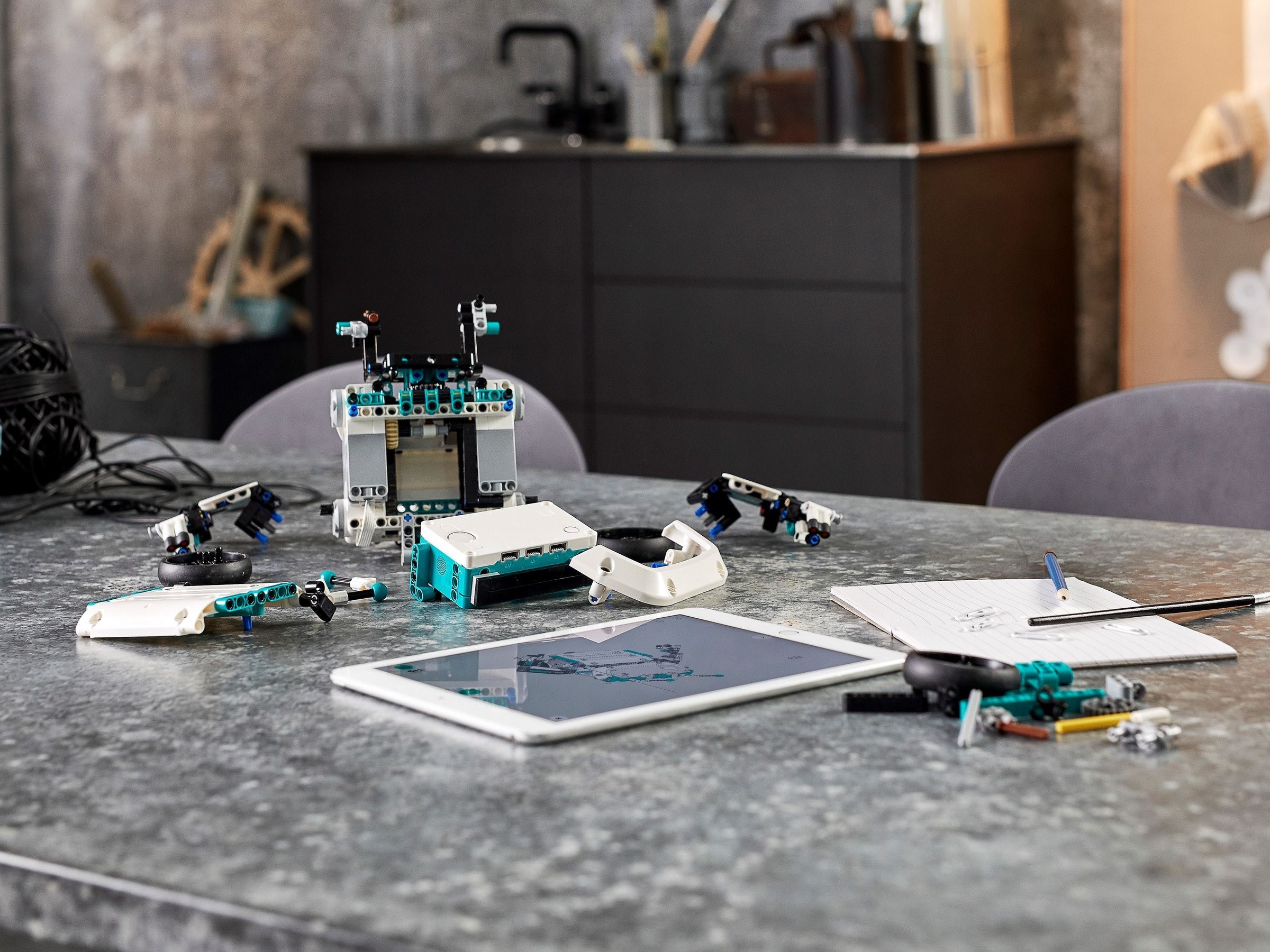
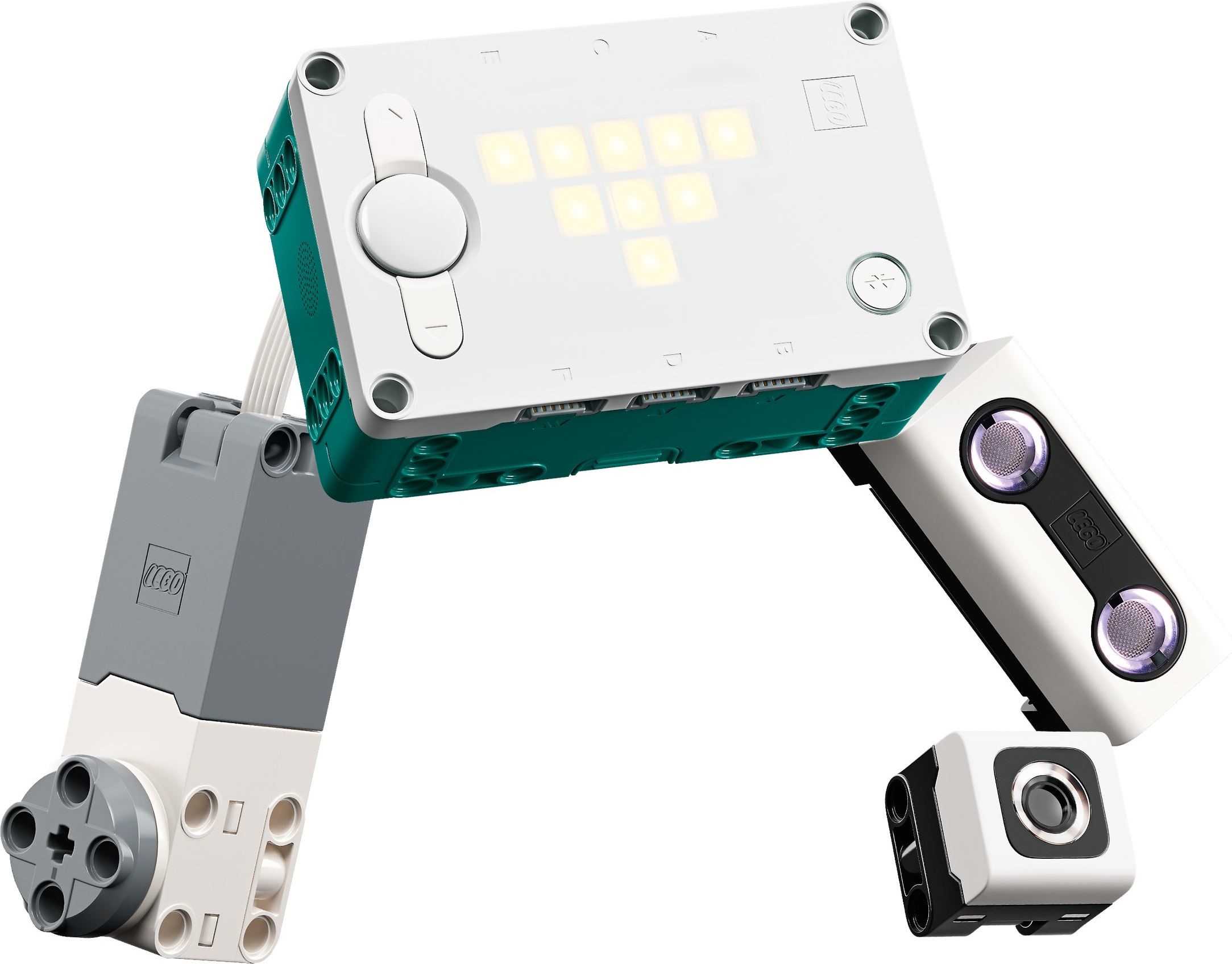
  • Integrating motors, sensors, and the intelligent hub
  • Customizing and expanding the robots with additional LEGO elements

📈 Investment Analysis

↑ Trending up since release
B
Investment Grade
Retired
The Robot Inventor set (51515-1) presents a mixed investment outlook. As a retired Mindstorms set, it benefits from the theme's enduring popularity and educational value. The rising price trend indicates growing demand. However, its high MSRP and the potential for newer, more advanced robotics sets to emerge could temper future appreciation. Investors should consider the set's condition and completeness, as the electronic components are crucial for its functionality and value.

Not Financial Advice: Content is for educational purposes only. Past performance doesn't guarantee future results. Full disclaimer

⚖ Compare Similar Sets

Compared to older Mindstorms sets, Robot Inventor features a more modern and accessible programming interface. While the price is higher than some Technic sets, it offers a unique combination of building and coding. Consider LEGO Boost for a simpler, more introductory robotics experience.

📦 Parts Inventory

Official piece count
949
Parts cataloged in this inventory
129 unique parts, 949 pieces
The set includes a large number of Technic pins and beams, making it a valuable source for builders looking to expand their Technic collection. The dark turquoise elements are also relatively uncommon and desirable for MOCs.

🛒 Where to Buy

💎 Notable Parts

Black Technic Pin with Friction Ridges Lengthwise and Center Slots (175x)
Blue Technic Pin Long with Friction Ridges Lengthwise, 2 Center Slots (82x)
Dark Turquoise Technic Beam 1 x 9 Thick (14x)
Dark Turquoise Technic Beam 1 x 5 Thick (9x)
Black Technic Beam 3 x 5 L-Shape Thick (12x)

💡 MOC Potential

🤖 Custom robot designs with unique functions
🚗 Programmable vehicles with advanced control systems
🌳 Automated plant watering system

📰 Set News

From the community

Community Insights

Real opinions from Reddit and YouTube

What Reddit Says

No Reddit discussions found for this set.

What YouTubers Say

1 video found

BlockTalk summary

LEGO YouTubers give the Robot Inventor (51515) a positive reception, with Builderdude35 suggesting it might be the best Mindstorms set yet. While tutorials and unboxing videos make up the other half of the content, the overall sentiment is positive, with the set scoring 3.7/5.

What the Community Says

1 YouTube reviews

BlockTalk summary

Unbrickme provides a hands-on review of the LEGO 51515 Robot Inventor set, showing the unboxing and a speed build of the Gelo robot. The video demonstrates the robot's functions and offers overall impressions of the set.

Reddit Reviews

No Reddit reviews found

Community content: these reviews are from Reddit and YouTube users sharing their personal experiences. Opinions may vary.

For builders who code

Programming Resources

Quick start: build your first robot

  1. Charge the hub. Connect it by USB-C for about two hours; the light shows the battery.
  2. Download the app. Get "LEGO MINDSTORMS Robot Inventor" (iOS, Android, Windows, Mac).
  3. Connect by Bluetooth. Open the app, select the hub and pair it.
  4. Build the first model. Follow the in-app tutorial, 30 to 60 minutes.
  5. Run your first program. Drag and drop blocks to make it move.

First time programming? Start with the official app tutorials: most builders go from nothing to a driving robot in under an hour, with no coding experience.

Guide

Getting Started

A complete beginner's guide to MINDSTORMS programming: visual blocks, the move to Python, and five master robots.

Browse all guides

Python

Python Programming

Move on to text-based Python: functions, variables, sensor logic and motor control, with over 20 code examples.

Python examples

Projects

Tutorials & Projects

Over 100 community projects: line followers, sumo bots, maze solvers and more, step by step with code.

MINDSTORMS hub

Ask

Ask BlockTalk

Answers to programming questions as you build: "How do I make my robot follow a line?", "What's the difference between the motors?", "Write code for a maze solver."

Chat with BlockTalk
Code example: drive forward one metre
from spike import MotorPair

# Initialize motor pair (ports B and F)
motors = MotorPair('B', 'F')

# Drive forward 1 meter (100 cm) at 50% speed
motors.move(100, 'cm', speed=50)

print("Reached destination!")

This Python makes the robot drive forward exactly one metre; change the distance, speed and motor ports to suit your build. More examples

Ready to start programming? Join the builders learning robotics and coding with LEGO.

Getting started guide Ask BlockTalk

Building Instructions

8 booklets, as PDF

  1. 01 51515_Blast Download PDF
  2. 02 51515_Charlie Download PDF
  3. 03 51515_Gelo Download PDF
  4. 04 51515_MVP Download PDF
  5. 05 51515_Tricky Download PDF
  6. 06 BI 3105, 32, FOR ELECTRONIC PARTS, 51515 Download PDF
  7. 07 BI 3105, 40, FOR ELECTRONIC PARTS, 51515 Download PDF
  8. 08 BI 3105, 40, FOR ELECTRONIC PARTS, 51515 Download PDF

Inventory Statistics

Inventory version 2

129 Unique Parts

949 Official Piece Count

949 Cataloged Inventory Pieces

0 Minifigures

12 Spare Parts

Missing a piece? Use the Missing Piece Checker.