The Journal · Programming
SPIKE Prime vs MINDSTORMS Robot Inventor: Which to Buy Now
Both LEGO robot kits are now off sale. LEGO Education stopped selling SPIKE Prime on June 30, 2026, and the MINDSTORMS Robot Inventor app was discontinued on October 1, 2026. What each kit contains, which software still runs them, how their Python differs, and which one to buy secondhand.
 Pin It
Last Updated: October 06, 2026
Supporting Free Content
As an eBay Partner, we earn from qualifying purchases at no extra cost to you. We also earn a commission when you buy from LEGO.com through our links. We also earn a commission when you buy from Wicked Brick or BRKOX through our links (Awin). When you purchase through our links, that small commission helps us keep bringing you expert LEGO® reviews and guides. Thank you for your support!
SPIKE Prime and MINDSTORMS Robot Inventor are both off sale now, so the question in 2026 is which one to buy secondhand. Choose a used SPIKE Prime for a classroom or a FIRST LEGO League team, because LEGO Education supports its app until 2031. Choose a used Robot Inventor for home building, because it has more motors and pieces, and plan to program it with the open-source Pybricks firmware now that its own app is discontinued. The two kits share the same hub.
Where both kits stand in 2026
 SPIKE Prime
- SPIKE Prime: LEGO Education sold the SPIKE portfolio until June 30, 2026, and supports the SPIKE App until June 30, 2031. Teams may use SPIKE in FIRST LEGO League throughout the 2027 to 2028 season.
- MINDSTORMS Robot Inventor: retired after LEGO ended the MINDSTORMS line in 2022. Its app was discontinued on October 1, 2026 with no further updates; LEGO points owners to the SPIKE Prime App without promising a one to one experience.
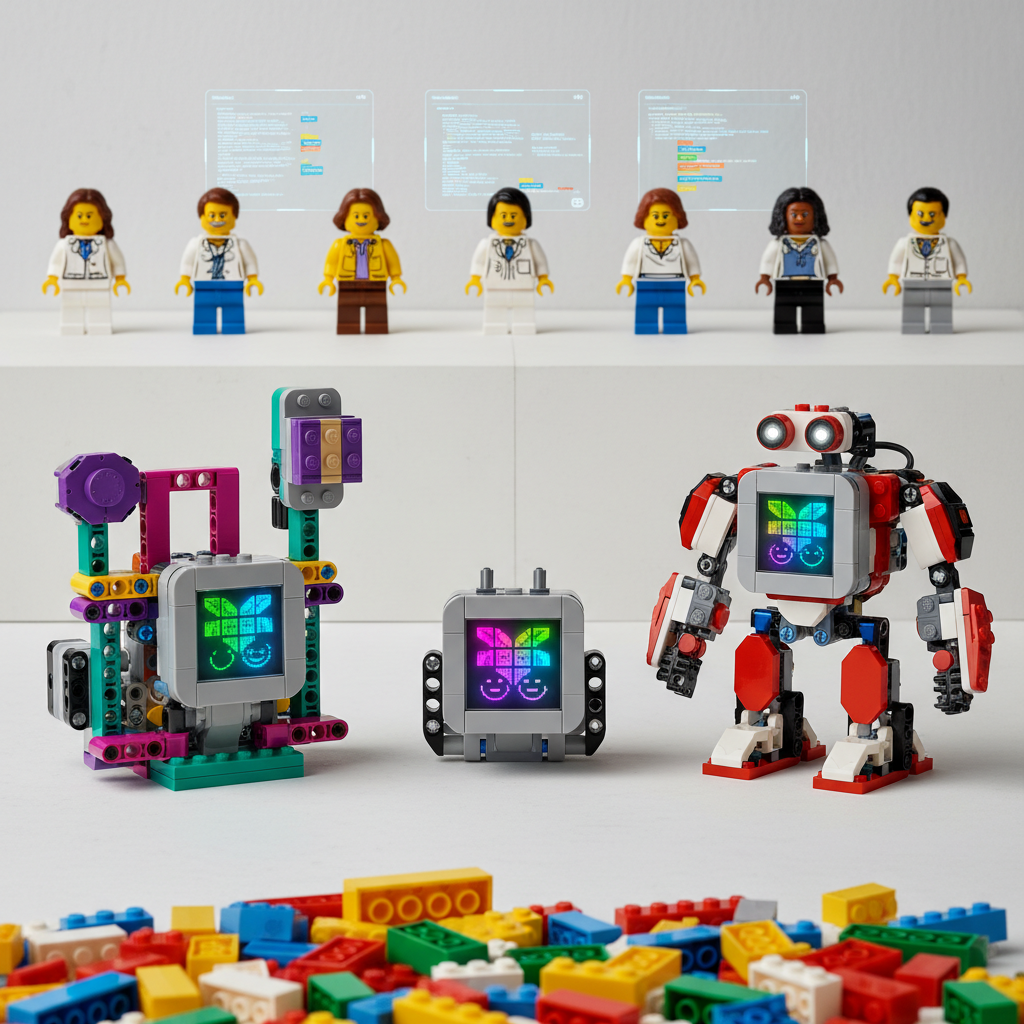
- The replacement: LEGO Education Computer Science and AI, which began shipping in April 2026 in kits for grades K to 2, 3 to 5 and 6 to 8. LEGO Education says FIRST LEGO League teams can compete with it once SPIKE is no longer eligible.
SPIKE Prime, LEGO Education's classroom robotics kit: the Technic Large Hub in yellow, one large and two medium angular motors, and color, distance and force sensors. Sold until June 30, 2026.
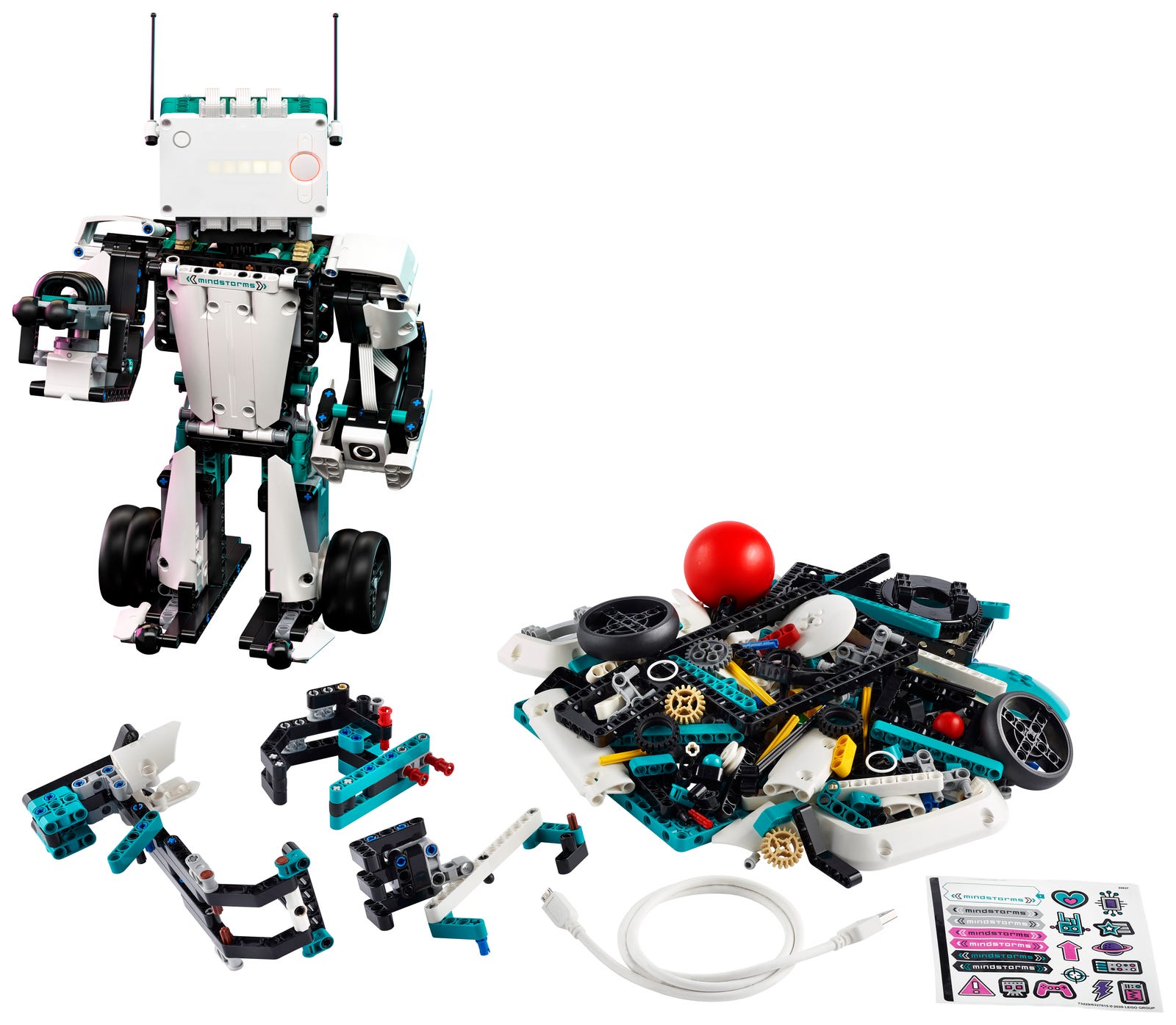
MINDSTORMS Robot Inventor, the home robotics kit: the same hub in teal, four motors, a color sensor and a distance sensor, with instructions for five robot models.
What is in each box
| SPIKE Prime (45678) | Robot Inventor (51515) | |
|---|---|---|
| Hub | Technic Large Hub, yellow | Technic Large Hub, teal |
| Motors | 3: one large, two medium angular | 4 |
| Sensors | Color, distance, force | Color, distance |
| Made for | Classrooms, grades 6 to 8 | Home builders |
| Official app in 2026 | SPIKE App, supported until 2031 | Discontinued October 1, 2026 |
Piece counts are on the cards; Robot Inventor has far more parts, which matters if you want to build large or walking robots. The hub is the same electronics in both, a six-port hub with a 5 by 5 light matrix, built-in motion sensor, Bluetooth and a rechargeable battery, charged and connected over micro-USB.
Software and Python in 2026
There are three ways to program these hubs, and they are not interchangeable.
SPIKE App 3 (current official)
The current SPIKE App runs Python with an asynchronous API. A motor move looks like this:
import motor
import runloop
from hub import port

async def main():
    await motor.run_for_degrees(port.A, 360, 720)

runloop.run(main())
The legacy API (SPIKE 2 and the Robot Inventor app)
Older tutorials, including most written before 2023, use the earlier API with imports such as from spike import PrimeHub on SPIKE or from mindstorms import MSHub on Robot Inventor. That code does not run unchanged in SPIKE App 3, so check which generation a tutorial uses before copying it.
Pybricks (open source, both hubs)
Pybricks replaces the hub's firmware with its own MicroPython and supports the SPIKE Prime and Robot Inventor hubs alike, which makes it the natural choice for a Robot Inventor now that its app is gone. The same program runs on either hub:
from pybricks.hubs import PrimeHub
from pybricks.pupdevices import Motor
from pybricks.parameters import Port

hub = PrimeHub()
motor = Motor(Port.A)
motor.run_angle(500, 360)
For a deeper look at Pybricks, see our Pybricks vs LEGO firmware comparison.
Buying either kit secondhand
- Check the electronics first. The hub, battery and every motor and sensor should be present and working: three motors and three sensors for SPIKE Prime, four motors and two sensors for Robot Inventor.
- Ask for the battery to be charged and tested. The rechargeable battery is the part most likely to have aged.
- Missing bricks are the easy part. Technic beams and pins can be replaced; our missing piece checker lists a set's parts so you can see what is absent.
Which should you buy?
- A teacher or a FIRST LEGO League coach with existing SPIKE kits: keep using SPIKE Prime through the 2027 to 2028 season, and look at Computer Science and AI for new purchases.
- A teenager or adult learning robotics at home: a used Robot Inventor with Pybricks, for the extra motor and the larger parts selection.
- Someone who wants official app support for years: SPIKE Prime, whose app LEGO Education supports until 2031.
- Physics experiments with force: SPIKE Prime, the only one of the two with a force sensor.