Free tool
Rule out the usual hiding places first. If the piece really is gone, check the set piece by piece and leave with the element ID LEGO asks for, or a link to buy the part.
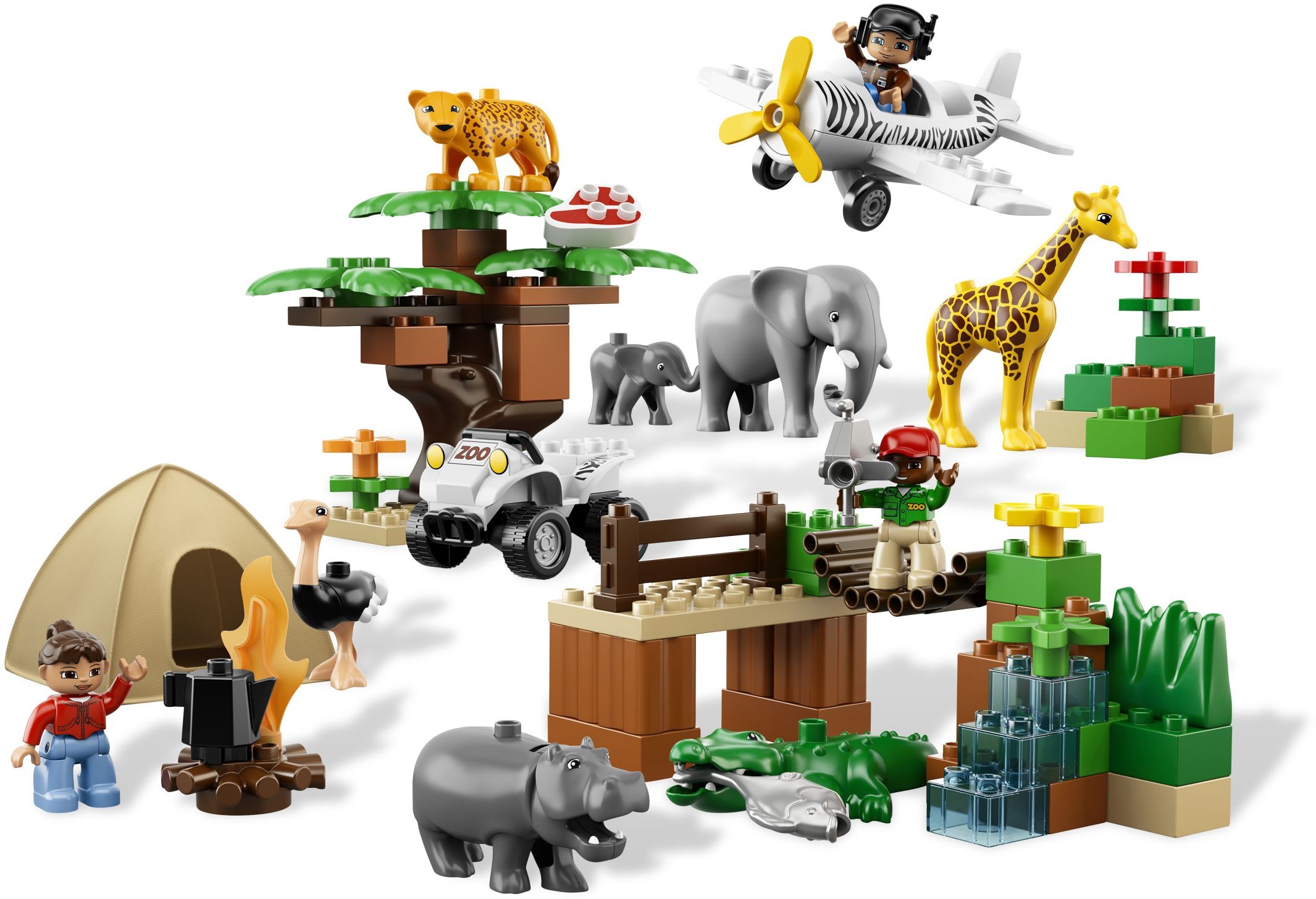
Builders who report a missing piece often find it in one of these places. Tick each one off as you look.
LEGO's request form asks for the set number (6156) and each piece's element ID, both listed above.
As an eBay Partner, we earn from qualifying purchases at no extra cost to you.
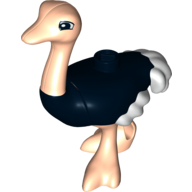 Duplo Animal Ostrich
×1
Duplo Animal Ostrich
×1
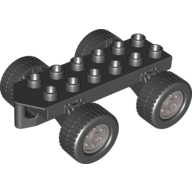 Duplo Car Base 2 x 6 with Four Black Wheels and Flat Silver Hubs
×1
Duplo Car Base 2 x 6 with Four Black Wheels and Flat Silver Hubs
×1
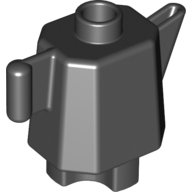 Duplo Teapot / Coffeepot, Indented Base
×1
Duplo Teapot / Coffeepot, Indented Base
×1
 Duplo Brick 2 x 2
×1
Duplo Brick 2 x 2
×1
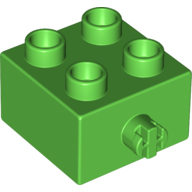 Duplo Brick 2 x 2 Pin on Side
×2
Duplo Brick 2 x 2 Pin on Side
×2
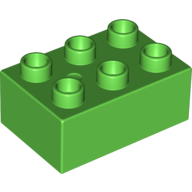 Duplo Brick 2 x 3
×2
Duplo Brick 2 x 3
×2
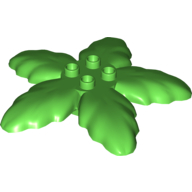 Duplo Plant Tree Leaves with 4 Top Studs
×3
Duplo Plant Tree Leaves with 4 Top Studs
×3
 Duplo Plant, Flower with 1 Top Stud
×1
Duplo Plant, Flower with 1 Top Stud
×1
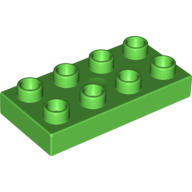 Duplo Plate 2 x 4
×1
Duplo Plate 2 x 4
×1
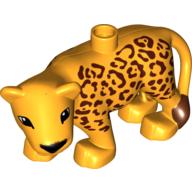 Duplo Animal Leopard Adult New Style
×1
Duplo Animal Leopard Adult New Style
×1
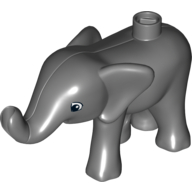 Duplo Animal Elephant Baby Walking, Left Front Foot Forward
×1
Duplo Animal Elephant Baby Walking, Left Front Foot Forward
×1
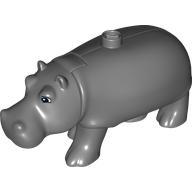 Duplo Animal Hippo, Adult with Opening Jaw
×1
Duplo Animal Hippo, Adult with Opening Jaw
×1
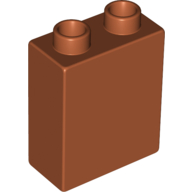 Duplo Brick 1 x 2 x 2
×4
Duplo Brick 1 x 2 x 2
×4
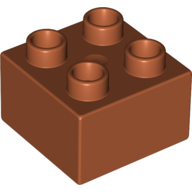 Duplo Brick 2 x 2
×3
Duplo Brick 2 x 2
×3
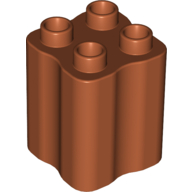 Duplo Brick 2 x 2 x 2 with Indented Sides (Tree Trunk)
×4
Duplo Brick 2 x 2 x 2 with Indented Sides (Tree Trunk)
×4
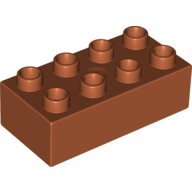 Duplo Brick 2 x 4
×4
Duplo Brick 2 x 4
×4
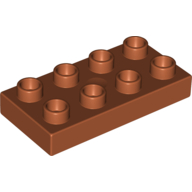 Duplo Plate 2 x 4
×1
Duplo Plate 2 x 4
×1
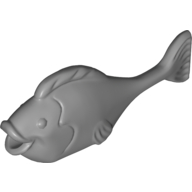 Duplo Animal Fish with Thin Tail and Large Tail Fin
×1
Duplo Animal Fish with Thin Tail and Large Tail Fin
×1
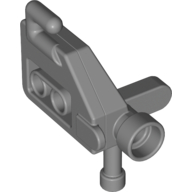 Duplo Video Camera
×1
Duplo Video Camera
×1
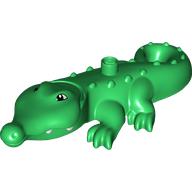 Duplo Animal Alligator Type 3 - Mouth Opens, Wide Snout
×1
Duplo Animal Alligator Type 3 - Mouth Opens, Wide Snout
×1
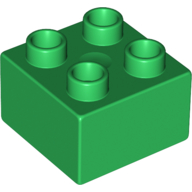 Duplo Brick 2 x 2
×3
Duplo Brick 2 x 2
×3
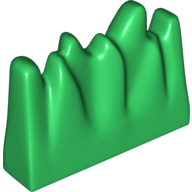 Duplo Fire / Grass / Ice 1 x 4 x 2
×1
Duplo Fire / Grass / Ice 1 x 4 x 2
×1
 Duplo Plant, Flower with 1 Top Stud
×2
Duplo Plant, Flower with 1 Top Stud
×2
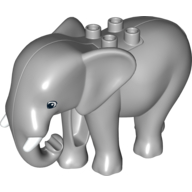 Duplo Animal Elephant, Adult, Stationary Head with Molded Tusks, Rectangle Eyes
×1
Duplo Animal Elephant, Adult, Stationary Head with Molded Tusks, Rectangle Eyes
×1
 Duplo Plant, Flower with 1 Top Stud
×1
Duplo Plant, Flower with 1 Top Stud
×1
 Duplo Plant, Flower with 1 Top Stud
×1
Duplo Plant, Flower with 1 Top Stud
×1
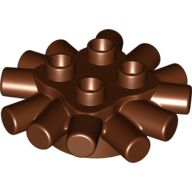 Duplo Brick Round 2 x 2 with Radiating Bars (Camp Fire / Nest)
×1
Duplo Brick Round 2 x 2 with Radiating Bars (Camp Fire / Nest)
×1
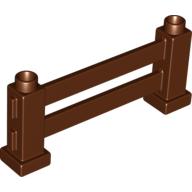 Duplo Fence 1 x 6 x 2
×1
Duplo Fence 1 x 6 x 2
×1
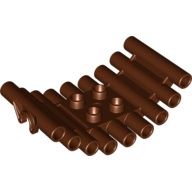 Duplo Log Bridge
×1
Duplo Log Bridge
×1
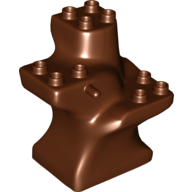 Duplo Plant Tree Trunk Segment Base
×1
Duplo Plant Tree Trunk Segment Base
×1
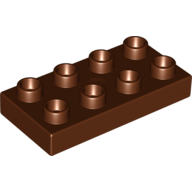 Duplo Plate 2 x 4
×1
Duplo Plate 2 x 4
×1
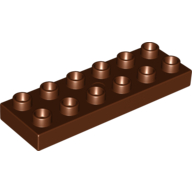 Duplo Plate 2 x 6
×1
Duplo Plate 2 x 6
×1
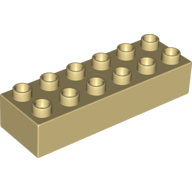 Duplo Brick 2 x 6
×2
Duplo Brick 2 x 6
×2
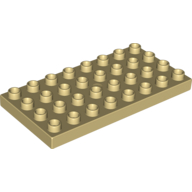 Duplo Plate 4 x 8
×2
Duplo Plate 4 x 8
×2
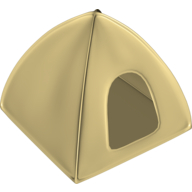 Duplo Tent 2
×1
Duplo Tent 2
×1
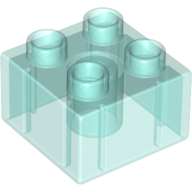 Duplo Brick 2 x 2
×3
Duplo Brick 2 x 2
×3
 Duplo Wave (Fire, Water, Flame) 2 x 1 x 5 with Non-Marbled Tip
×1
Duplo Wave (Fire, Water, Flame) 2 x 1 x 5 with Non-Marbled Tip
×1
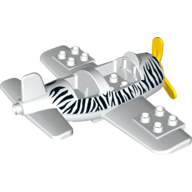 Duplo Airplane Small with Rear Cargo Bay, Light Bluish Gray Wheels Assembly and Zebra Stripes Print
×1
Duplo Airplane Small with Rear Cargo Bay, Light Bluish Gray Wheels Assembly and Zebra Stripes Print
×1
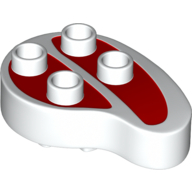 Duplo Food Steak
×1
Duplo Food Steak
×1
 Duplo Quad Bike Top 4 x 8 x 2 - Black Handlebars and 'ZOO' and Safari Stripe Print
×1
Duplo Quad Bike Top 4 x 8 x 2 - Black Handlebars and 'ZOO' and Safari Stripe Print
×1
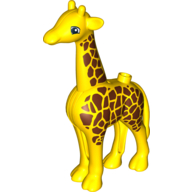 Duplo Animal Giraffe Adult, New Style, Round Eyes
×1
Duplo Animal Giraffe Adult, New Style, Round Eyes
×1
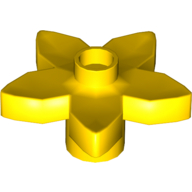 Duplo Plant, Flower with 1 Top Stud
×1
Duplo Plant, Flower with 1 Top Stud
×1
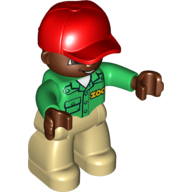 Duplo Figure with Cap Red, with Green Long Sleeve Shirt with 'ZOO' on Front and Back, Dark Brown Face and Hands, Tan Legs
×1
Duplo Figure with Cap Red, with Green Long Sleeve Shirt with 'ZOO' on Front and Back, Dark Brown Face and Hands, Tan Legs
×1
 Duplo Figure with Ponytail Reddish Brown, with Brown Eyes, Red Top, Medium Blue Legs
×1
Duplo Figure with Ponytail Reddish Brown, with Brown Eyes, Red Top, Medium Blue Legs
×1
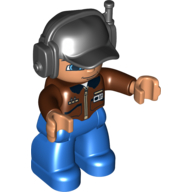 Duplo Figure with Headset and Cap Black, with Reddish Brown Top with ID Badge Print, Nougat Face and Hands, and Blue Legs
×1
Duplo Figure with Headset and Cap Black, with Reddish Brown Top with ID Badge Print, Nougat Face and Hands, and Blue Legs
×1
Tick each piece as you find it, or mark it missing.
LEGO takes requests for pieces missing from a new set through its customer service site. The form asks for the set number and each piece's element ID, the number printed beside the piece in the parts list at the back of the instructions. This checker lists both.
Request a replacement from LEGOMark a piece missing and your list links it to an eBay search for that part, which also covers pieces from older or second-hand sets.
Copy or download your missing list (the CSV opens in any spreadsheet), or print the whole checklist and tick pieces off on paper. Your marks stay in this browser, so you can check a big set over several sittings.