Free tool
Rule out the usual hiding places first. If the piece really is gone, check the set piece by piece and leave with the element ID LEGO asks for, or a link to buy the part.

Builders who report a missing piece often find it in one of these places. Tick each one off as you look.
LEGO's request form asks for the set number (9152) and each piece's element ID, both listed above.
As an eBay Partner, we earn from qualifying purchases at no extra cost to you.
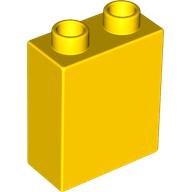 Duplo Brick 1 x 2 x 2
×11
Duplo Brick 1 x 2 x 2
×11
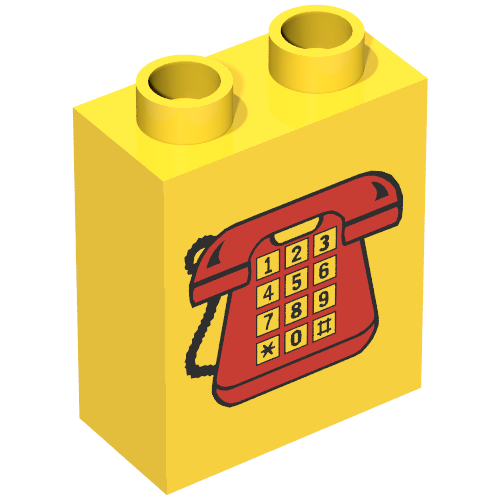 Duplo Brick 1 x 2 x 2 with Telephone Print 1, Red
×1
Duplo Brick 1 x 2 x 2 with Telephone Print 1, Red
×1
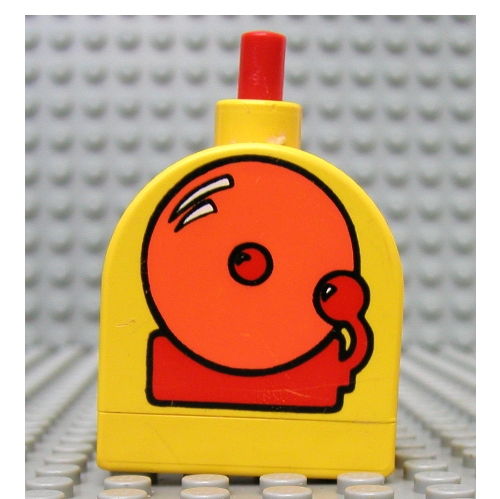 Duplo Brick with Working Ringer Button on Curved Top, Orange Alarm Bell Print
×1
Duplo Brick with Working Ringer Button on Curved Top, Orange Alarm Bell Print
×1
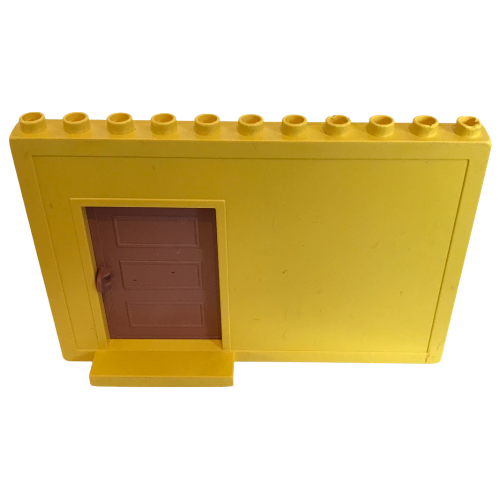 Duplo Building Wall 1 x 11 x 6 with Sliding Recessed Door
×14
Duplo Building Wall 1 x 11 x 6 with Sliding Recessed Door
×14
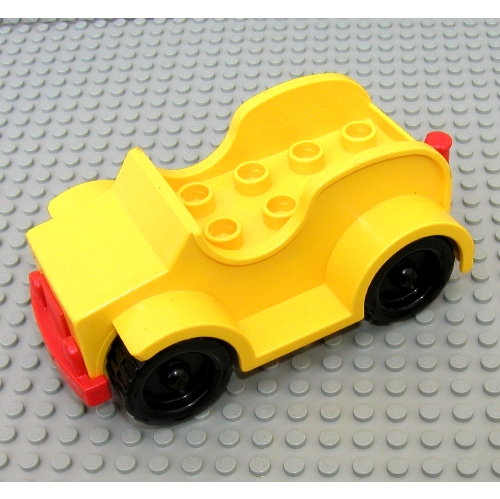 Duplo Car with 2 x 4 Studs and Running Boards, Red Bumper, Black Wheels
×1
Duplo Car with 2 x 4 Studs and Running Boards, Red Bumper, Black Wheels
×1
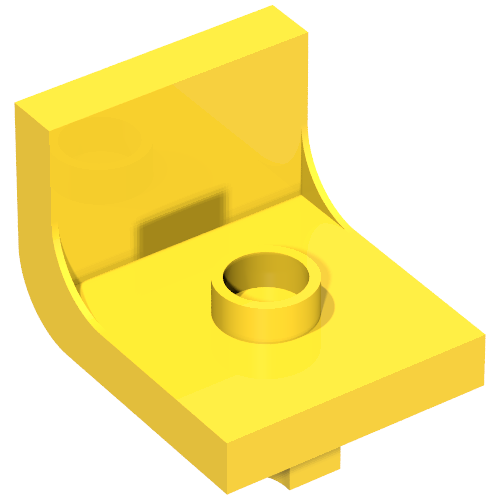 Duplo Chair 2 x 2 x 2 with One Stud
×4
Duplo Chair 2 x 2 x 2 with One Stud
×4
 Duplo Cone 2 x 2 x 1
×1
Duplo Cone 2 x 2 x 1
×1
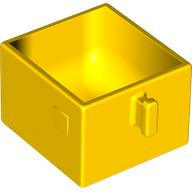 Duplo Drawer 2 x 2 with Pull Handle
×6
Duplo Drawer 2 x 2 with Pull Handle
×6
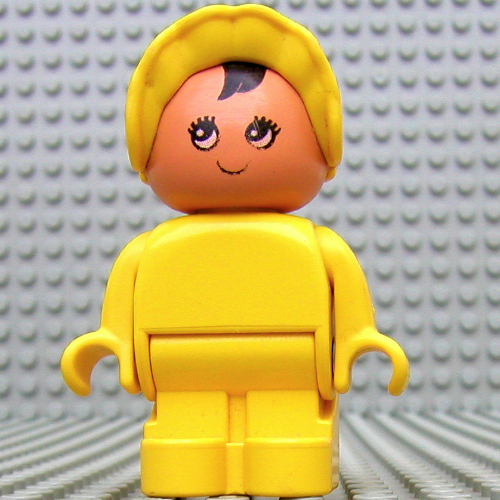 Duplo Figure, Early with Joined Legs, with Yellow Legs, Black Hair, and Yellow Bonnet (Baby)
×1
Duplo Figure, Early with Joined Legs, with Yellow Legs, Black Hair, and Yellow Bonnet (Baby)
×1
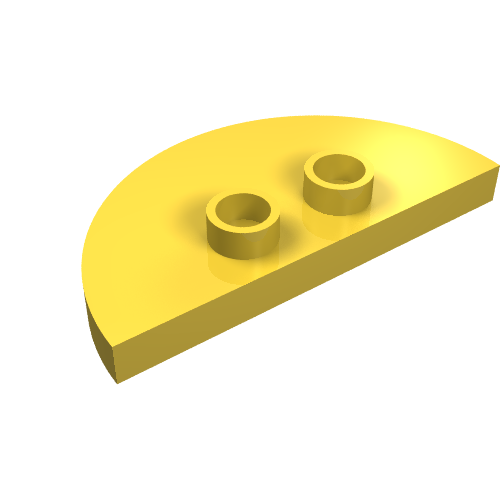 Duplo Plate 2 x 4 x 1/3 Half Circle with 2 Studs [Thin]
×2
Duplo Plate 2 x 4 x 1/3 Half Circle with 2 Studs [Thin]
×2
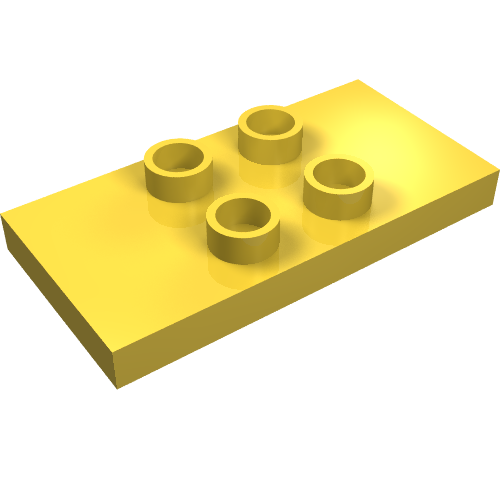 Duplo Plate 2 x 4 x 1/3 with 4 Center Studs [Thin]
×1
Duplo Plate 2 x 4 x 1/3 with 4 Center Studs [Thin]
×1
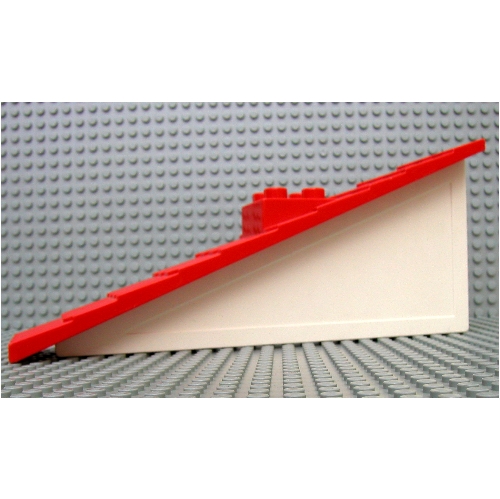 Duplo Roof-piece Slope 22.5° 1 x 11 x 4 Shingled with Chimney
×4
Duplo Roof-piece Slope 22.5° 1 x 11 x 4 Shingled with Chimney
×4
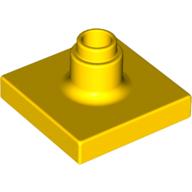 Duplo Sign Post Short
×1
Duplo Sign Post Short
×1
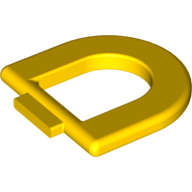 Duplo Toilet Rim
×1
Duplo Toilet Rim
×1
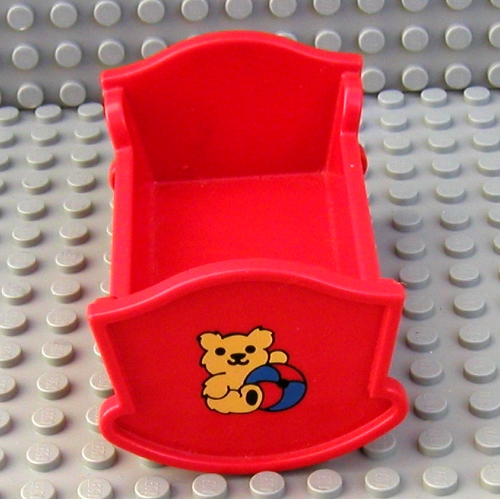 Belville / Duplo, Baby Crib / Cradle with Teddy Bear and Ball Print
×1
Belville / Duplo, Baby Crib / Cradle with Teddy Bear and Ball Print
×1
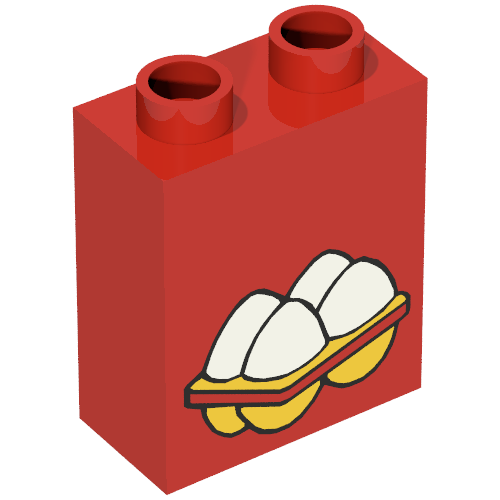 Duplo Brick 1 x 2 x 2 with 4 Eggs Print
×1
Duplo Brick 1 x 2 x 2 with 4 Eggs Print
×1
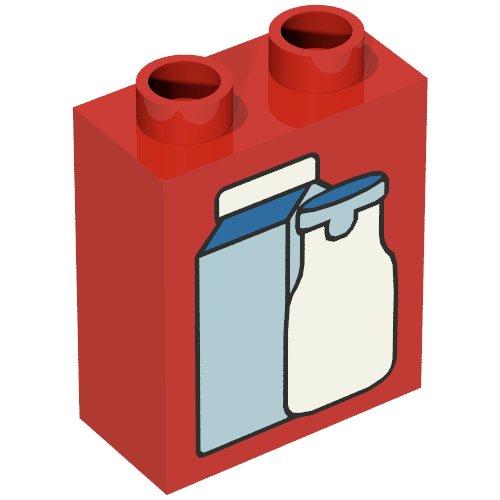 Duplo Brick 1 x 2 x 2 with Carton and Bottle Print
×1
Duplo Brick 1 x 2 x 2 with Carton and Bottle Print
×1
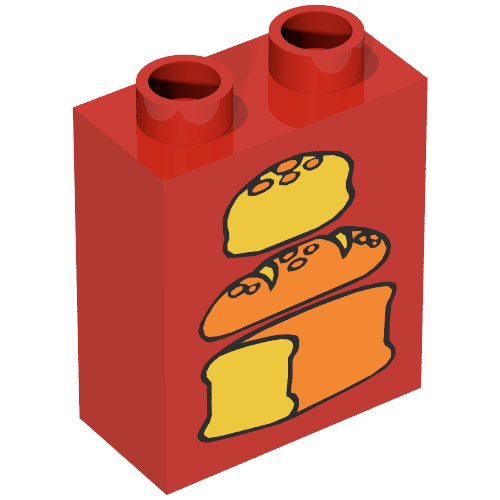 Duplo Brick 1 x 2 x 2 with Three Loaves of Bread Print, Middle Dark
×1
Duplo Brick 1 x 2 x 2 with Three Loaves of Bread Print, Middle Dark
×1
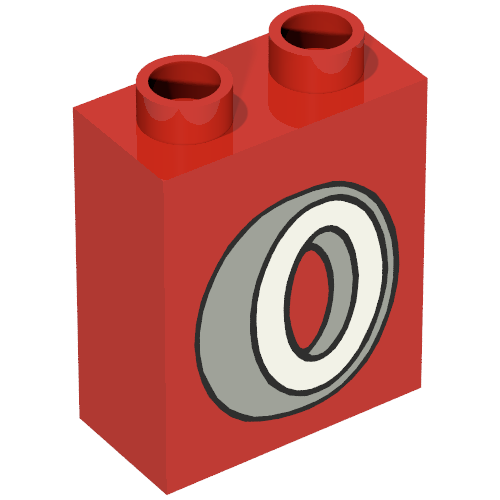 Duplo Brick 1 x 2 x 2 with Tire Print
×1
Duplo Brick 1 x 2 x 2 with Tire Print
×1
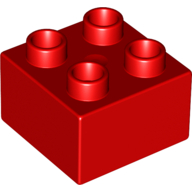 Duplo Brick 2 x 2
×4
Duplo Brick 2 x 2
×4
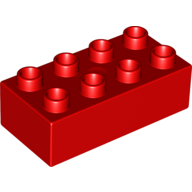 Duplo Brick 2 x 4
×2
Duplo Brick 2 x 4
×2
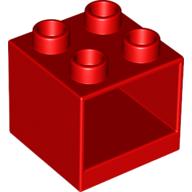 Duplo Cabinet 2 x 2 x 1.5
×12
Duplo Cabinet 2 x 2 x 1.5
×12
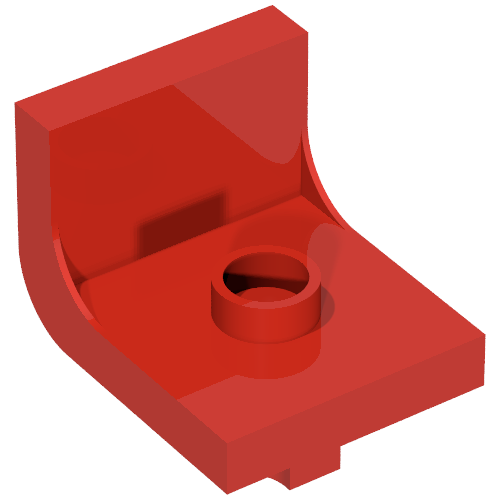 Duplo Chair 2 x 2 x 2 with One Stud
×2
Duplo Chair 2 x 2 x 2 with One Stud
×2
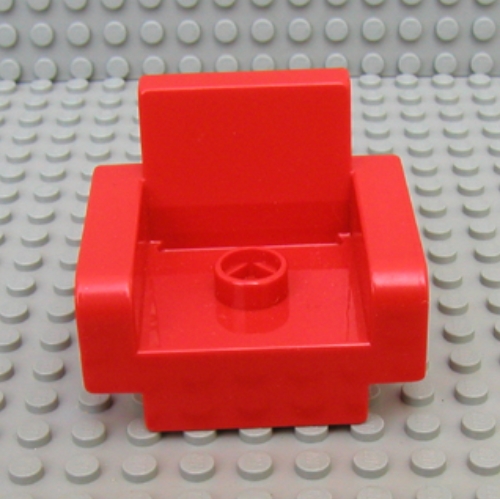 Duplo Chair with 1 Stud
×2
Duplo Chair with 1 Stud
×2
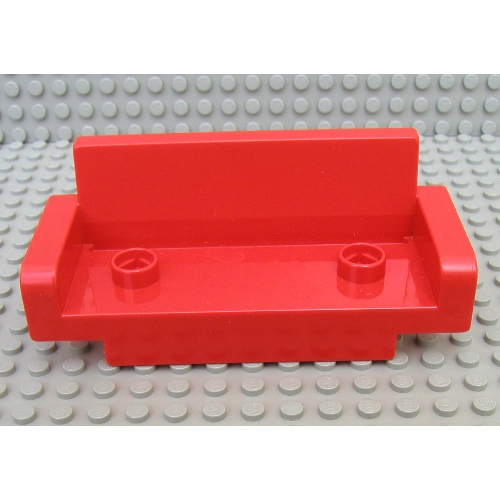 Duplo Couch / Sofa 2 x 6, with Two Studs
×1
Duplo Couch / Sofa 2 x 6, with Two Studs
×1
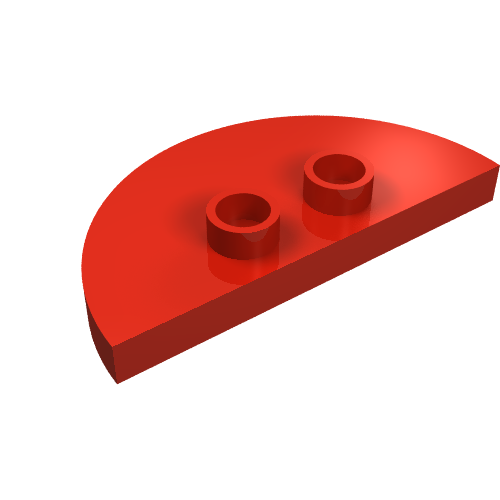 Duplo Plate 2 x 4 x 1/3 Half Circle with 2 Studs [Thin]
×2
Duplo Plate 2 x 4 x 1/3 Half Circle with 2 Studs [Thin]
×2
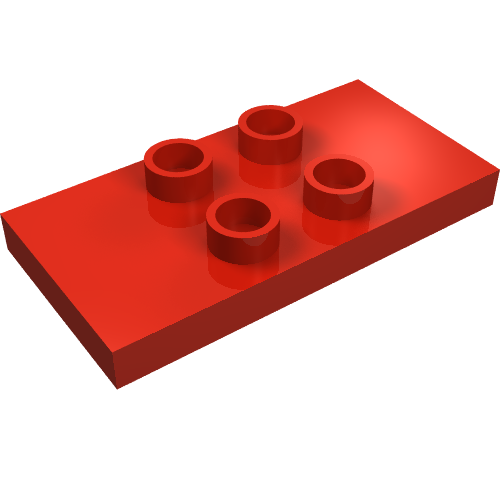 Duplo Plate 2 x 4 x 1/3 with 4 Center Studs [Thin]
×1
Duplo Plate 2 x 4 x 1/3 with 4 Center Studs [Thin]
×1
 Duplo Plate 6 x 12
×4
Duplo Plate 6 x 12
×4
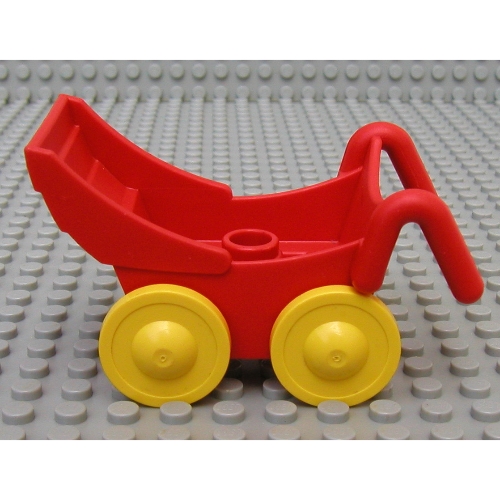 Duplo Pram (Baby Carriage, Stroller) with Yellow Wheels - Complete Assembly
×1
Duplo Pram (Baby Carriage, Stroller) with Yellow Wheels - Complete Assembly
×1
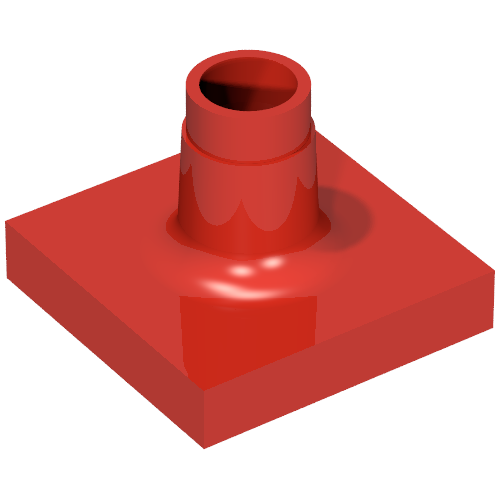 Duplo Sign Post Short
×1
Duplo Sign Post Short
×1
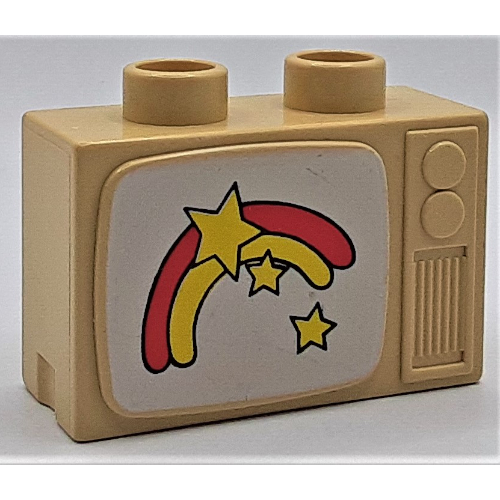 Duplo Television 1 x 2.5 x 1.3 with Rainbow and Stars Print
×1
Duplo Television 1 x 2.5 x 1.3 with Rainbow and Stars Print
×1
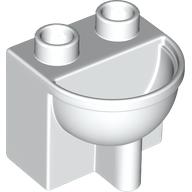 Duplo Bathroom Sink
×1
Duplo Bathroom Sink
×1
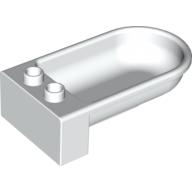 Duplo Bathtub
×1
Duplo Bathtub
×1
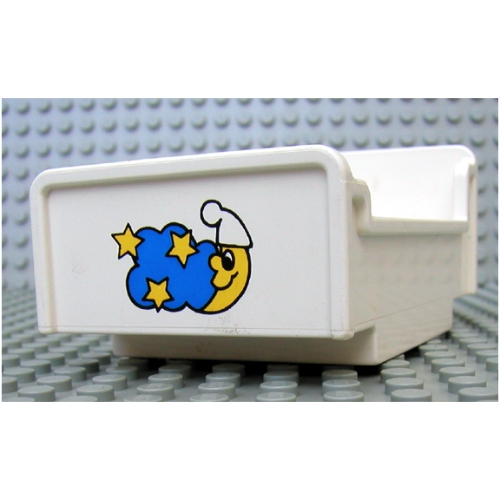 Duplo Bed 3 x 5 x 1 2/3 with Moon and Stars Print
×2
Duplo Bed 3 x 5 x 1 2/3 with Moon and Stars Print
×2
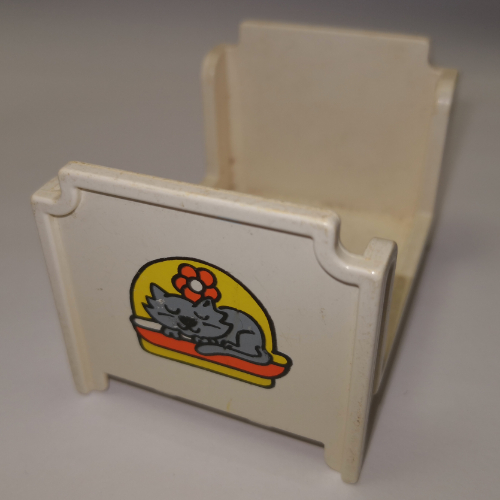 Duplo Bed, Bunk with Cat Print
×2
Duplo Bed, Bunk with Cat Print
×2
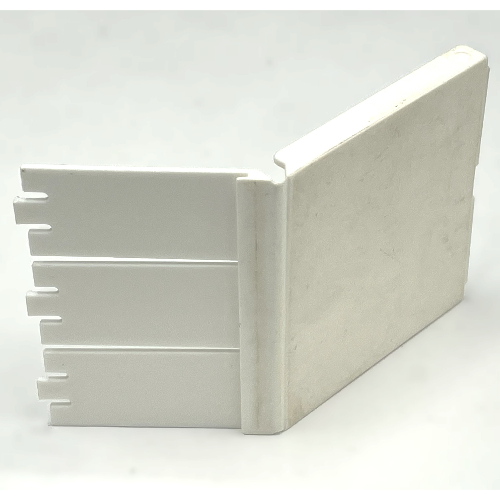 Duplo Door, Refrigerator
×1
Duplo Door, Refrigerator
×1
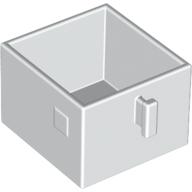 Duplo Drawer 2 x 2 with Pull Handle
×6
Duplo Drawer 2 x 2 with Pull Handle
×6
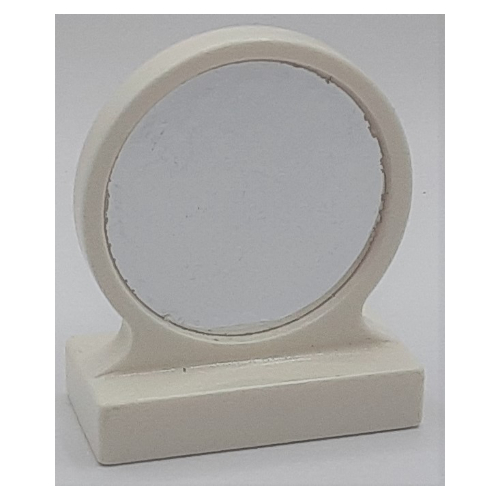 Duplo Mirror with Silver Print
×3
Duplo Mirror with Silver Print
×3
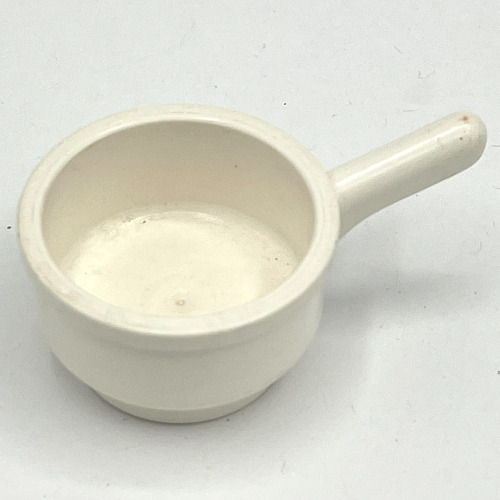 Duplo Saucepan, Round Bottom, Smooth Handle
×2
Duplo Saucepan, Round Bottom, Smooth Handle
×2
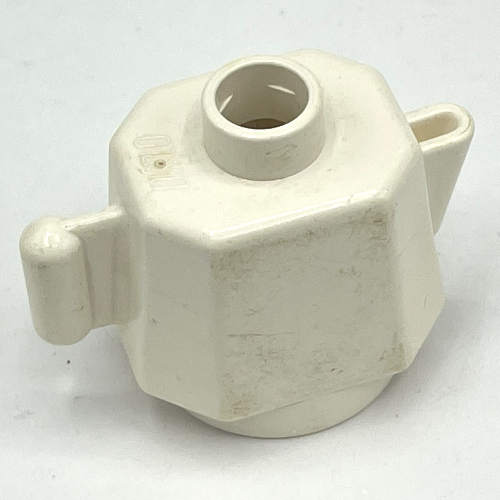 Duplo Teapot / Coffeepot, Round Base
×2
Duplo Teapot / Coffeepot, Round Base
×2
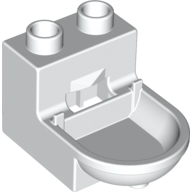 Duplo Toilet (without Rim)
×1
Duplo Toilet (without Rim)
×1
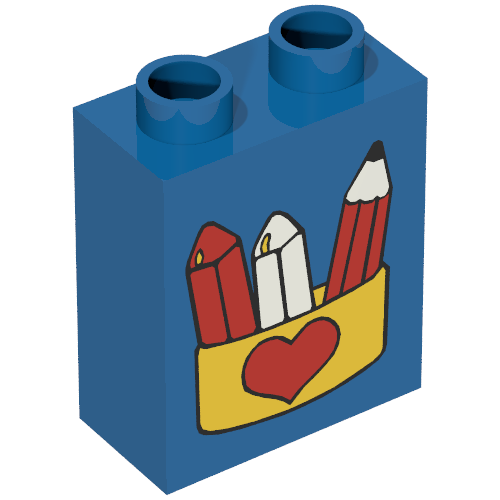 Duplo Brick 1 x 2 x 2 with Pencil and Crayons in Box with Red Heart Print
×1
Duplo Brick 1 x 2 x 2 with Pencil and Crayons in Box with Red Heart Print
×1
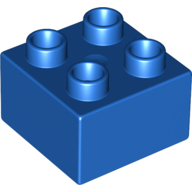 Duplo Brick 2 x 2
×2
Duplo Brick 2 x 2
×2
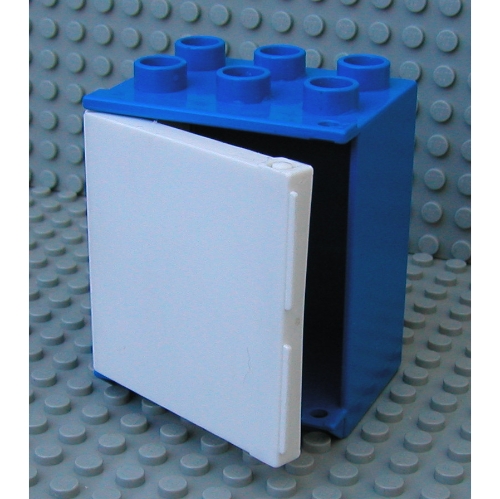 Duplo Cabinet Refrigerator
×1
Duplo Cabinet Refrigerator
×1
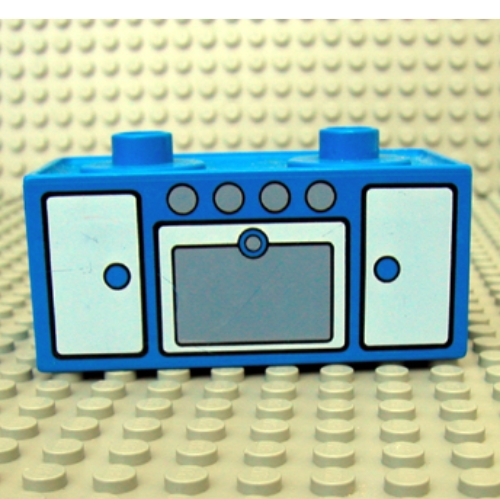 Duplo Oven Range with 2 Top Studs and Doors Print
×1
Duplo Oven Range with 2 Top Studs and Doors Print
×1
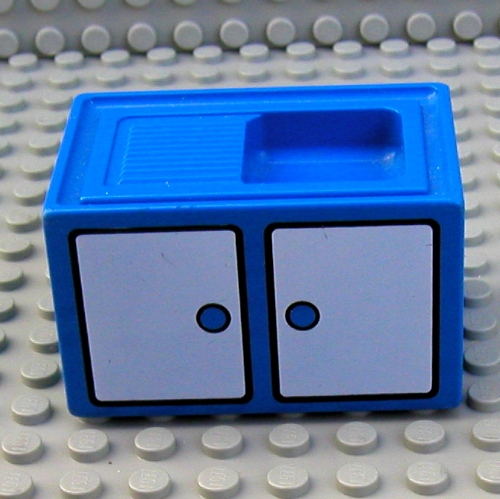 Duplo Sink with Cabinet Doors Print
×1
Duplo Sink with Cabinet Doors Print
×1
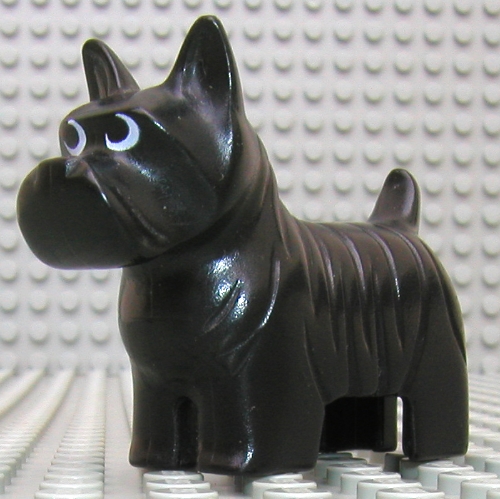 Duplo Animal Dog Scottish Terrier / Scottie (No Base)
×2
Duplo Animal Dog Scottish Terrier / Scottie (No Base)
×2
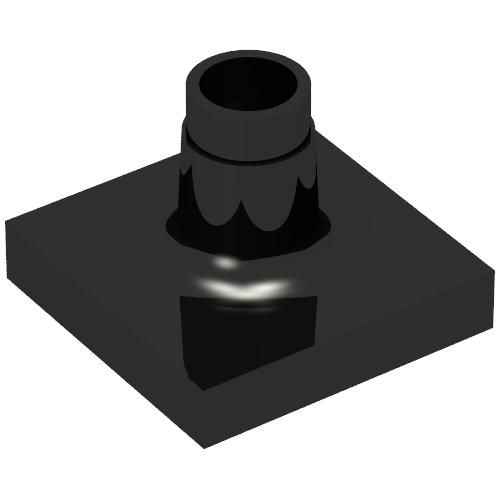 Duplo Sign Post Short
×1
Duplo Sign Post Short
×1
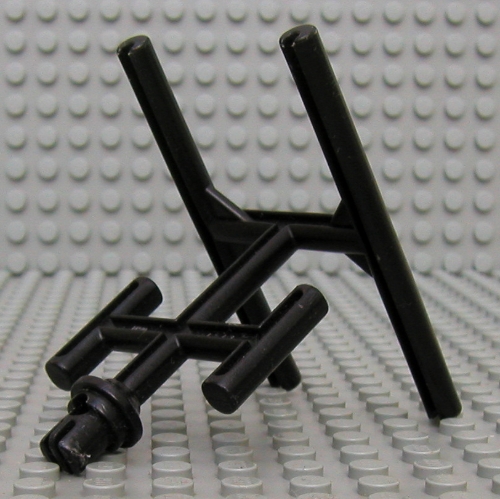 Duplo Television Antenna
×1
Duplo Television Antenna
×1
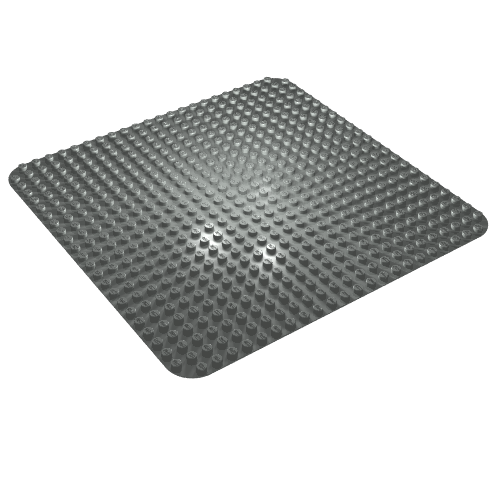 Duplo Baseplate 24 x 24
×2
Duplo Baseplate 24 x 24
×2
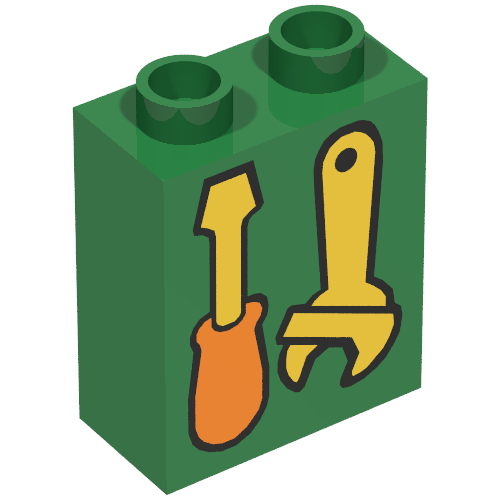 Duplo Brick 1 x 2 x 2 with Screwdriver and Wrench Print
×1
Duplo Brick 1 x 2 x 2 with Screwdriver and Wrench Print
×1
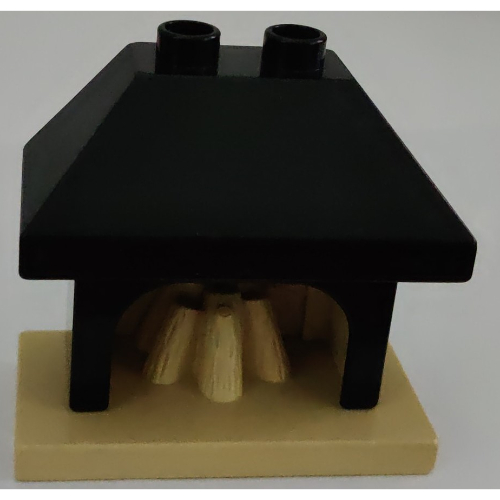 Duplo Fireplace with Black Top with 2 Top Studs
×1
Duplo Fireplace with Black Top with 2 Top Studs
×1
Tick each piece as you find it, or mark it missing.
LEGO takes requests for pieces missing from a new set through its customer service site. The form asks for the set number and each piece's element ID, the number printed beside the piece in the parts list at the back of the instructions. This checker lists both.
Request a replacement from LEGOMark a piece missing and your list links it to an eBay search for that part, which also covers pieces from older or second-hand sets.
Copy or download your missing list (the CSV opens in any spreadsheet), or print the whole checklist and tick pieces off on paper. Your marks stay in this browser, so you can check a big set over several sittings.