Free tool
Rule out the usual hiding places first. If the piece really is gone, check the set piece by piece and leave with the element ID LEGO asks for, or a link to buy the part.
Checking
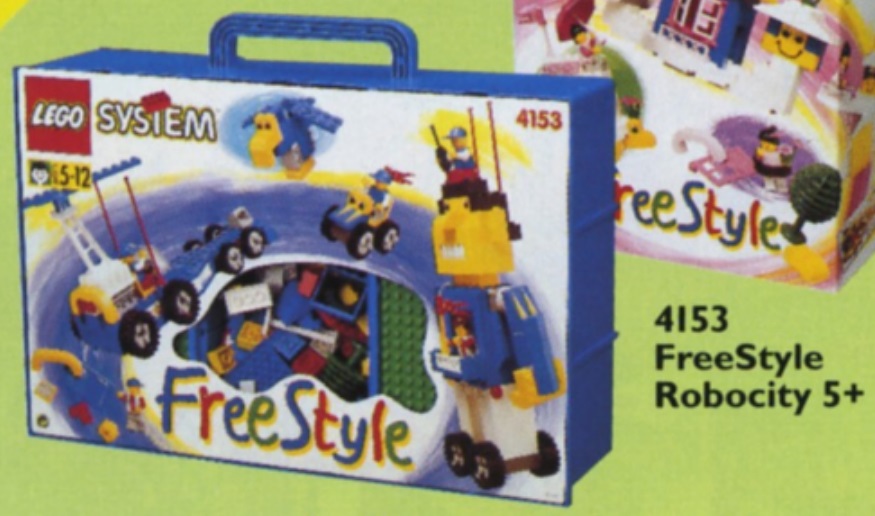
690 pieces in 141 part and color combinations, plus 2 minifigures.
The piece count includes the 8 parts inside the set's minifigures, which this inventory lists separately. Spare parts are counted in neither figure.
Builders who report a missing piece often find it in one of these places. Tick each one off as you look.
LEGO's request form asks for the set number (4153) and each piece's element ID, both listed above.
As an eBay Partner, we earn from qualifying purchases at no extra cost to you.
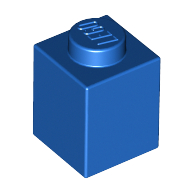 Brick 1 x 1
×24
Brick 1 x 1
×24
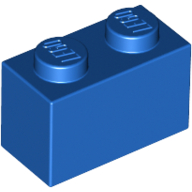 Brick 1 x 2
×34
Brick 1 x 2
×34
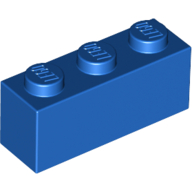 Brick 1 x 3
×10
Brick 1 x 3
×10
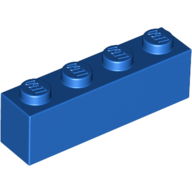 Brick 1 x 4
×16
Brick 1 x 4
×16
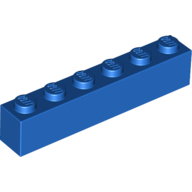 Brick 1 x 6
×4
Brick 1 x 6
×4
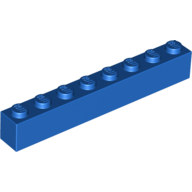 Brick 1 x 8
×2
Brick 1 x 8
×2
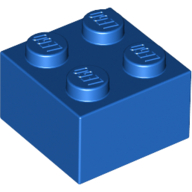 Brick 2 x 2
×6
Brick 2 x 2
×6
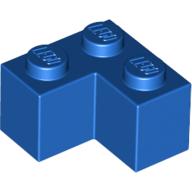 Brick 2 x 2 Corner
×2
Brick 2 x 2 Corner
×2
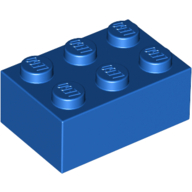 Brick 2 x 3
×4
Brick 2 x 3
×4
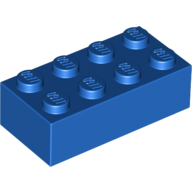 Brick 2 x 4
×5
Brick 2 x 4
×5
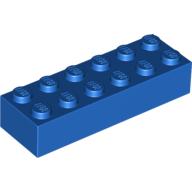 Brick 2 x 6
×1
Brick 2 x 6
×1
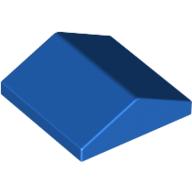 Brick Sloped 33° 2 x 2 Double
×2
Brick Sloped 33° 2 x 2 Double
×2
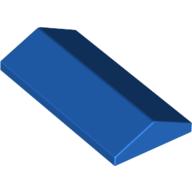 Brick Sloped 33° 2 x 4 Double
×3
Brick Sloped 33° 2 x 4 Double
×3
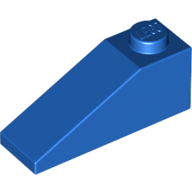 Brick Sloped 33° 3 x 1
×4
Brick Sloped 33° 3 x 1
×4
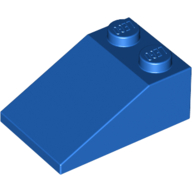 Brick Sloped 33° 3 x 2
×4
Brick Sloped 33° 3 x 2
×4
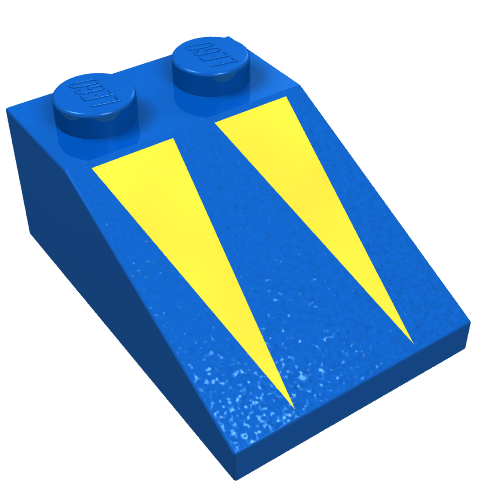 Brick Sloped 33° 3 x 2 with Yellow Triangles Print
×2
Brick Sloped 33° 3 x 2 with Yellow Triangles Print
×2
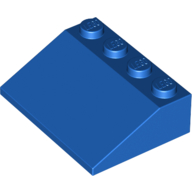 Brick Sloped 33° 3 x 4
×6
Brick Sloped 33° 3 x 4
×6
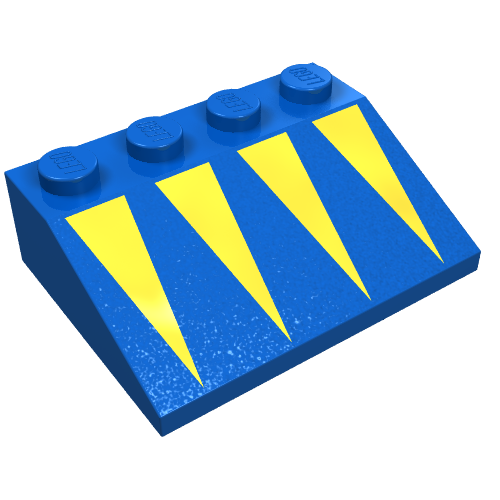 Brick Sloped 33° 3 x 4 with Yellow Triangles Print
×2
Brick Sloped 33° 3 x 4 with Yellow Triangles Print
×2
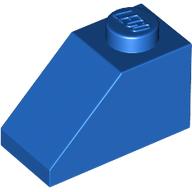 Brick Sloped 45° 2 x 1 with Bottom Pin
×4
Brick Sloped 45° 2 x 1 with Bottom Pin
×4
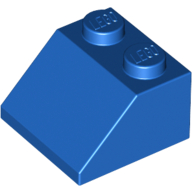 Brick Sloped 45° 2 x 2
×4
Brick Sloped 45° 2 x 2
×4
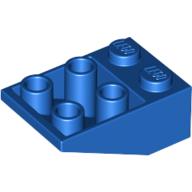 Brick Sloped Inverted 33° 3 x 2, No Connections between Studs, Ovoid Bottom Pin
×2
Brick Sloped Inverted 33° 3 x 2, No Connections between Studs, Ovoid Bottom Pin
×2
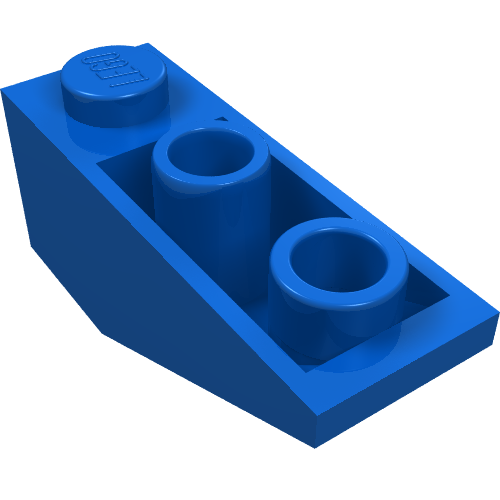 Brick Sloped Inverted 34° 3 x 1 without Internal Stopper
×2
Brick Sloped Inverted 34° 3 x 1 without Internal Stopper
×2
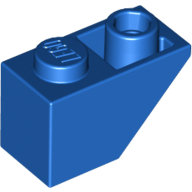 Brick Sloped Inverted 45° 2 x 1
×2
Brick Sloped Inverted 45° 2 x 1
×2
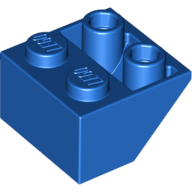 Brick Sloped Inverted 45° 2 x 2 [Ovoid Bottom Pin, Bar-sized Stud Holes]
×2
Brick Sloped Inverted 45° 2 x 2 [Ovoid Bottom Pin, Bar-sized Stud Holes]
×2
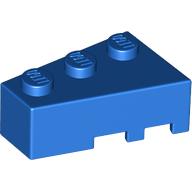 Brick Wedged, Angled 3 x 2 Left
×2
Brick Wedged, Angled 3 x 2 Left
×2
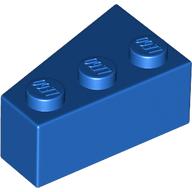 Brick Wedged, Angled 3 x 2 Right
×2
Brick Wedged, Angled 3 x 2 Right
×2
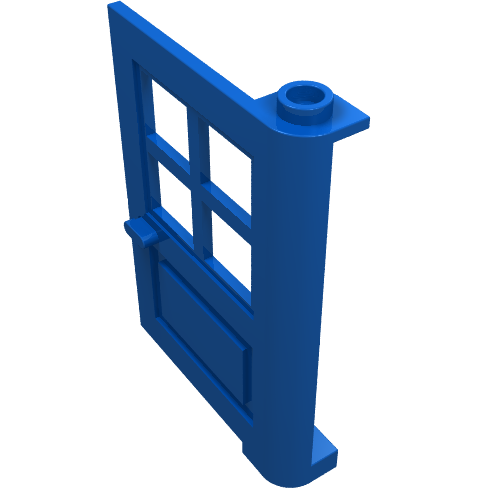 Door 1 x 4 x 5 with 4 Panes, Squared Base
×2
Door 1 x 4 x 5 with 4 Panes, Squared Base
×2
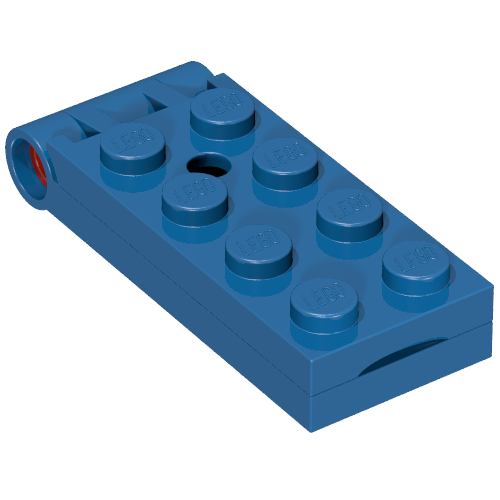 Hinge Plate 2 x 5 with Large Hole [Complete Assembly]
×2
Hinge Plate 2 x 5 with Large Hole [Complete Assembly]
×2
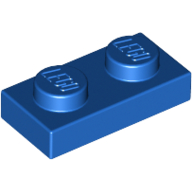 Plate 1 x 2
×4
Plate 1 x 2
×4
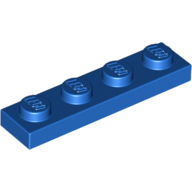 Plate 1 x 4
×4
Plate 1 x 4
×4
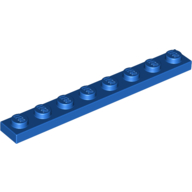 Plate 1 x 8
×4
Plate 1 x 8
×4
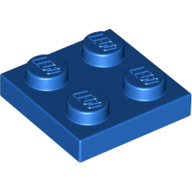 Plate 2 x 2
×2
Plate 2 x 2
×2
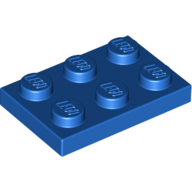 Plate 2 x 3
×2
Plate 2 x 3
×2
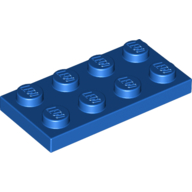 Plate 2 x 4
×2
Plate 2 x 4
×2
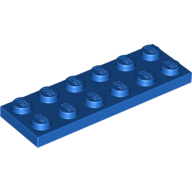 Plate 2 x 6
×2
Plate 2 x 6
×2
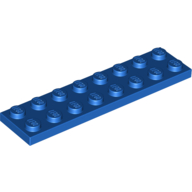 Plate 2 x 8
×2
Plate 2 x 8
×2
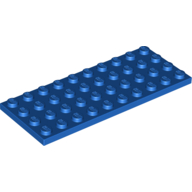 Plate 4 x 10
×1
Plate 4 x 10
×1
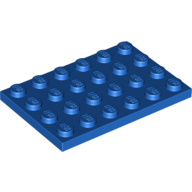 Plate 4 x 6
×1
Plate 4 x 6
×1
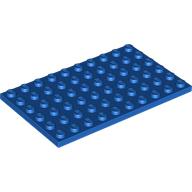 Plate 6 x 10
×1
Plate 6 x 10
×1
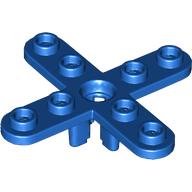 Propeller 4 Blade 5 Diameter with Rounded Ends, Open Hub
×1
Propeller 4 Blade 5 Diameter with Rounded Ends, Open Hub
×1
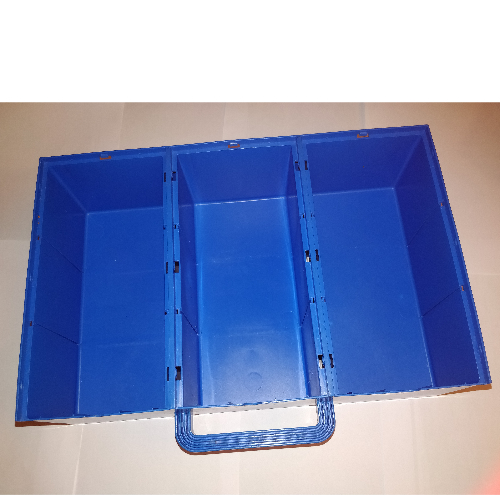 Storage Case Container, Build-N-Store Chest, 3 Section
×1
Storage Case Container, Build-N-Store Chest, 3 Section
×1
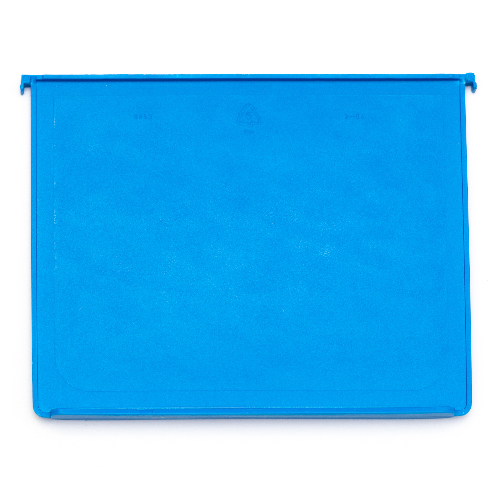 Storage Case Divider, Build-N-Store Chest
×6
Storage Case Divider, Build-N-Store Chest
×6
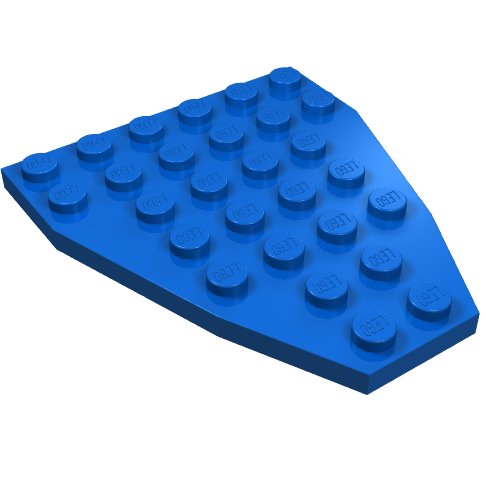 Wedge Plate 7 x 6 Boat Bow without Stud Notches
×2
Wedge Plate 7 x 6 Boat Bow without Stud Notches
×2
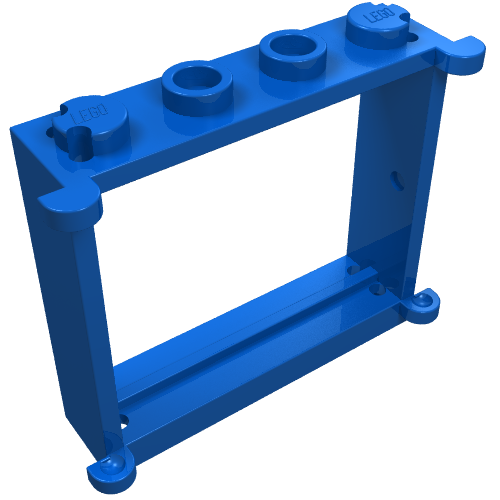 Window 1 x 4 x 3
×4
Window 1 x 4 x 3
×4
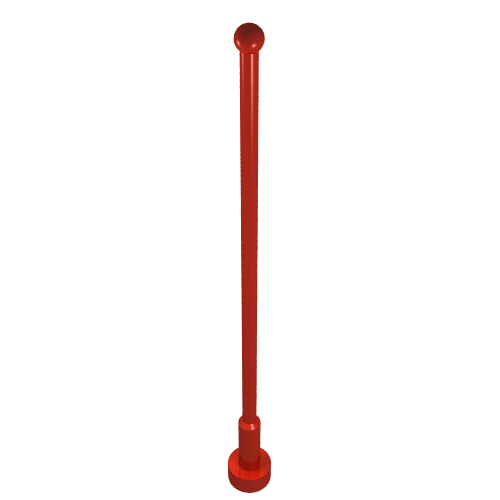 Antenna 8H Whip
×2
Antenna 8H Whip
×2
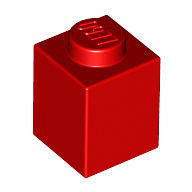 Brick 1 x 1
×24
Brick 1 x 1
×24
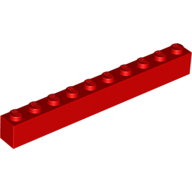 Brick 1 x 10
×2
Brick 1 x 10
×2
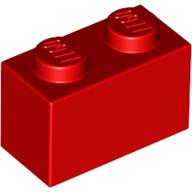 Brick 1 x 2
×32
Brick 1 x 2
×32
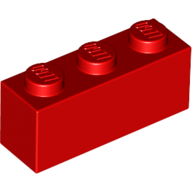 Brick 1 x 3
×10
Brick 1 x 3
×10
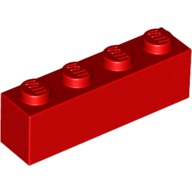 Brick 1 x 4
×16
Brick 1 x 4
×16
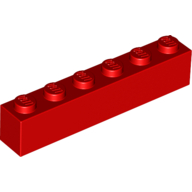 Brick 1 x 6
×4
Brick 1 x 6
×4
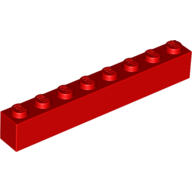 Brick 1 x 8
×2
Brick 1 x 8
×2
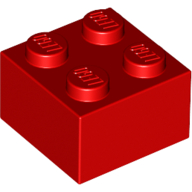 Brick 2 x 2
×6
Brick 2 x 2
×6
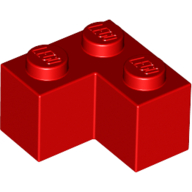 Brick 2 x 2 Corner
×2
Brick 2 x 2 Corner
×2
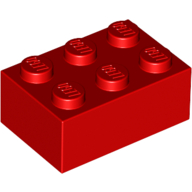 Brick 2 x 3
×4
Brick 2 x 3
×4
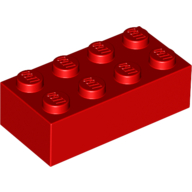 Brick 2 x 4
×5
Brick 2 x 4
×5
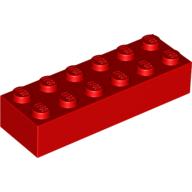 Brick 2 x 6
×2
Brick 2 x 6
×2
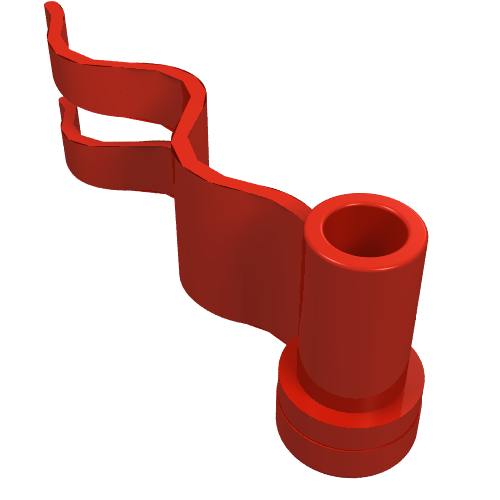 Flag 4 x 1 Wavy [First Wave Left]
×1
Flag 4 x 1 Wavy [First Wave Left]
×1
 Plant, Flower - Small
1 spare in the box
×3
Plant, Flower - Small
1 spare in the box
×3
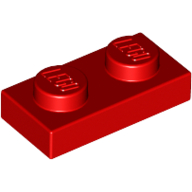 Plate 1 x 2
×2
Plate 1 x 2
×2
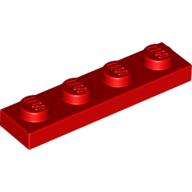 Plate 1 x 4
×2
Plate 1 x 4
×2
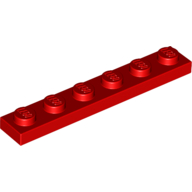 Plate 1 x 6
×2
Plate 1 x 6
×2
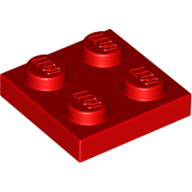 Plate 2 x 2
×2
Plate 2 x 2
×2
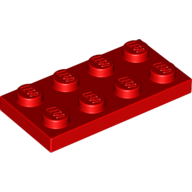 Plate 2 x 4
×2
Plate 2 x 4
×2
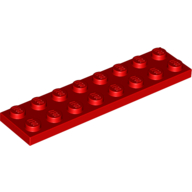 Plate 2 x 8
×4
Plate 2 x 8
×4
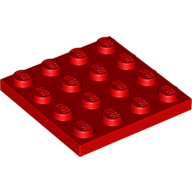 Plate 4 x 4
×1
Plate 4 x 4
×1
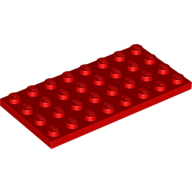 Plate 4 x 8
×1
Plate 4 x 8
×1
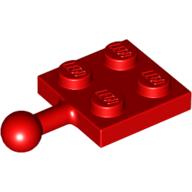 Plate Special 2 x 2 with Towball
×1
Plate Special 2 x 2 with Towball
×1
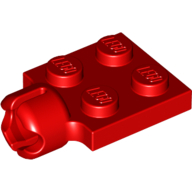 Plate Special 2 x 2 with Towball Socket, Short, 4 Slots
×1
Plate Special 2 x 2 with Towball Socket, Short, 4 Slots
×1
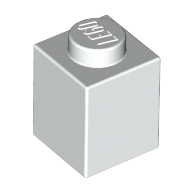 Brick 1 x 1
×22
Brick 1 x 1
×22
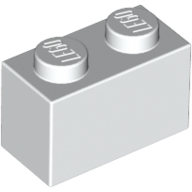 Brick 1 x 2
×30
Brick 1 x 2
×30
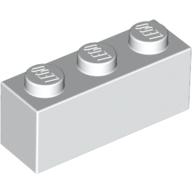 Brick 1 x 3
×8
Brick 1 x 3
×8
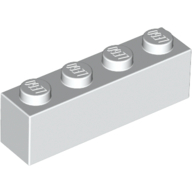 Brick 1 x 4
×14
Brick 1 x 4
×14
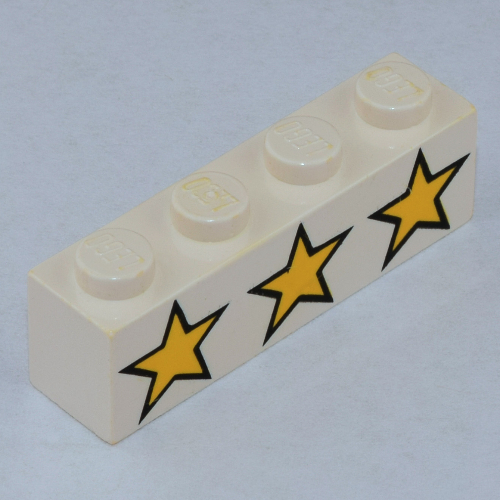 Brick 1 x 4 with 3 Yellow Stars Print
×2
Brick 1 x 4 with 3 Yellow Stars Print
×2
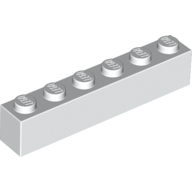 Brick 1 x 6
×4
Brick 1 x 6
×4
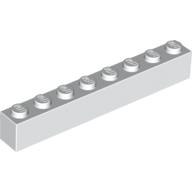 Brick 1 x 8
×2
Brick 1 x 8
×2
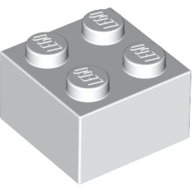 Brick 2 x 2
×6
Brick 2 x 2
×6
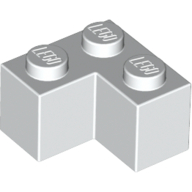 Brick 2 x 2 Corner
×2
Brick 2 x 2 Corner
×2
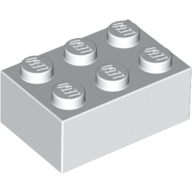 Brick 2 x 3
×4
Brick 2 x 3
×4
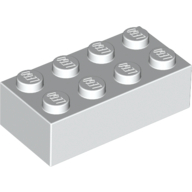 Brick 2 x 4
×5
Brick 2 x 4
×5
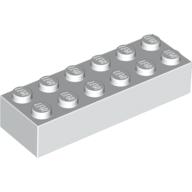 Brick 2 x 6
×1
Brick 2 x 6
×1
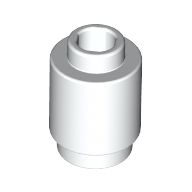 Brick Round 1 x 1 Open Stud
×8
Brick Round 1 x 1 Open Stud
×8
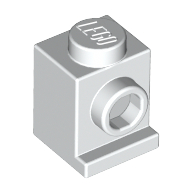 Brick Special 1 x 1 with Headlight
×4
Brick Special 1 x 1 with Headlight
×4
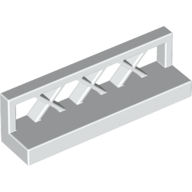 Fence Lattice 1 x 4 x 1
×6
Fence Lattice 1 x 4 x 1
×6
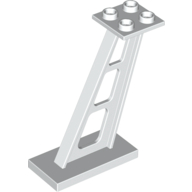 Support 2 x 4 x 5 Stanchion Inclined [5mm wide posts]
×2
Support 2 x 4 x 5 Stanchion Inclined [5mm wide posts]
×2
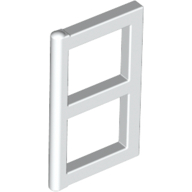 Window 1 x 2 x 3 Pane
×8
Window 1 x 2 x 3 Pane
×8
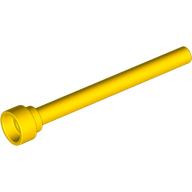 Antenna 1 x 4 with Rounded Top
×1
Antenna 1 x 4 with Rounded Top
×1
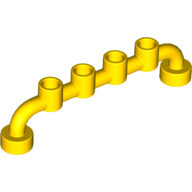 Bar 1 x 6 [Closed Studs]
×2
Bar 1 x 6 [Closed Studs]
×2
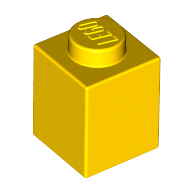 Brick 1 x 1
×20
Brick 1 x 1
×20
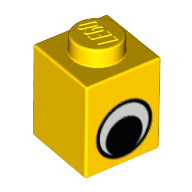 Brick 1 x 1 with Simple Eye Black and White Print
×2
Brick 1 x 1 with Simple Eye Black and White Print
×2
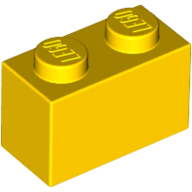 Brick 1 x 2
×26
Brick 1 x 2
×26
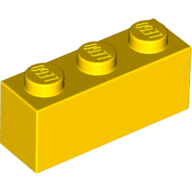 Brick 1 x 3
×10
Brick 1 x 3
×10
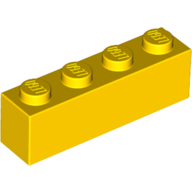 Brick 1 x 4
×16
Brick 1 x 4
×16
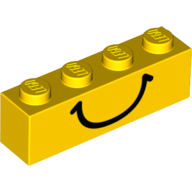 Brick 1 x 4 with Black Smile Print
×1
Brick 1 x 4 with Black Smile Print
×1
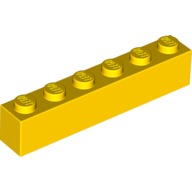 Brick 1 x 6
×2
Brick 1 x 6
×2
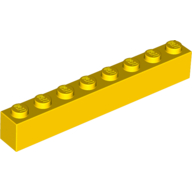 Brick 1 x 8
×2
Brick 1 x 8
×2
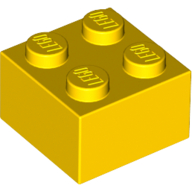 Brick 2 x 2
×6
Brick 2 x 2
×6
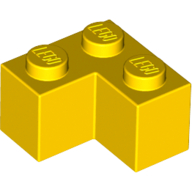 Brick 2 x 2 Corner
×2
Brick 2 x 2 Corner
×2
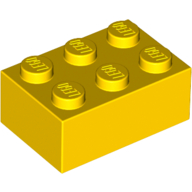 Brick 2 x 3
×4
Brick 2 x 3
×4
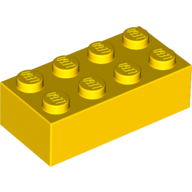 Brick 2 x 4
×4
Brick 2 x 4
×4
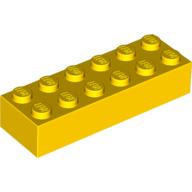 Brick 2 x 6
×1
Brick 2 x 6
×1
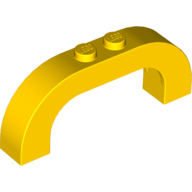 Brick Arch 1 x 6 x 2 Curved Top
×2
Brick Arch 1 x 6 x 2 Curved Top
×2
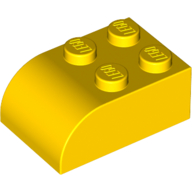 Brick Curved 2 x 3
×6
Brick Curved 2 x 3
×6
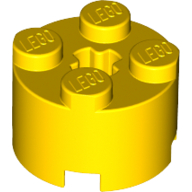 Brick Round 2 x 2 with Axle Hole
×4
Brick Round 2 x 2 with Axle Hole
×4
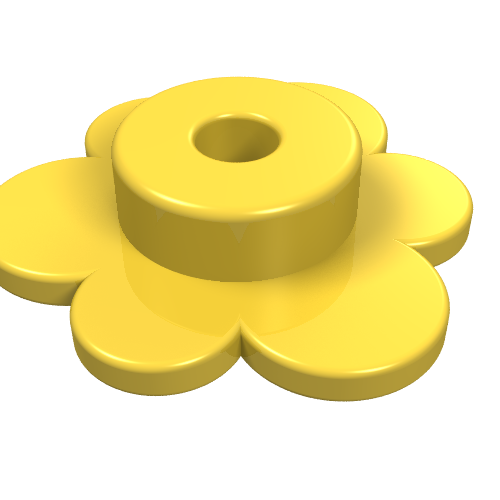 Plant, Flower - Small
1 spare in the box
×3
Plant, Flower - Small
1 spare in the box
×3
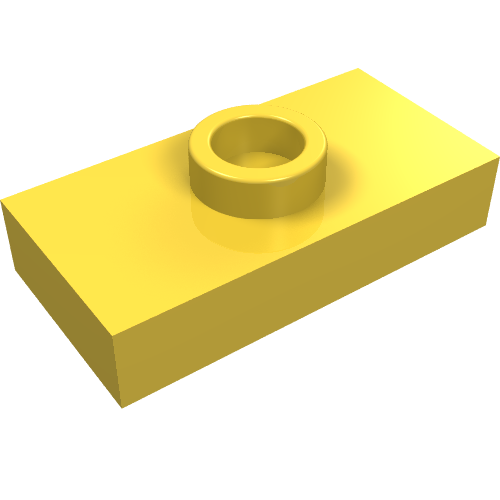 Plate Special 1 x 2 with 1 Stud without Groove (Jumper)
×2
Plate Special 1 x 2 with 1 Stud without Groove (Jumper)
×2
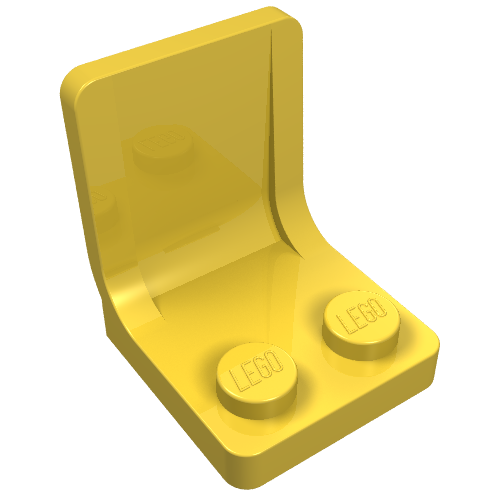 Seat / Chair 2 x 2
×2
Seat / Chair 2 x 2
×2
 Steering Stand 1 x 2 with Black Steering Wheel
×1
Steering Stand 1 x 2 with Black Steering Wheel
×1
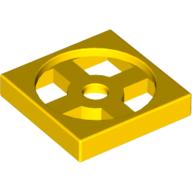 Turntable 2 x 2 Plate, Base
×2
Turntable 2 x 2 Plate, Base
×2
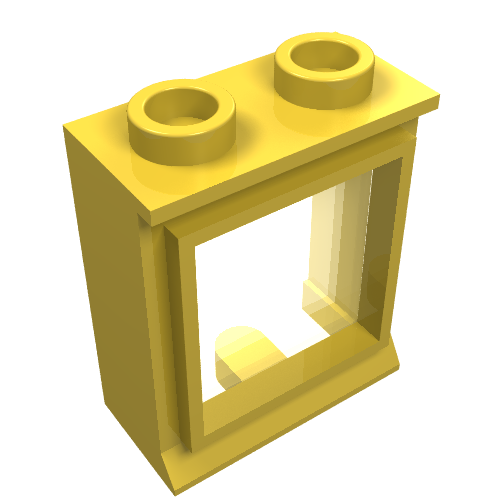 Window 1 x 2 x 2 Classic, Short Lip [with Glass]
×2
Window 1 x 2 x 2 Classic, Short Lip [with Glass]
×2
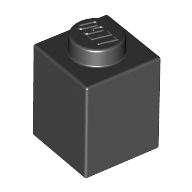 Brick 1 x 1
×12
Brick 1 x 1
×12
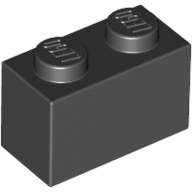 Brick 1 x 2
×16
Brick 1 x 2
×16
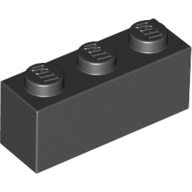 Brick 1 x 3
×4
Brick 1 x 3
×4
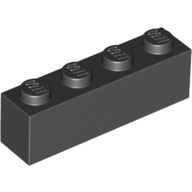 Brick 1 x 4
×8
Brick 1 x 4
×8
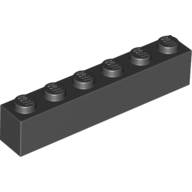 Brick 1 x 6
×2
Brick 1 x 6
×2
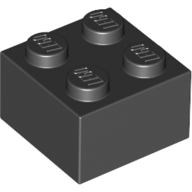 Brick 2 x 2
×4
Brick 2 x 2
×4
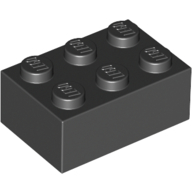 Brick 2 x 3
×2
Brick 2 x 3
×2
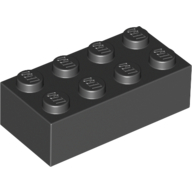 Brick 2 x 4
×4
Brick 2 x 4
×4
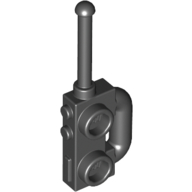 Equipment Radio [Extended Handle, Compact Speaker Grille]
×1
Equipment Radio [Extended Handle, Compact Speaker Grille]
×1
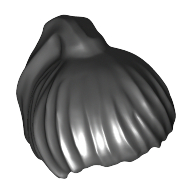 Hair Ponytail
×1
Hair Ponytail
×1
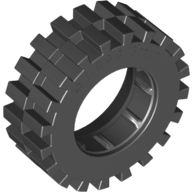 Tyre 30 x 10.5 Offset Tread
×4
Tyre 30 x 10.5 Offset Tread
×4
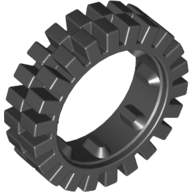 Tyre Offset Tread 24 x 8
×4
Tyre Offset Tread 24 x 8
×4
 Brick Special 2 x 4 x 2 with Studs on Sides
×1
Brick Special 2 x 4 x 2 with Studs on Sides
×1
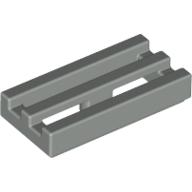 Tile Special 1 x 2 Grille with Bottom Groove
×2
Tile Special 1 x 2 Grille with Bottom Groove
×2
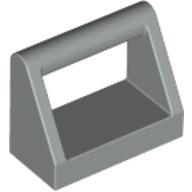 Tile Special 1 x 2 with Handle
×2
Tile Special 1 x 2 with Handle
×2
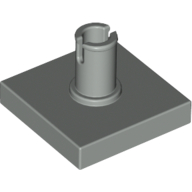 Tile Special 2 x 2 with Top Pin
×2
Tile Special 2 x 2 with Top Pin
×2
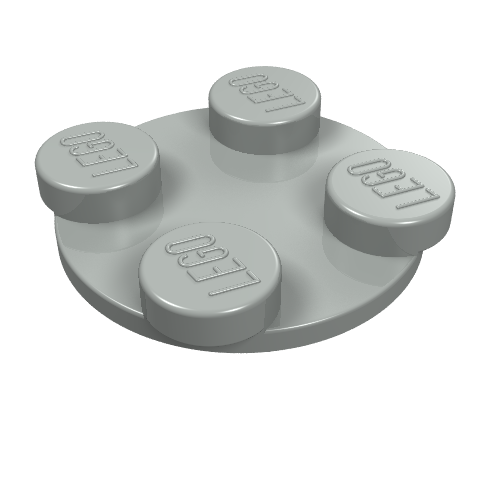 Turntable 2 x 2 Plate - Top
×2
Turntable 2 x 2 Plate - Top
×2
 Wheel Freestyle with 2 x 2 Studs and Pin Hole
×8
Wheel Freestyle with 2 x 2 Studs and Pin Hole
×8
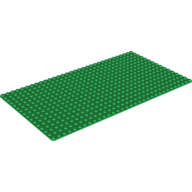 Baseplate 16 x 32
×3
Baseplate 16 x 32
×3
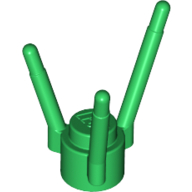 Plant, Flower Stem
×2
Plant, Flower Stem
×2
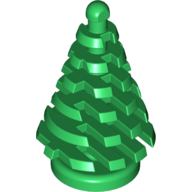 Plant, Pine Tree - Small 2 x 2 x 4
×1
Plant, Pine Tree - Small 2 x 2 x 4
×1
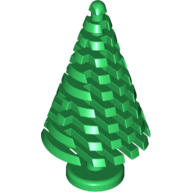 Plant, Pine Tree, Large, 4 x 4 x 6 2/3
×1
Plant, Pine Tree, Large, 4 x 4 x 6 2/3
×1
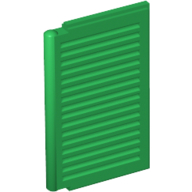 Window 1 x 2 x 3 Shutter
×8
Window 1 x 2 x 3 Shutter
×8
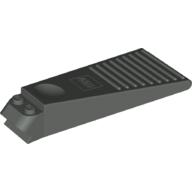 Brick Separator v1.0
×1
Brick Separator v1.0
×1
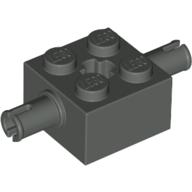 Brick Special 2 x 2 with 2 Pins and Axle Hole
×4
Brick Special 2 x 2 with 2 Pins and Axle Hole
×4
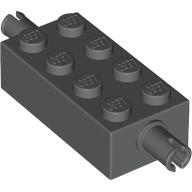 Brick Special 2 x 4 with Pins
×2
Brick Special 2 x 4 with Pins
×2
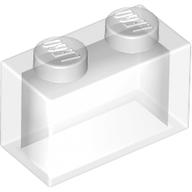 Brick 1 x 2 without Bottom Tube
×4
Brick 1 x 2 without Bottom Tube
×4
 Brick Sloped 45° 2 x 2
×2
Brick Sloped 45° 2 x 2
×2
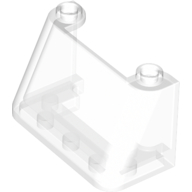 Windscreen 2 x 4 x 2
×1
Windscreen 2 x 4 x 2
×1
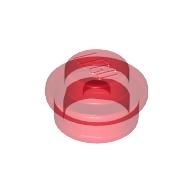 Plate Round 1 x 1 with Solid Stud
×2
Plate Round 1 x 1 with Solid Stud
×2
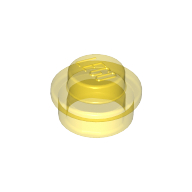 Plate Round 1 x 1 with Solid Stud
×2
Plate Round 1 x 1 with Solid Stud
×2
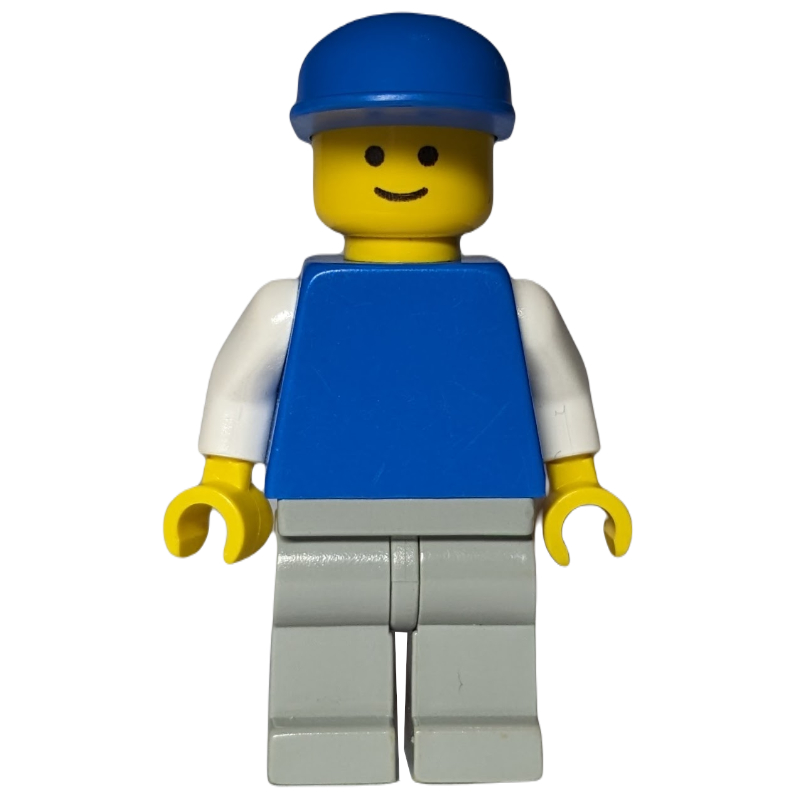 Blue Torso, Light Grey Legs, Blue Cap
×1
Blue Torso, Light Grey Legs, Blue Cap
×1
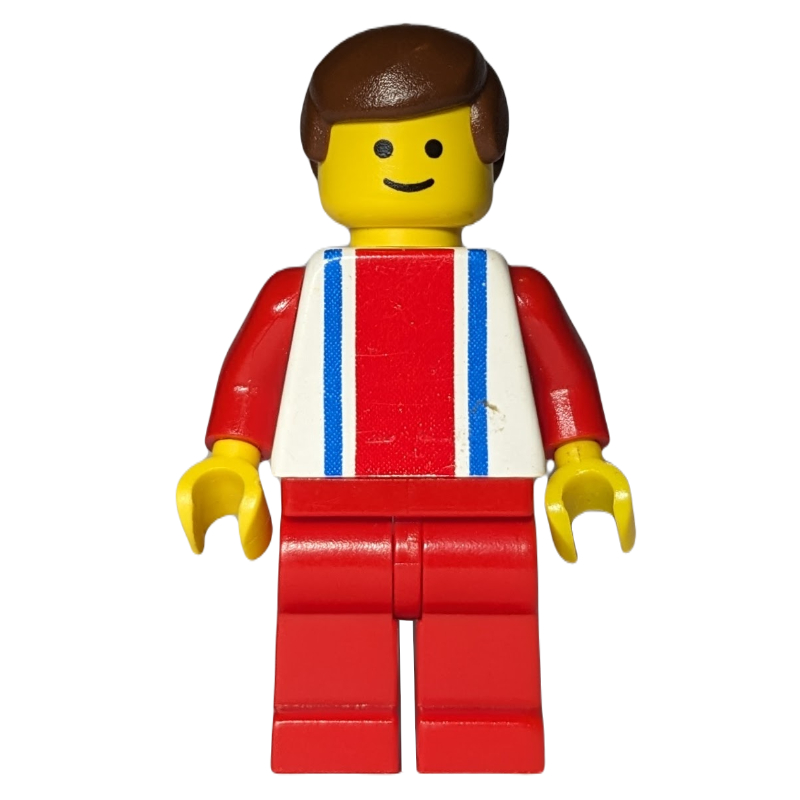 Man, White Top with Large Red Stripe and 2 Blue Stripes, Red Legs, Brown Hair (3626b Head)
×1
Man, White Top with Large Red Stripe and 2 Blue Stripes, Red Legs, Brown Hair (3626b Head)
×1
Tick each piece as you find it, or mark it missing.
LEGO takes requests for pieces missing from a new set through its customer service site. The form asks for the set number and each piece's element ID, the number printed beside the piece in the parts list at the back of the instructions. This checker lists both.
Request a replacement from LEGOMark a piece missing and your list links it to an eBay search for that part, which also covers pieces from older or second-hand sets.
Copy or download your missing list (the CSV opens in any spreadsheet), or print the whole checklist and tick pieces off on paper. Your marks stay in this browser, so you can check a big set over several sittings.