Free tool
Rule out the usual hiding places first. If the piece really is gone, check the set piece by piece and leave with the element ID LEGO asks for, or a link to buy the part.

Builders who report a missing piece often find it in one of these places. Tick each one off as you look.
LEGO's request form asks for the set number (3615-2) and each piece's element ID, both listed above.
As an eBay Partner, we earn from qualifying purchases at no extra cost to you.
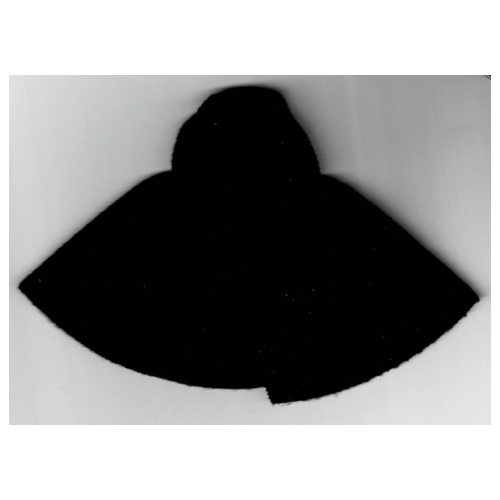 Duplo Cape with Hood
×1
Duplo Cape with Hood
×1
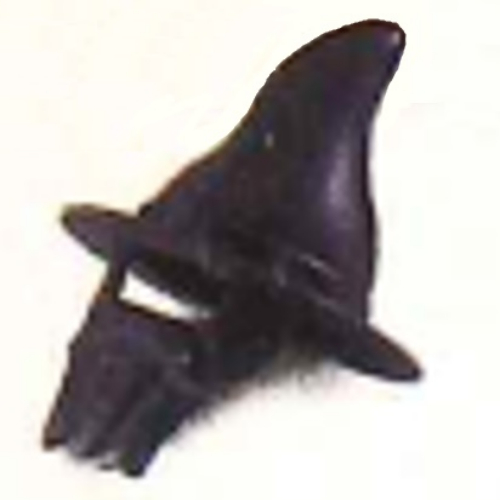 Duplo Hat, Pointed with Beard
×1
Duplo Hat, Pointed with Beard
×1
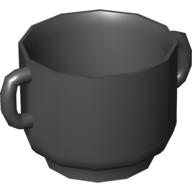 Duplo Pot / Kettle with Handles
×1
Duplo Pot / Kettle with Handles
×1
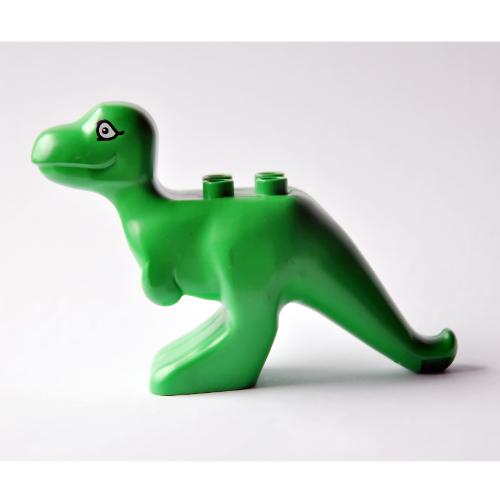 Duplo Dinosaur Tyrannosaurus Rex Adult without Spots Print
×1
Duplo Dinosaur Tyrannosaurus Rex Adult without Spots Print
×1
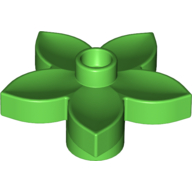 Duplo Plant, Flower with 1 Top Stud
×1
Duplo Plant, Flower with 1 Top Stud
×1
 Duplo Brick 2 x 4
×1
Duplo Brick 2 x 4
×1
 Duplo Brick 2 x 8
×1
Duplo Brick 2 x 8
×1
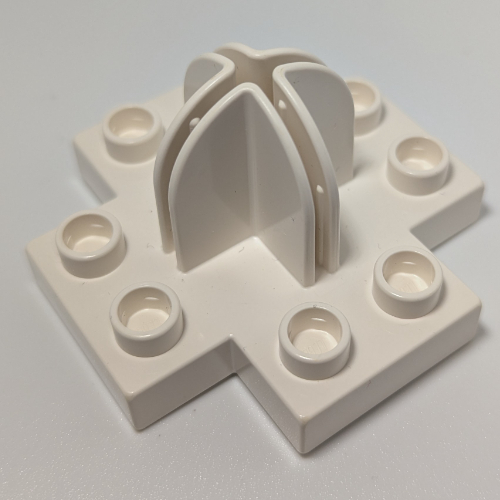 Duplo Plate 4 x 4 with 2 x 2 x 2 Dome Top and Cross Cut Slots
×2
Duplo Plate 4 x 4 with 2 x 2 x 2 Dome Top and Cross Cut Slots
×2
 Duplo Shield, Flat Triangle with Red Stripes and Hearts Print
×1
Duplo Shield, Flat Triangle with Red Stripes and Hearts Print
×1
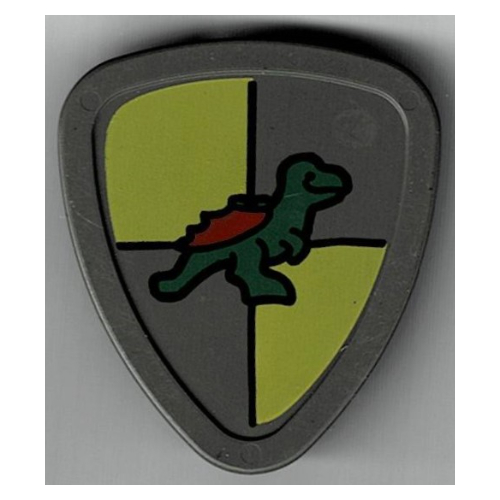 Duplo Shield, Flat Triangle with Yellow and Gray and Dinosaur Print
×1
Duplo Shield, Flat Triangle with Yellow and Gray and Dinosaur Print
×1
 Duplo Brick 2 x 2
×3
Duplo Brick 2 x 2
×3
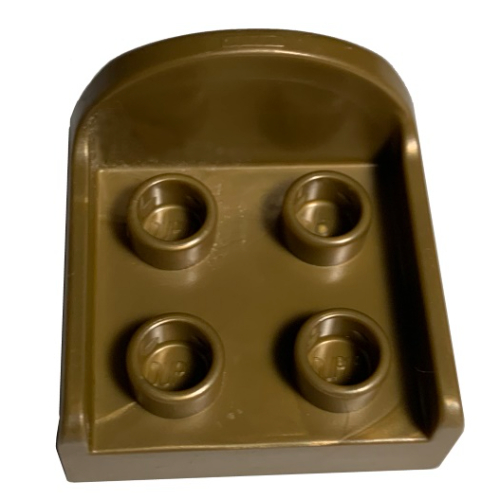 Duplo Chair with 4 Studs and Rounded Back
×2
Duplo Chair with 4 Studs and Rounded Back
×2
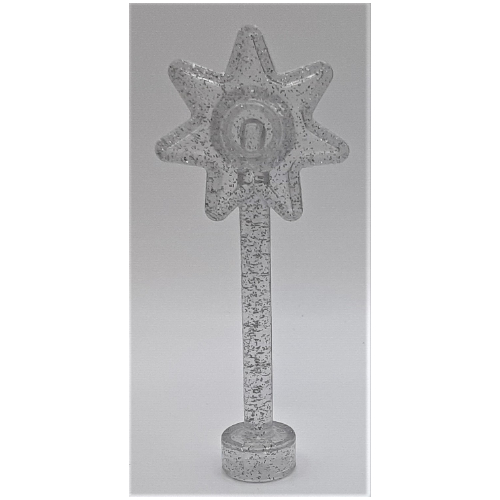 Duplo Wand with 7 Point Star
×1
Duplo Wand with 7 Point Star
×1
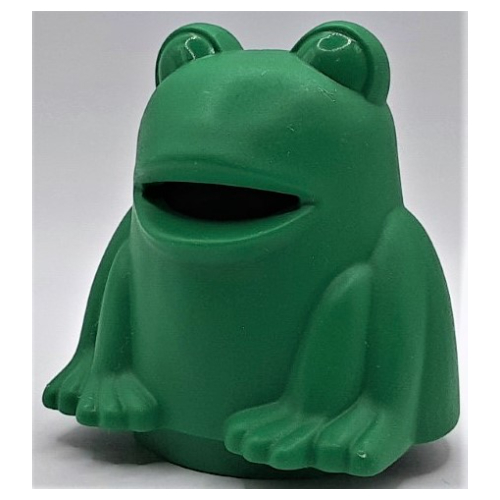 Duplo Frog Costume
×1
Duplo Plate 4 x 4 with 2 x 2 x 2 Dome Top and Cross Cut Slots
×2
Duplo Frog Costume
×1
Duplo Plate 4 x 4 with 2 x 2 x 2 Dome Top and Cross Cut Slots
×2
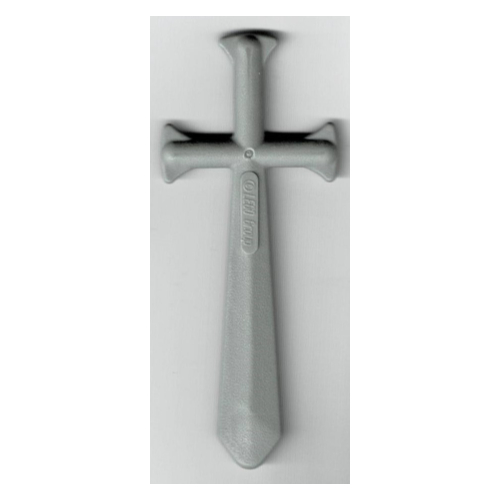 Duplo Sword, Thin
×2
Duplo Sword, Thin
×2
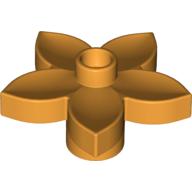 Duplo Plant, Flower with 1 Top Stud
×1
Duplo Plant, Flower with 1 Top Stud
×1
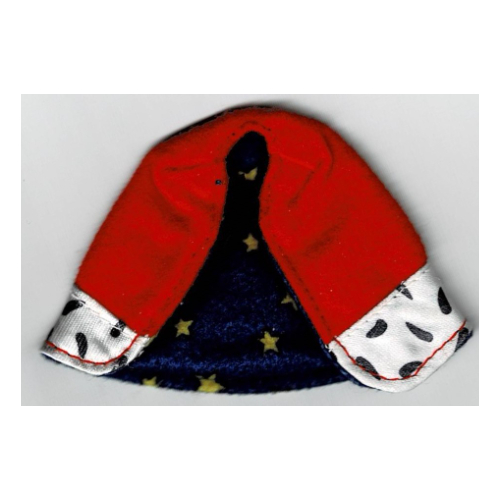 Duplo Cape with Blue Lining with Stars Print
×1
Duplo Cape with Blue Lining with Stars Print
×1
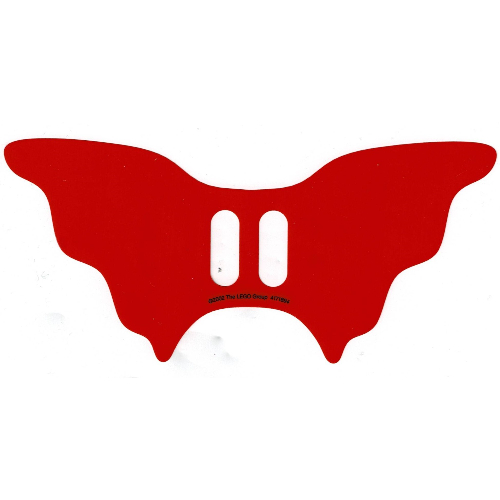 Duplo Wings
×1
Duplo Wings
×1
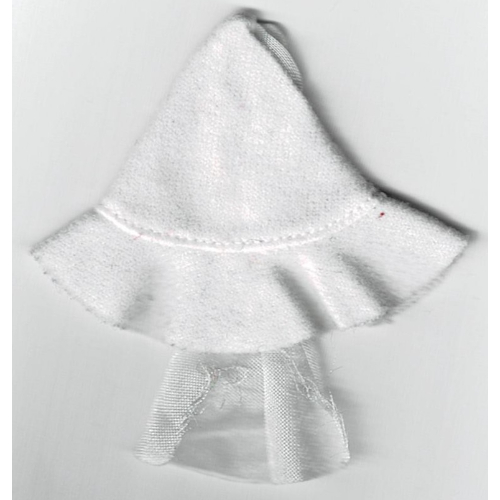 Duplo Hat with Veil
×1
Duplo Plate 4 x 4 with 2 x 2 x 2 Dome Top and Cross Cut Slots
×4
Duplo Hat with Veil
×1
Duplo Plate 4 x 4 with 2 x 2 x 2 Dome Top and Cross Cut Slots
×4
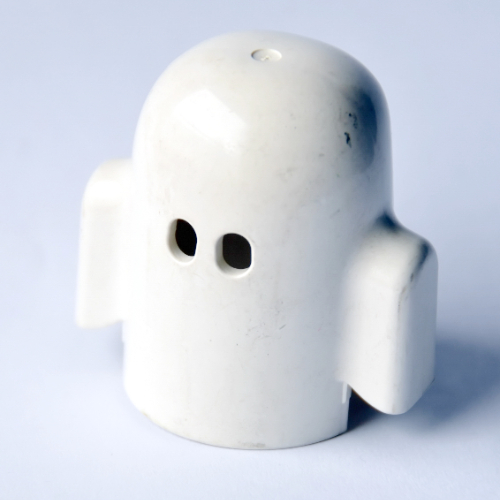 Duplo Shroud, Ghost Costume
×1
Duplo Shroud, Ghost Costume
×1
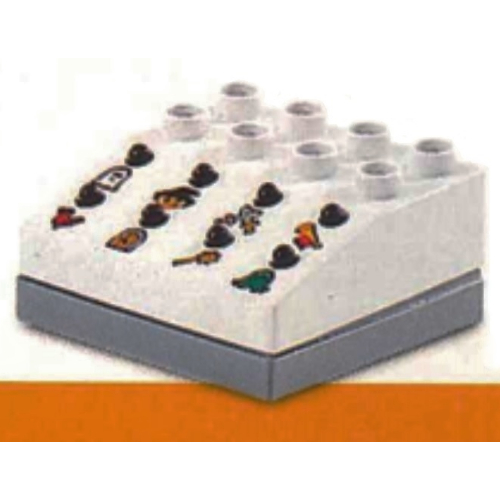 Duplo Sound Effects Brick with Dark Gray Base and Castle Sounds
×1
Duplo Sound Effects Brick with Dark Gray Base and Castle Sounds
×1
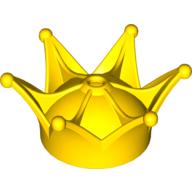 Duplo Crown
×1
Duplo Crown
×1
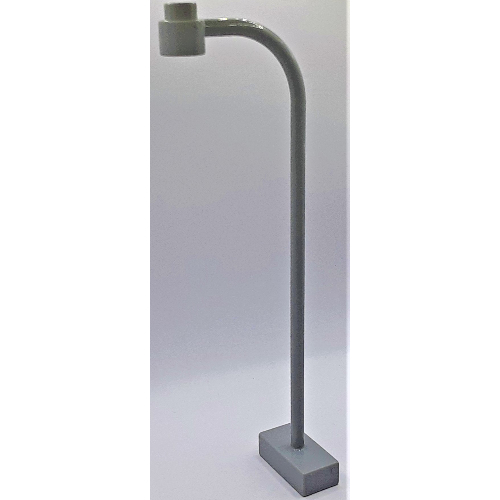 Duplo Lamp Post
×2
Duplo Lamp Post
×2
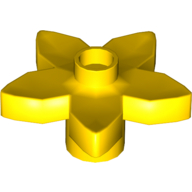 Duplo Plant, Flower with 1 Top Stud
×1
Duplo Plant, Flower with 1 Top Stud
×1
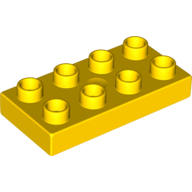 Duplo Plate 2 x 4
×2
Duplo Plate 2 x 4
×2
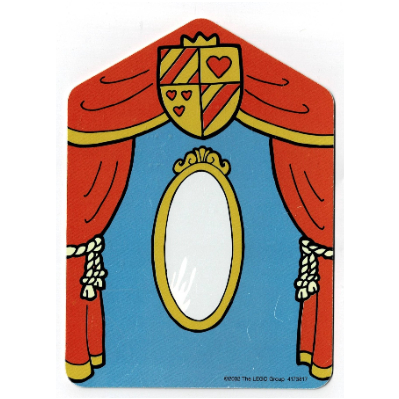 Backdrop for Set 3615-2 / 9131-1, Mirror and Orange Curtains / Alchemy Lab
×1
Backdrop for Set 3615-2 / 9131-1, Mirror and Orange Curtains / Alchemy Lab
×1
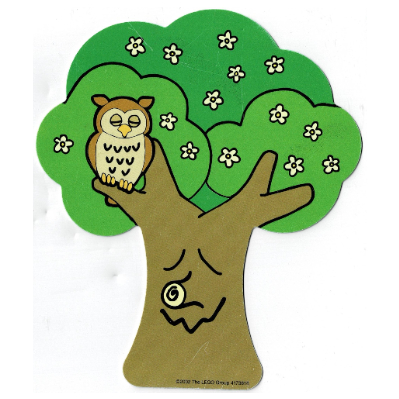 Backdrop for Set 3615-2 / 9131-1, Tree, Daytime / Nighttime
×1
Backdrop for Set 3615-2 / 9131-1, Tree, Daytime / Nighttime
×1
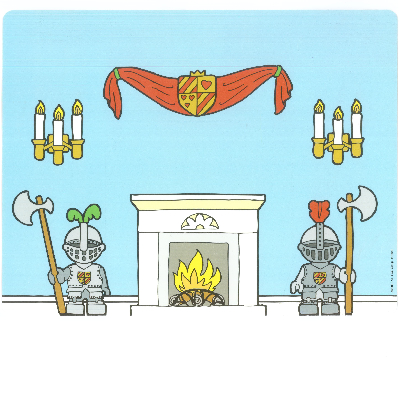 Backdrop for Sets 3615-2 / 9131-1, Room Interior / Castle Gate
×1
Backdrop for Sets 3615-2 / 9131-1, Room Interior / Castle Gate
×1
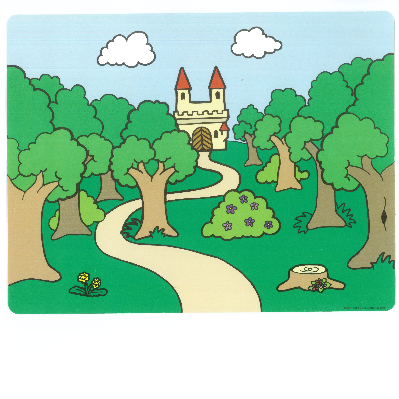 Backdrop for Sets 3615-2 and 9131-1, Serpentine Road, Castle / Serpentine Road, Forest
×1
Backdrop for Sets 3615-2 and 9131-1, Serpentine Road, Castle / Serpentine Road, Forest
×1
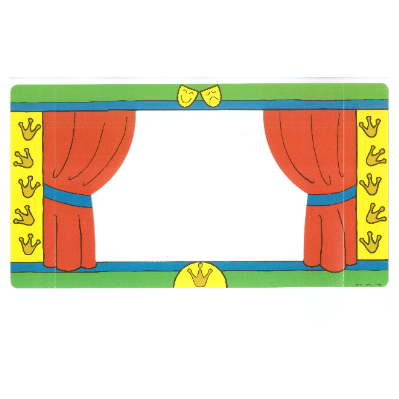 Backdrop for Sets 3615-2 and 9131-1, Theater Curtains, Green Borders / Light Orange
×1
Backdrop for Sets 3615-2 and 9131-1, Theater Curtains, Green Borders / Light Orange
×1
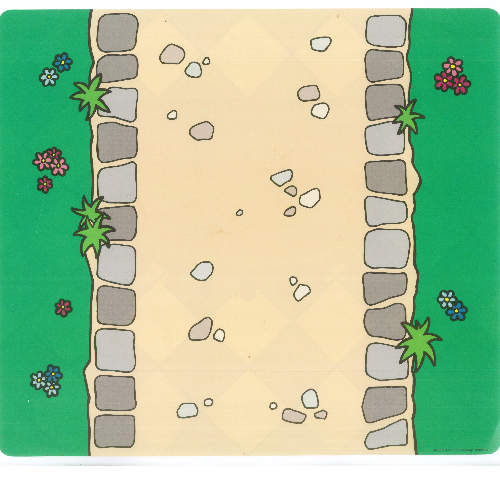 Duplo Playmat for Sets 3615-2, 9131-1, Straight Road / Royal Carpet Print
×1
Duplo Playmat for Sets 3615-2, 9131-1, Straight Road / Royal Carpet Print
×1
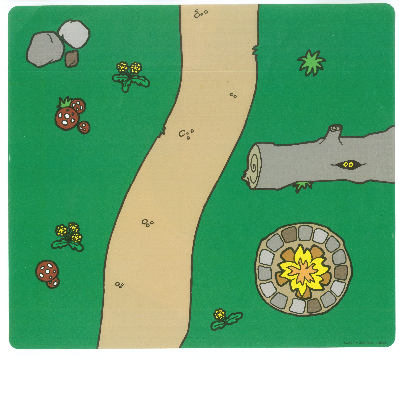 Playmat, Duplo, Curved Road, Firepit / Curved Road, Pond Print
×1
Playmat, Duplo, Curved Road, Firepit / Curved Road, Pond Print
×1
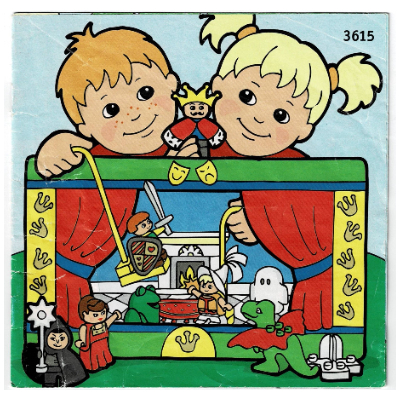 Storybook for Set 3615-2
×1
Storybook for Set 3615-2
×1
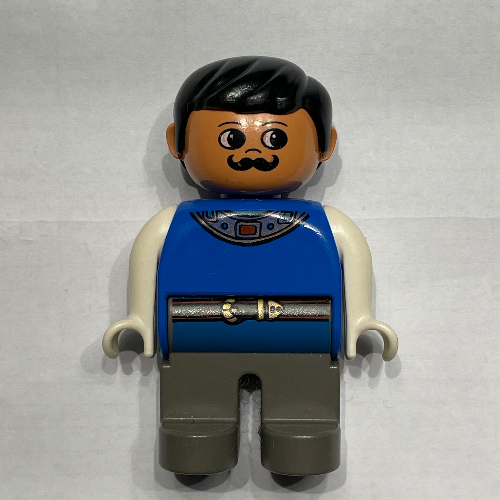 Duplo Figure, Early, with Short Parted Hair Black, Dark Gray Legs, White Arms, Moustache (Actor)
×1
Duplo Figure, Early, with Short Parted Hair Black, Dark Gray Legs, White Arms, Moustache (Actor)
×1
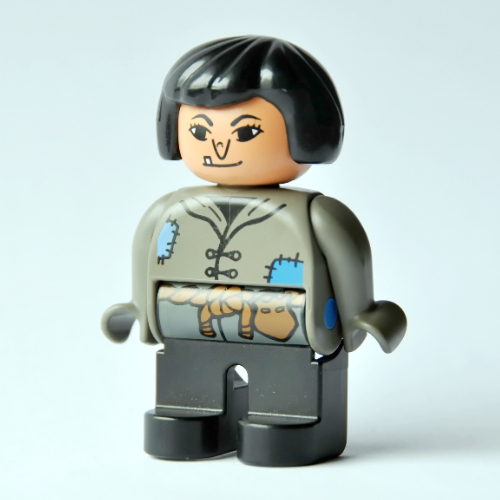 Duplo Figure, Early, Hair Bob Black, Black Legs, Tunic with Blue Patches and Rope Belt, Wart on Nose (Actress)
×1
Duplo Figure, Early, Hair Bob Black, Black Legs, Tunic with Blue Patches and Rope Belt, Wart on Nose (Actress)
×1
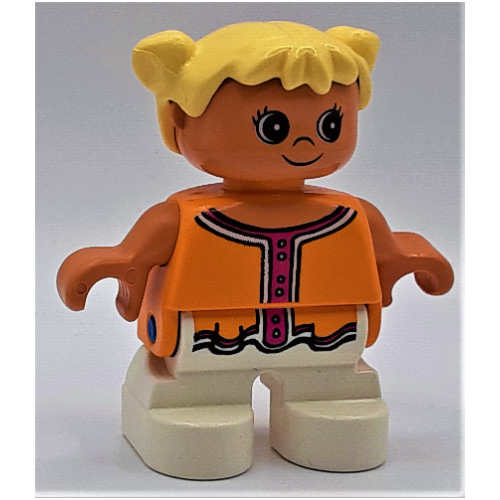 Duplo Figure, Early Child, with Pigtails Light Yellow, White Legs, Dark Pink Collar and Buttons Print
×1
Duplo Figure, Early Child, with Pigtails Light Yellow, White Legs, Dark Pink Collar and Buttons Print
×1
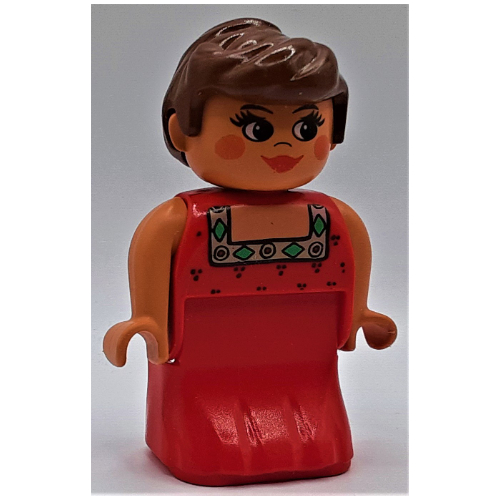 Duplo Figure, Early, Dress Red, Green and Gold Collar, Brown Hair, Red Lipstick and Cheeks Print (Actress)
×1
Duplo Figure, Early, Dress Red, Green and Gold Collar, Brown Hair, Red Lipstick and Cheeks Print (Actress)
×1
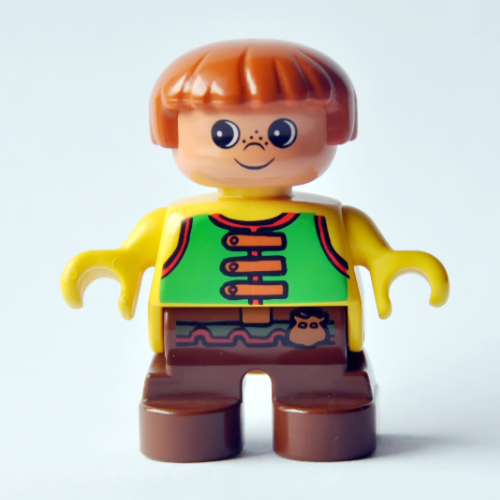 Duplo Figure, Early Child, with Straight Hair Fabuland Brown, Brown Legs, Green Vest Print
×1
Duplo Figure, Early Child, with Straight Hair Fabuland Brown, Brown Legs, Green Vest Print
×1
Tick each piece as you find it, or mark it missing.
LEGO takes requests for pieces missing from a new set through its customer service site. The form asks for the set number and each piece's element ID, the number printed beside the piece in the parts list at the back of the instructions. This checker lists both.
Request a replacement from LEGOMark a piece missing and your list links it to an eBay search for that part, which also covers pieces from older or second-hand sets.
Copy or download your missing list (the CSV opens in any spreadsheet), or print the whole checklist and tick pieces off on paper. Your marks stay in this browser, so you can check a big set over several sittings.