Free tool
Rule out the usual hiding places first. If the piece really is gone, check the set piece by piece and leave with the element ID LEGO asks for, or a link to buy the part.
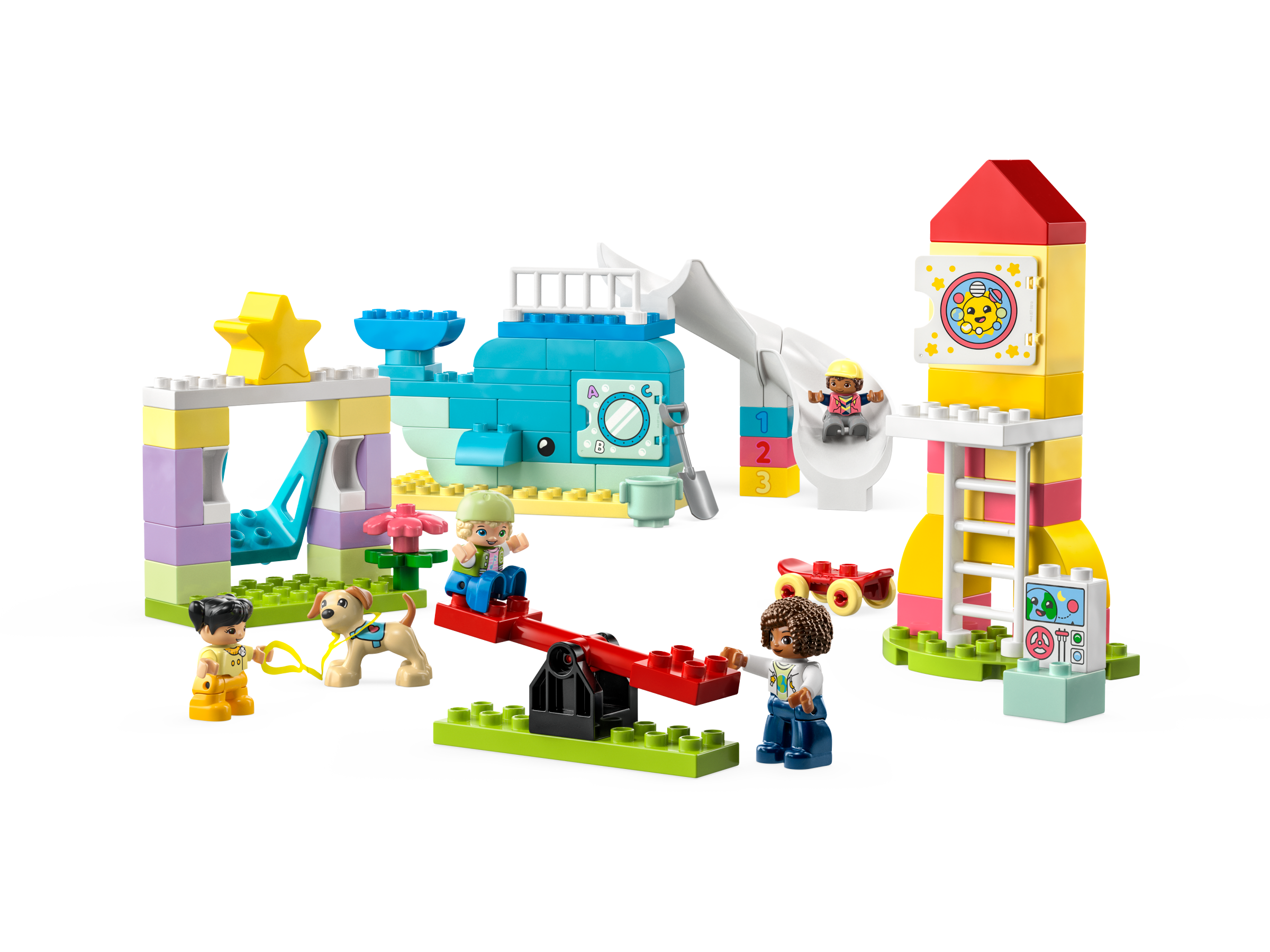
Builders who report a missing piece often find it in one of these places. Tick each one off as you look.
LEGO's request form asks for the set number (10991) and each piece's element ID, both listed above.
As an eBay Partner, we earn from qualifying purchases at no extra cost to you.
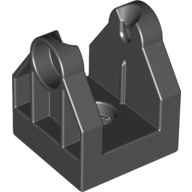 Duplo Train Crossing Gate Base / Crane Base with Bottom Hole
×1
Duplo Train Crossing Gate Base / Crane Base with Bottom Hole
×1
 Duplo Plant, Flower with 1 Top Stud
×1
Duplo Plant, Flower with 1 Top Stud
×1
 Duplo Brick 2 x 2
×4
Duplo Brick 2 x 2
×4
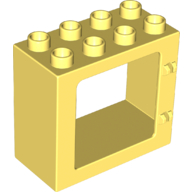 Duplo Door / Window Frame Flat Front Surface, Completely Open Back
×1
Duplo Door / Window Frame Flat Front Surface, Completely Open Back
×1
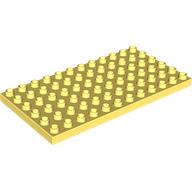 Duplo Plate 6 x 12
×1
Duplo Plate 6 x 12
×1
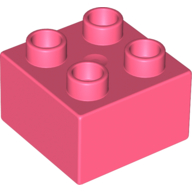 Duplo Brick 2 x 2
×4
Duplo Brick 2 x 2
×4
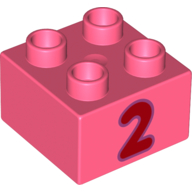 Duplo Brick 2 x 2 with Red '2' Print
×1
Duplo Brick 2 x 2 with Red '2' Print
×1
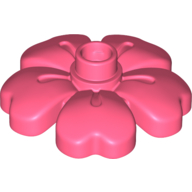 Duplo Plant, Flower with 1 Top Studs
×1
Duplo Plant, Flower with 1 Top Studs
×1
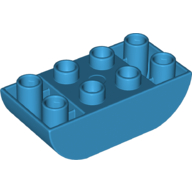 Duplo Brick 2 x 4 Curved Bottom
×1
Duplo Brick 2 x 4 Curved Bottom
×1
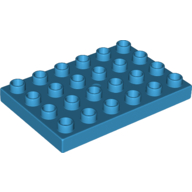 Duplo Plate 4 x 6
×1
Duplo Plate 4 x 6
×1
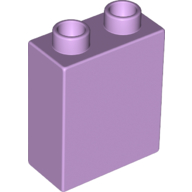 Duplo Brick 1 x 2 x 2 with Bottom Tube
×2
Duplo Brick 1 x 2 x 2 with Bottom Tube
×2
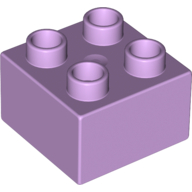 Duplo Brick 2 x 2
×2
Duplo Brick 2 x 2
×2
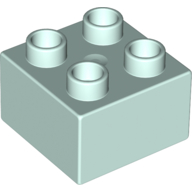 Duplo Brick 2 x 2
×2
Duplo Brick 2 x 2
×2
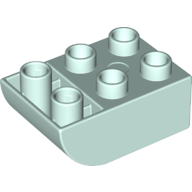 Duplo Brick 2 x 3 with Curved Bottom
×5
Duplo Brick 2 x 3 with Curved Bottom
×5
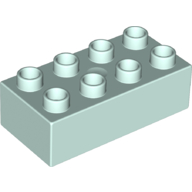 Duplo Brick 2 x 4
×1
Duplo Brick 2 x 4
×1
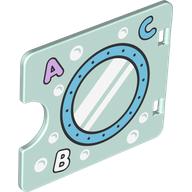 Duplo Door / Window with Cutout (Semi Oval) with Porthole, Bubbles, '1, 2, 3' Print
×1
Duplo Door / Window with Cutout (Semi Oval) with Porthole, Bubbles, '1, 2, 3' Print
×1
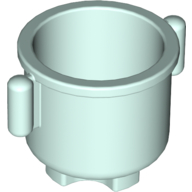 Duplo Kettle with Closed Handles 2 x 2 x 1.5
×1
Duplo Kettle with Closed Handles 2 x 2 x 1.5
×1
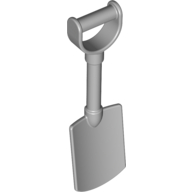 Duplo Shovel / Spade with 'D' Handle
×1
Duplo Shovel / Spade with 'D' Handle
×1
 Duplo Plate 2 x 8
×1
Duplo Plate 2 x 8
×1
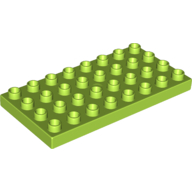 Duplo Plate 4 x 8
×1
Duplo Plate 4 x 8
×1
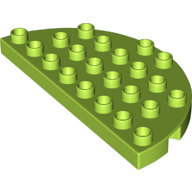 Duplo Plate Round 4 x 8 Semi-Circle
×1
Duplo Plate Round 4 x 8 Semi-Circle
×1
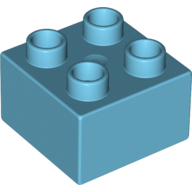 Duplo Brick 2 x 2
×3
Duplo Brick 2 x 2
×3
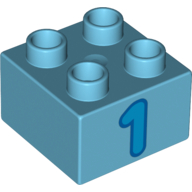 Duplo Brick 2 x 2 with '1' Print
×1
Duplo Brick 2 x 2 with '1' Print
×1
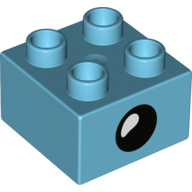 Duplo Brick 2 x 2 with Eye with White Teardrop Spot / Closed Eye Print
×1
Duplo Brick 2 x 2 with Eye with White Teardrop Spot / Closed Eye Print
×1
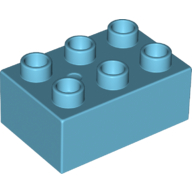 Duplo Brick 2 x 3
×1
Duplo Brick 2 x 3
×1
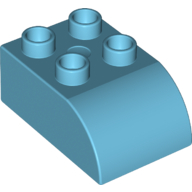 Duplo Brick 2 x 3 with Curved Top
×4
Duplo Brick 2 x 3 with Curved Top
×4
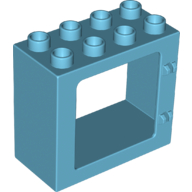 Duplo Door / Window Frame Flat Front Surface, Completely Open Back
×1
Duplo Door / Window Frame Flat Front Surface, Completely Open Back
×1
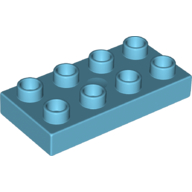 Duplo Plate 2 x 4
×1
Duplo Plate 2 x 4
×1
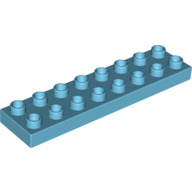 Duplo Plate 2 x 8
×1
Duplo Plate 2 x 8
×1
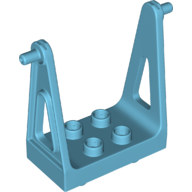 Duplo Swing
×1
Duplo Swing
×1
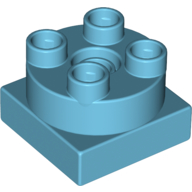 Duplo Turntable 2 x 2
×1
Duplo Turntable 2 x 2
×1
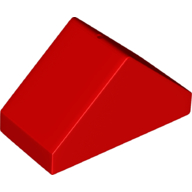 Duplo Brick 4 x 2 Double Slope 45°
×1
Duplo Brick 4 x 2 Double Slope 45°
×1
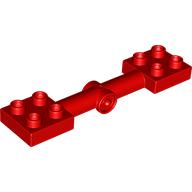 Duplo Plate Special, Seesaw 2 x 8
×1
Duplo Plate Special, Seesaw 2 x 8
×1
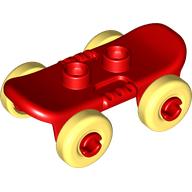 Duplo Skateboard with Bright Light Yellow Wheels
×1
Duplo Skateboard with Bright Light Yellow Wheels
×1
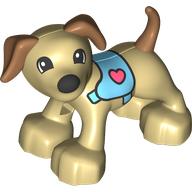 Duplo Animal Dog Large Paws with Medium Nougat Ears and Tail, Medium Azure Harness Print
×1
Duplo Animal Dog Large Paws with Medium Nougat Ears and Tail, Medium Azure Harness Print
×1
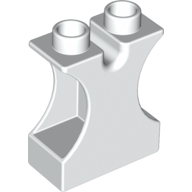 Duplo Brick 1 x 2 x 2 with Side Cutouts and Channel in Top
×2
Duplo Brick 1 x 2 x 2 with Side Cutouts and Channel in Top
×2
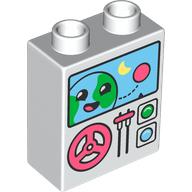 Duplo Brick 1 x 2 x 2 with Steering Wheel, Lever, Buttons, Monitor with Smiling Earth Print
×1
Duplo Brick 1 x 2 x 2 with Steering Wheel, Lever, Buttons, Monitor with Smiling Earth Print
×1
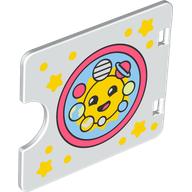 Duplo Door / Window with Cutout (Semi Oval) with Solar System with Smiling Sun Print
×1
Duplo Door / Window with Cutout (Semi Oval) with Solar System with Smiling Sun Print
×1
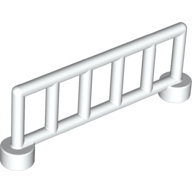 Duplo Fence Railing 1 x 6, with 6 Posts
×1
Duplo Fence Railing 1 x 6, with 6 Posts
×1
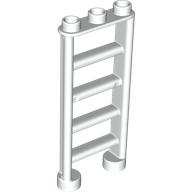 Duplo Ladder with 3 Studs
×2
Duplo Ladder with 3 Studs
×2
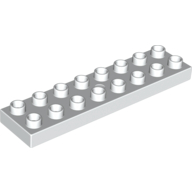 Duplo Plate 2 x 8
×1
Duplo Plate 2 x 8
×1
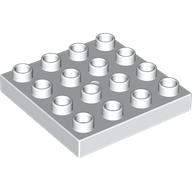 Duplo Plate 4 x 4
×1
Duplo Plate 4 x 4
×1
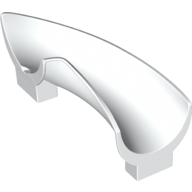 Duplo Playground Slide Curved Right 90°, Rounded
×2
Duplo Playground Slide Curved Right 90°, Rounded
×2
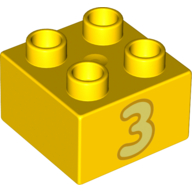 Duplo Brick 2 x 2 with Bright Light Yellow '3' Print
×1
Duplo Brick 2 x 2 with Bright Light Yellow '3' Print
×1
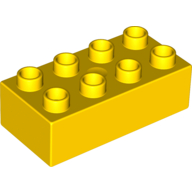 Duplo Brick 2 x 4
×1
Duplo Brick 2 x 4
×1
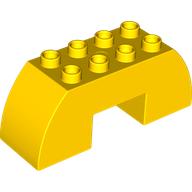 Duplo Brick 2 x 6 x 2 Curved with 2 x 2 Cutout on Bottom
×1
Duplo Brick 2 x 6 x 2 Curved with 2 x 2 Cutout on Bottom
×1
 Duplo Brick Special 2 x 2 x 2, Star
×1
Duplo Brick Special 2 x 2 x 2, Star
×1
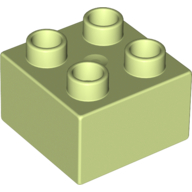 Duplo Brick 2 x 2
×2
Duplo Brick 2 x 2
×2
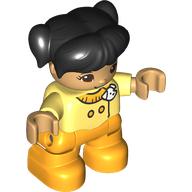 Duplo Figure Child with Ponytails and Bangs Black, Bright Light Orange Legs, Jacket with White Badge Print
×1
Duplo Figure Child with Ponytails and Bangs Black, Bright Light Orange Legs, Jacket with White Badge Print
×1
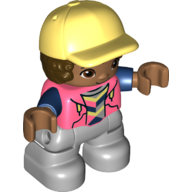 Duplo Figure Child with Hair and Cap Bright Light Yellow, Light Bluish Gray Legs, Hoodie Print
×1
Duplo Figure Child with Hair and Cap Bright Light Yellow, Light Bluish Gray Legs, Hoodie Print
×1
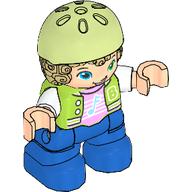 Duplo Figure Child with Hair and Bike Helmet Yellowish Green, Blue Legs, Jacket, Music Note Print
×1
Duplo Figure Child with Hair and Bike Helmet Yellowish Green, Blue Legs, Jacket, Music Note Print
×1
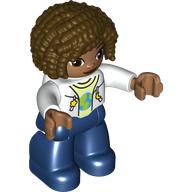 Duplo Figure with Curly Hair Dark Brown, Dark Blue Legs, Jacket over Yellowish Green Shirt Print
×1
Duplo Figure with Curly Hair Dark Brown, Dark Blue Legs, Jacket over Yellowish Green Shirt Print
×1
 Leash / Rope, with Loops at Both Ends
×1
Leash / Rope, with Loops at Both Ends
×1
Tick each piece as you find it, or mark it missing.
LEGO takes requests for pieces missing from a new set through its customer service site. The form asks for the set number and each piece's element ID, the number printed beside the piece in the parts list at the back of the instructions. This checker lists both.
Request a replacement from LEGOMark a piece missing and your list links it to an eBay search for that part, which also covers pieces from older or second-hand sets.
Copy or download your missing list (the CSV opens in any spreadsheet), or print the whole checklist and tick pieces off on paper. Your marks stay in this browser, so you can check a big set over several sittings.